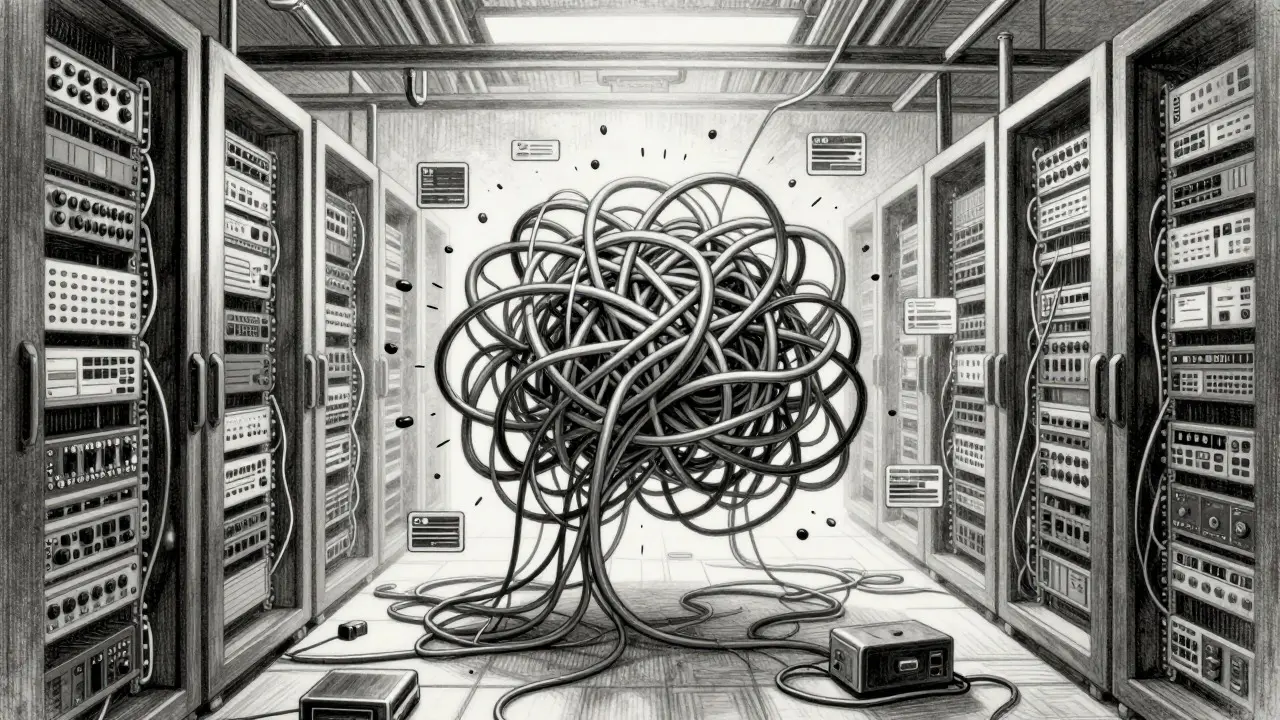
Imagine this: your customer-facing chatbot suddenly starts hallucinating legal citations. You panic, check the logs, and realize you deployed a new model weights file an hour ago. But which one? Was it the fine-tuned version from Tuesday or the base model update from Monday? Without a clear system for tracking these changes, you're stuck guessing in production. This is where robust LLM versioning becomes less of a nice-to-have and more of a survival skill.
Managing large language models isn't like managing standard software code. The artifacts are massive, the dependencies are complex, and the "code" often includes prompt templates that change behavior without touching a single line of Python. If you want to keep your AI systems stable, you need a strategy that treats every iteration of your model as a distinct, immutable object. Here is how to build that safety net.
Why Standard Git Fails for Model Weights
You might be tempted to just commit your .bin or .safetensors files to Git. It works until your model hits 70 billion parameters. Suddenly, your repository bloats, pull requests take hours to merge, and storage costs skyrocket. More importantly, Git tracks text diffs, not binary state. You can’t easily see *why* a weight changed, only that it did.
For LLMs, you need a hybrid approach. Use Git for your training scripts, configuration files, and prompt templates. Use specialized tools for the heavy lifting-your actual model weights and datasets. This separation ensures that your codebase remains lightweight while your model artifacts remain traceable.
- Git: Handles source code, YAML configs, and prompt strings.
- DVC (Data Version Control): Manages large binary files like model checkpoints and dataset snapshots.
- Model Registries: Tracks metadata, evaluation scores, and deployment status for each version.
The Core Components of an LLM Versioning Stack
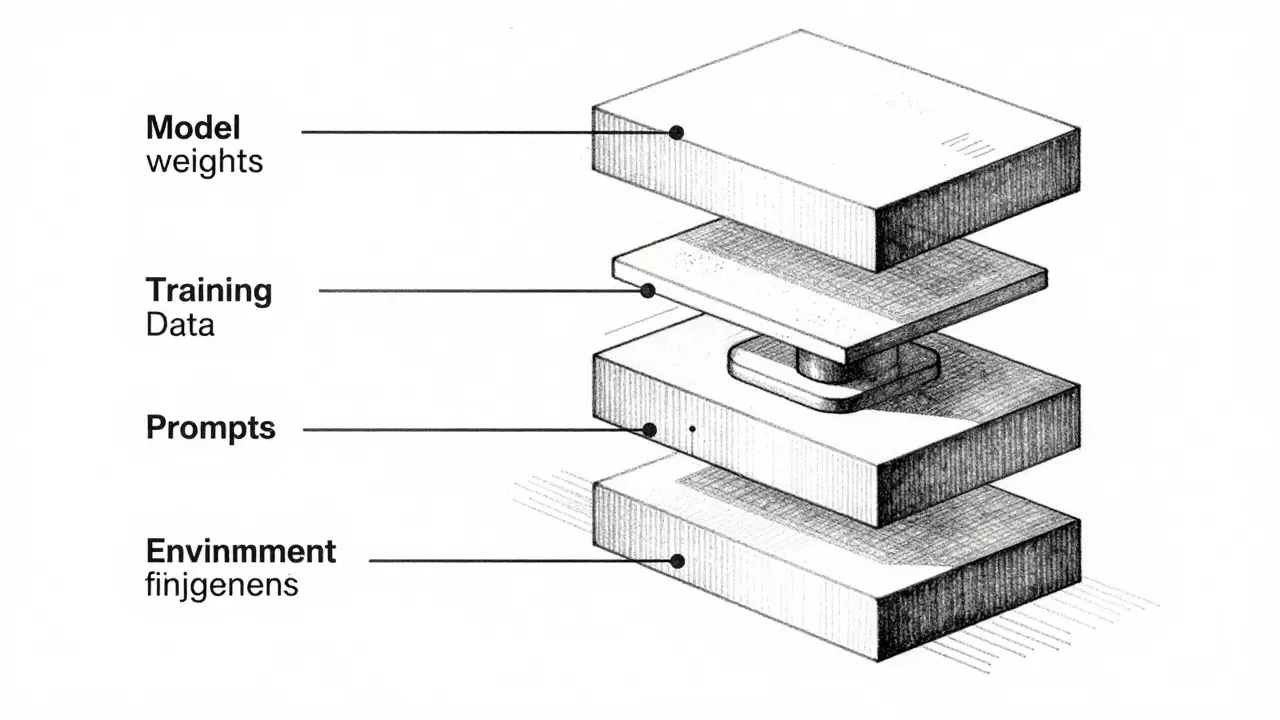
To make a rollback meaningful, you have to version everything that influences the output. A model file alone doesn't tell the whole story. Consider a scenario where you roll back a model, but the performance is still bad. Why? Because the prompt template was updated separately and wasn't reverted. This is why comprehensive versioning must include at least four distinct layers.
- Model Weights: The serialized neural network parameters. These are the core artifact. Each checkpoint should have a unique hash or identifier.
- Training Data Snapshots: Did the model drift because the data changed? Track the exact dataset version used for fine-tuning or RAG indexing.
- Prompts and Templates: In LLMs, prompts are code. Version them alongside the model. A slight tweak in a system prompt can drastically alter tone and accuracy.
- Environment Config: Library versions (PyTorch, Transformers), hardware specs, and inference settings (temperature, top-k) must be locked down.
When these four elements are linked together in a registry, you create a "fingerprint" for every deployment. If something breaks, you don't just revert the weights; you revert the entire context.
Choosing Your Tools: DVC vs. W&B vs. Native Solutions
The market offers several ways to handle this. The right choice depends on whether you prioritize simplicity, integration, or cost control. Let’s look at the most common setups in production environments today.
| Tool | Best For | Key Strength | Limitation |
|---|---|---|---|
| Data Version Control (DVC) | Git-native teams | Seamless integration with existing Git workflows; low overhead for medium-sized models. | Lacks built-in experiment tracking UI; requires external tools for metrics. |
| Weights & Biases (W&B) | Experiment-heavy pipelines | Powerful Artifacts system links code, data, and models automatically; great visualization. | Can become expensive at scale; vendor lock-in risk. |
| Hugging Face Hub | Open-source sharing | Industry standard for open weights; easy community collaboration. | Less suited for private, enterprise-grade CI/CD automation without extra glue code. |
If you are already using W&B for experiment tracking, leveraging its Artifacts feature is often the path of least resistance. It automatically logs checkpoints and allows you to retrieve specific versions by name or ID. However, if your team prefers staying close to the command line, DVC provides a lightweight solution that plays well with CI/CD pipelines like CircleCI or GitHub Actions.
Designing a Safe Rollback Workflow
Versioning is useless if rolling back takes three days. Your goal is to reduce the Mean Time to Recovery (MTTR) to minutes. Here is a practical workflow that many MLOps teams use to achieve this.
- Immutable Tagging: Never overwrite a model version. When a new checkpoint is saved, assign it a new tag (e.g., v1.4.2). Keep v1.4.1 intact in storage.
- Staging Environment Validation: Before promoting a new version to production, run automated regression tests against a staging instance. Compare outputs against a golden set of prompts.
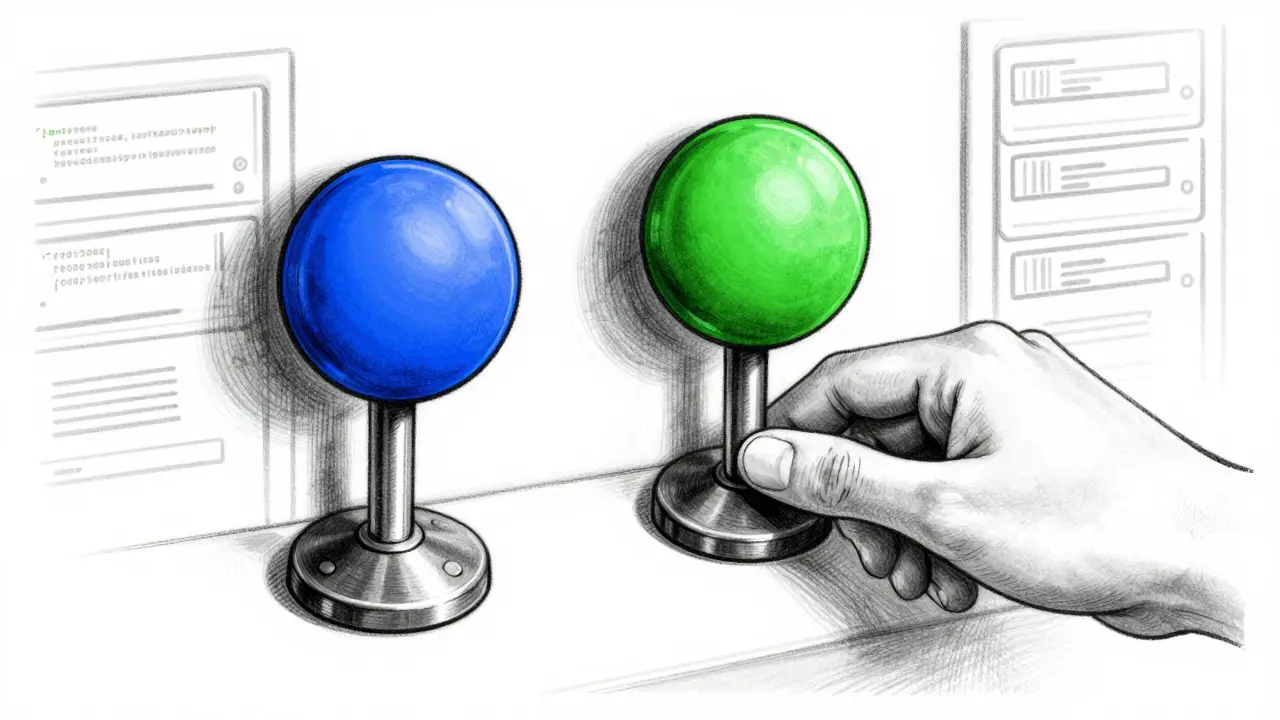
- Blue-Green Deployment: Run two instances of your inference service. One serves traffic (Green), the other holds the new version (Blue). Switch the load balancer only after validation passes.
- One-Click Revert: Configure your infrastructure (Kubernetes, ECS, or serverless) so that reverting means pointing the container image or volume mount back to the previous tag. No retraining, no manual file copying.
This setup ensures that when a bug is found, you aren't debugging live. You are simply flipping a switch to return to a known-good state while the team investigates the failed version in isolation.
Handling Prompt Drift and Context Changes
A unique challenge with LLMs is that the "model" isn't the only variable. The context window matters. If you are using Retrieval-Augmented Generation (RAG), the vector database index is effectively part of your model's memory. If you update your embedding model or re-index your documents, the behavior changes even if the LLM weights stay the same.
Treat your vector store index as a versioned artifact. Just like you version your PyTorch weights, version your FAISS or Milvus indexes. Link the specific index version to the specific LLM version in your deployment manifest. This prevents the subtle nightmare where a model looks fine in isolation but fails in production because it's pulling stale or inconsistent context data.
Common Pitfalls to Avoid
Even experienced teams stumble here. Watch out for these frequent mistakes:
- Hardcoding Paths: Don't hardcode file paths in your inference code. Use environment variables or config files that point to version-specific locations. This makes swapping versions trivial.
- Ignoring Metadata: Storing a model file without knowing its training date, loss curve, or eval score is like keeping a photo without an EXIF tag. Always log metadata alongside the artifact.
- Silent Updates: Avoid "in-place" updates to shared volumes. Always push new versions to new storage locations or tags to prevent race conditions during deployment.
By treating your LLM infrastructure with the same rigor as your database schema, you eliminate most of the chaos associated with AI deployments. It’s about building a system where history is preserved, changes are controlled, and recovery is fast.
Do I need to version my prompt templates?
Yes. Prompts significantly influence LLM behavior. If you change a system prompt and don't version it, you won't know if a performance drop came from the model weights or the instruction text. Treat prompts as code and track them in Git alongside your training scripts.
What is the difference between a model version and a model artifact?
A model version is a single snapshot of the trained weights (e.g., checkpoint_500). A model artifact is the collection of all logged versions, datasets, and configurations from a specific training run. The artifact provides the full lineage, while the version is the deployable unit.
How do I handle RAG index versioning?
Treat your vector database index as a versioned asset. When you re-embed documents or change your chunking strategy, create a new index version. Link this index version to the LLM version in your deployment config to ensure consistent retrieval behavior during rollbacks.
Is Git sufficient for storing small LLMs?
For very small models (under 100MB), Git LFS (Large File Storage) can work. However, for most modern LLMs, even quantized versions exceed 1GB. Using DVC or cloud-native storage solutions is recommended to keep repositories fast and manageable.
How often should we perform rollbacks?
Rollbacks should be triggered by significant metric degradation or critical bugs, not as a routine practice. The goal is to have the capability ready instantly. Frequent rollbacks may indicate unstable testing processes or overly aggressive deployment strategies.