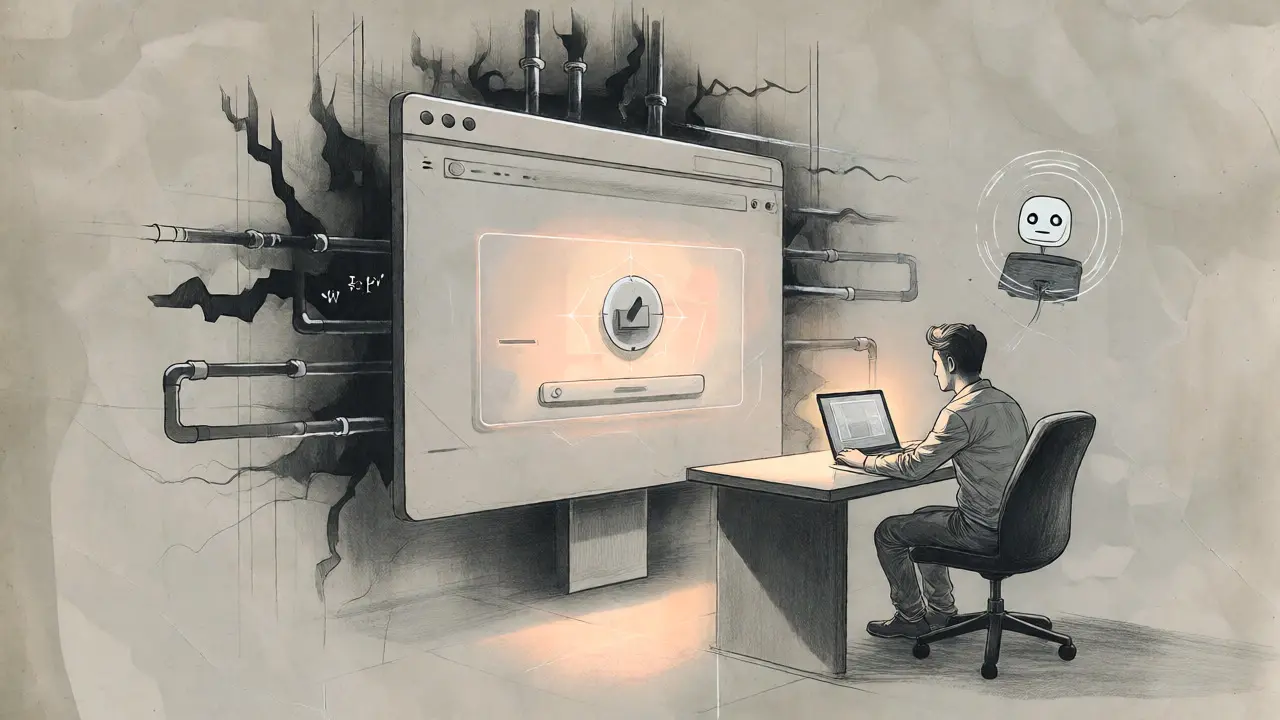
You just built a file upload feature for your new app. It took you twenty minutes with Vibe Coding using an AI assistant like Cursor or GitHub Copilot. The code looks clean. The UI is slick. You deploy it, feeling like a genius.
Three days later, someone uploads a PHP shell through that pretty form. They overwrite your main application file. Your server is now theirs. This isn't a hypothetical horror story; it's the standard failure mode for AI-generated code. A 2024 study by Databricks found that up to 40% of AI-generated code suggestions contain vulnerabilities. When it comes to file uploads specifically, the numbers are worse. AI models prioritize making things work over making them safe. They don't think about path traversal or MIME type spoofing unless you explicitly force them to.
Why AI Fails at File Security
AI models are trained on public repositories. Many of those repositories contain insecure code because developers cut corners. When you ask an LLM to "add a file upload," it predicts the most probable next token based on common patterns, not necessarily secure ones. Mackenzie Jackson, a Developer Advocate at Aikido Security, put it bluntly in September 2024: "AI doesn't write secure code by default. It just spits out something that works. Under the hood, it can be wide open to attacks."
The specific vulnerability here is CWE-434, or Unrestricted File Upload. It’s one of the top five issues in AI-generated code, according to Wiz’s 2024 security analysis. Attackers love this bug. If your app trusts the filename provided by the user, an attacker can send a file named ../../index.js. If your code saves that file relative to the current directory, they’ve just overwritten your homepage with their malicious script. Simple, devastating, and incredibly common in vibe-coded apps.
The Three Layers of Validation
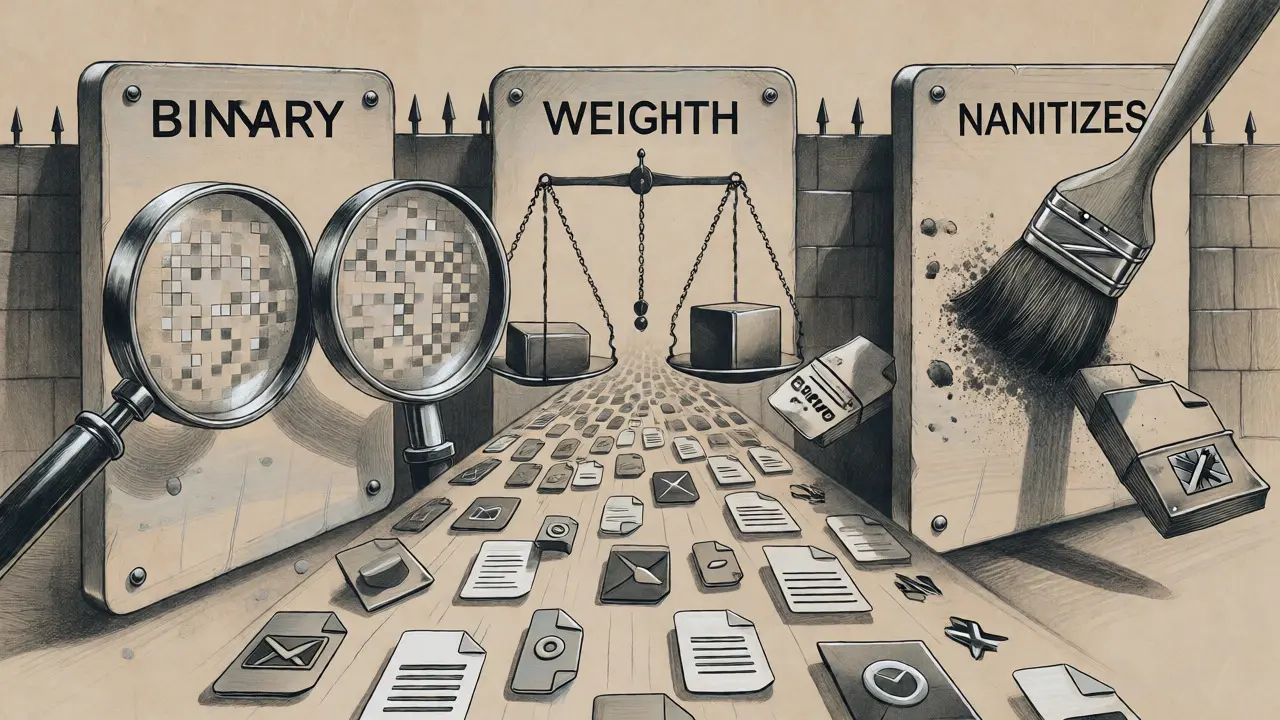
To fix this, you need to stop trusting the AI's first draft. You have to implement three distinct layers of validation. Think of these as filters. If a file passes all three, it gets stored. If it fails any single check, it gets rejected immediately.
- MIME Type Verification: Never trust the file extension. An attacker can rename
malware.exetoimage.jpg. Your code needs to inspect the file's actual binary signature (magic bytes) or use a library that verifies the MIME type against the content. In Node.js, libraries likefile-typehelp, but you must validate the result against a strict whitelist (e.g., only allowimage/jpegandimage/png). - Size Limits: Set hard caps. For images, 5MB is usually plenty. For documents, maybe 10MB. Without limits, an attacker can upload a 1GB file and crash your server while trying to process it. Enforce this limit before reading the entire file into memory if possible.
- Filename Sanitization: Strip everything except alphanumeric characters, hyphens, and underscores. Remove path separators (
/and\) and null bytes. Better yet, discard the user-provided name entirely and generate a random UUID for the stored file.
Storage Rules That Save Your Server
Validation is only half the battle. Where you store the file matters just as much. Traditional development often dumps uploads into a folder inside the web root, like /public/uploads. In a vibe-coded app, this is a trap. If the web server is configured to execute scripts in that directory, an uploaded PHP or JSP file runs automatically when accessed via URL.
Here is the golden rule for storage: Store files outside the document root. Ideally, keep them off the application server entirely. Use object storage services like AWS S3, Cloudflare R2, or Replit Object Storage. These services treat files as data blobs, not executable code. They don't run PHP interpreters on your JPEGs.
| Strategy | Security Risk | Complexity | Best For |
|---|---|---|---|
| Web Root Directory | High (Code Execution) | Low | Static assets only |
| Non-Executable Local Dir | Medium (Path Traversal) | Medium | Small local apps |
| Object Storage (S3/R2) | Low (Isolated) | Medium | Production apps |
If you must store files locally, ensure the directory has no execution permissions. In Nginx or Apache configs, explicitly disable PHP execution for the upload folder. But honestly, if you're vibe-coding, you probably want speed. Offloading to S3 or a similar service removes the headache of managing disk space and permissions manually.
Prompt Engineering for Secure Code
You can’t just ask AI to "write a file uploader." You have to act like a senior engineer reviewing a junior's PR. You need to constrain the output. Research from Databricks showed that prompting AI with explicit security requirements reduced vulnerability rates from 78% to 42%. That’s still high, but it’s better than nothing.
Try this prompt structure next time you generate upload logic:
"Create a file upload endpoint for [Framework]. Requirements: 1. Validate MIME type strictly against [List Allowed Types]. 2. Limit file size to [X] MB. 3. Sanitize filenames to prevent path traversal (remove ../). 4. Generate a random UUID for the stored filename. 5. Store the file in [Location] outside the web root. 6. Return a JSON response with the new file URL."
Notice how each constraint maps to a specific security control. By forcing the AI to address each point, you reduce the chance it skips a critical step. After generation, always review the code. Look for fs.writeFileSync or equivalent calls. Check if the path construction uses user input directly. If it does, refactor it.
Real-World Failure Cases
Let’s look at why this matters. In July 2024, a Reddit user reported building a client project with Cursor. The AI generated a simple upload form. Within three days, an attacker uploaded a PHP shell. The AI hadn't sanitized the filename, so the attacker used shell.php. Because the server executed PHP in the upload directory, the attacker gained full control.
Another case involved a marketing professional building a tea subscription app. They used AI tools to handle customer avatar uploads. The code didn't validate the image content. Users could upload HTML files disguised as images. When rendered in the browser without proper escaping, this led to XSS (Cross-Site Scripting) attacks that stole session cookies. The fix wasn't complex-just validating the MIME type and setting the Content-Disposition header to attachment-but the AI missed it because it focused on functionality.

Automated Safety Nets
Manual review is good, but automation is better. Since you’re moving fast, you won’t catch every bug by eye. Integrate security scanners into your workflow. Tools like Semgrep or Snyk can scan AI-generated code for known anti-patterns. For example, Semgrep has rules specifically for CWE-434 that flag file writes using unsanitized variables.
Replit’s "Secure Vibe Coding" guide recommends using their Object Storage, which enforces non-executable access by default. This is a smart move. It shifts the burden from developer vigilance to platform configuration. If you’re using other platforms, look for features that isolate uploads. Even if you’re running locally, consider using a reverse proxy that strips execution rights from static folders.
Dr. Jane Smith from MIT CSAIL noted in her Black Hat presentation that path traversal is trivial to exploit. It gives attackers complete system control. Don’t let the ease of vibe coding lull you into thinking the code is production-ready. Treat every file upload as a potential attack vector.
Key Takeaways
- Never trust user input: Filenames, extensions, and MIME types can all be spoofed.
- Sanitize aggressively: Strip special characters and path separators from filenames.
- Store safely: Keep files outside the web root or use object storage to prevent execution.
- Prompt precisely: Explicitly list security constraints in your AI prompts.
- Scan automatically: Use tools like Semgrep to catch what you miss.
Vibe coding accelerates development, but it doesn't eliminate the need for security expertise. You are still the architect. The AI is just the bricklayer. If you don't specify where the bricks go and how they're mortared, the wall will fall down. And in web apps, a fallen wall means a hacked server.
What is vibe coding?
Vibe coding refers to developing applications primarily using AI code generation tools like ChatGPT, Copilot, or Cursor. Developers describe intent in natural language, and the AI generates the code. It allows rapid prototyping but often lacks deep security considerations unless explicitly prompted.
Why are file uploads dangerous in AI-generated code?
AI models frequently prioritize functionality over security. They often fail to sanitize filenames, leading to path traversal attacks (CWE-434), or trust file extensions instead of verifying MIME types. This allows attackers to upload malicious files that can execute code on the server.
How do I prevent path traversal in file uploads?
Sanitize filenames by removing path separators (../, /, \) and special characters. Best practice is to ignore the user-provided filename entirely and generate a random UUID for the stored file. Also, ensure files are stored outside the web root directory.
Should I store uploads in the web root?
No. Storing uploads in the web root risks code execution if the server processes scripts in that directory. Store files in a dedicated directory outside the document root or use cloud object storage (like S3 or R2) which treats files as data, not executable code.
Can AI tools automatically fix file upload vulnerabilities?
Not reliably. While some AI tools offer security scanning, they often miss edge cases like null byte injection or double encoding. Manual review combined with automated scanners like Semgrep or Snyk is necessary to catch these issues effectively.


