
Your large language model is running smoothly. Users are chatting, code is being generated, and insights are flowing. Then, at 2:00 AM on a Tuesday, a regional outage hits your primary cloud provider. Or worse, a ransomware attack encrypts your training datasets. Suddenly, your billion-dollar AI asset is offline. How fast can you get it back? If your answer involves "retraining from scratch," you’re already behind.
Disaster recovery (DR) for Large Language Models is a specialized set of protocols designed to restore AI systems after disruptions like hardware failures or cyberattacks. Unlike traditional software, where you might just spin up a new server, LLM infrastructure holds massive, unique assets: model weights that took weeks to train, terabytes of proprietary data, and complex inference pipelines. Losing these isn’t just an inconvenience; it’s a existential threat to your AI strategy.
In 2024, only 22% of enterprises had formal DR plans specifically for their AI workloads. By late 2025, that number jumped as organizations realized generic IT backup strategies don’t cut it for generative AI. This guide breaks down how to protect your LLM infrastructure, from backing up those heavy model checkpoints to orchestrating seamless failovers across regions.
What Makes LLM Disaster Recovery Different?
You can’t treat an LLM like a standard web application. The stakes and the scale are entirely different. When designing your recovery plan, you need to protect three specific asset classes, each with its own challenges:
- Model Weights and Checkpoints: A 70-billion parameter model in FP16 format takes up roughly 140GB of storage. A 100B model doubles that to around 200GB. These aren’t small files you can zip and email. They are massive binary blobs that must be preserved exactly. Corrupt even one bit, and the model’s output becomes garbage.
- Training Datasets: These often span terabytes or even petabytes. Re-collecting this data might be impossible if it’s proprietary customer data or licensed content. You need immutable backups of this source material.
- Inference APIs and Configuration: This is the live interface your users touch. It includes the orchestration layer, prompt templates, and safety filters. If this goes down, your revenue stops immediately.
The key difference here is volume and uniqueness. Traditional databases can often be restored from transaction logs. LLMs require restoring massive static files (weights) alongside dynamic state (inference sessions). According to Tencent Cloud’s 2024 technical guides, ensuring the integrity of these assets against data corruption and ransomware is the top priority.
Setting Your RTO and RPO Targets
Before you buy tools or write scripts, you need to define two numbers: Recovery Time Objective (RTO) and Recovery Point Objective (RPO). These metrics dictate your architecture and your budget.
RTO is how long you can afford to be down. For critical inference APIs serving customers, industry standards now aim for under 15 minutes. For complete retraining environments, 24 hours might be acceptable. RPO is how much data you can afford to lose. For inference logs, you might accept 5 minutes of loss. For training data, you likely want zero loss.
| Component | Target RTO | Target RPO | Recovery Strategy |
|---|---|---|---|
| Inference API | < 15 Minutes | < 5 Minutes | Active-Active Multi-Region |
| Model Weights | 1 - 4 Hours | Last Checkpoint | Cross-Region Replication |
| Training Environment | 24 Hours | 24 Hours | Incremental Backups + Cold Storage |
| Configuration/Prompts | < 1 Hour | Zero Loss | Git Version Control + Sync |
Keep in mind that tighter targets cost more. An RTO of 15 minutes requires active traffic routing across multiple regions, which doubles your compute costs. An RTO of 24 hours allows for cheaper, cold-storage backups that you only activate when things go wrong.
Backup Strategies for Massive Model Assets
Backing up an LLM isn’t about copying files once a day. It’s about managing continuous streams of huge data. Here is how you handle the three main assets:
1. Automated Checkpoint Backups During training, models save "checkpoints" every 1,000 to 5,000 steps. You need to automate the transfer of these checkpoints to durable storage immediately after they are created. Use incremental backups to save space. Don’t store them all in the same region as your training cluster. If that region fails, you lose both the process and the progress.
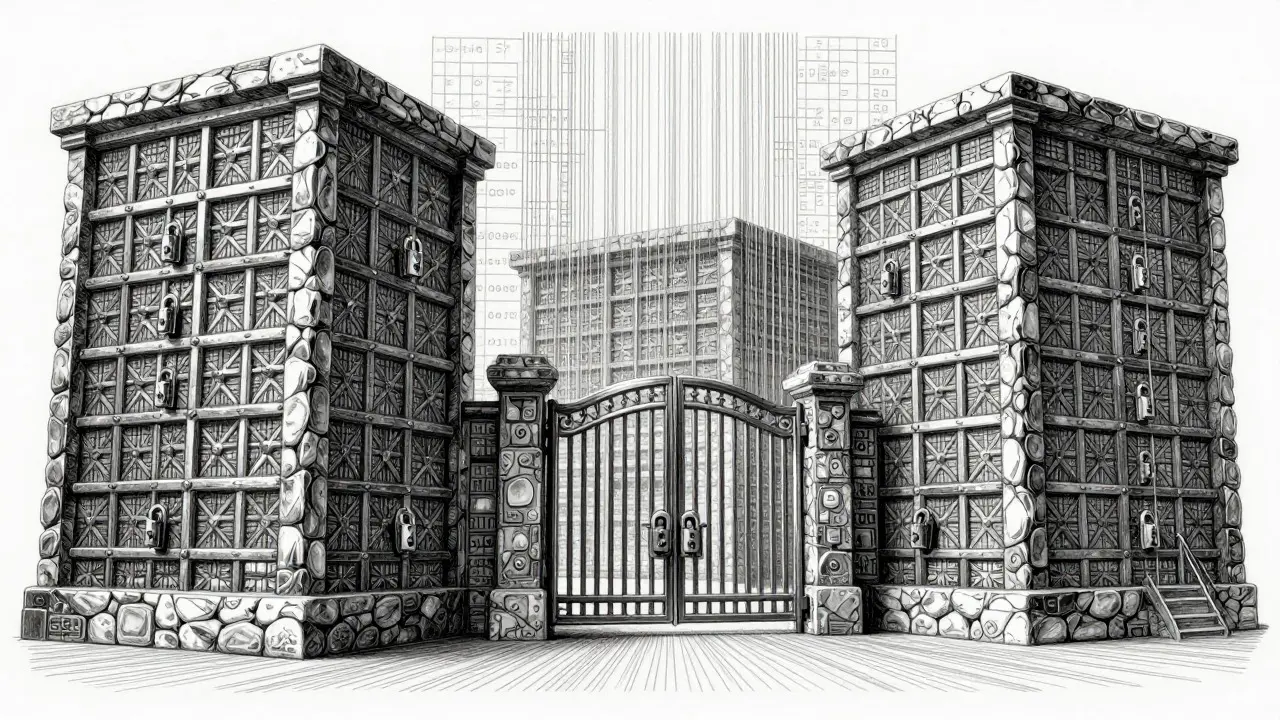
2. Dataset Immutability Your training data is your intellectual property. Store it in object storage (like S3 or Blob Storage) with versioning enabled. Enable immutability locks so that ransomware or accidental deletions can’t wipe your history. For petabyte-scale datasets, consider tiered storage: keep recent changes in hot storage for quick access, and archive older versions to cold storage for compliance.
3. Configuration as Code Treat your model configurations, prompt templates, and safety rules like software code. Store them in Git repositories. This ensures that if your inference environment crashes, you can redeploy the exact same configuration in a new region instantly. Never rely on manual notes or shared documents for these settings.
Failover Architectures: Active-Passive vs. Active-Active
When your primary region goes down, how does traffic move? You have two main choices, each with trade-offs.
Active-Passive (Pilot Light)
In this setup, your primary region handles all traffic. A secondary region has a minimal footprint-maybe just the database schema and the latest model weights stored in cold storage. When failure occurs, you "warm up" the secondary region by spinning up instances and loading the model.
Pros: Cheaper. You only pay for full compute in one region.
Cons: Slower RTO. Loading a 140GB model into memory takes time. Expect 30-60 minutes of downtime.
Active-Active (Multi-Region)
Here, you run identical copies of your inference API in two or more regions simultaneously. Traffic is routed based on latency or load. If Region A fails, DNS automatically shifts traffic to Region B within seconds.
Pros: Near-zero RTO. High availability.
Cons: Expensive. You pay for double the GPU resources. Also, keeping model updates synchronized between regions adds complexity.
For most enterprises starting out, a hybrid approach works best: Active-Active for the public-facing Inference API (to keep customers happy) and Active-Passive for the expensive Training Environments (to save money).
Cloud Provider Realities: AWS, Azure, and Google Cloud
No major cloud provider offers a single button labeled "Disaster Recovery for LLM." You have to build it using their native services. Here is what the landscape looks like in 2026:
AWS AWS SageMaker and Bedrock are powerful, but they lack native cross-region replication for model artifacts. As of early 2025, you still need to implement custom scripts to copy model weights between regions. However, AWS introduced enhanced Model Registry features in late 2024 that help track versions, reducing manual error. Average RTOs for well-configured AWS setups hover around 47 minutes for endpoint recovery.
Microsoft Azure Azure Machine Learning currently leads in native DR features. Their automated cross-region replication reduces average RTO to about 22 minutes. If you are already deep in the Microsoft ecosystem, this is the path of least resistance. Their integration with Kubernetes also makes orchestrating failovers slightly easier for DevOps teams.
Google Cloud Vertex AI offers strong multi-region deployment options. Benchmark tests show average RTOs of 32 minutes. Google’s strength lies in its data pipeline tools (Dataflow, BigQuery), which make backing up and syncing massive training datasets more streamlined than competitors.
Tencent Cloud For operations in Asia, Tencent Cloud provides specialized content security features aligned with local regulations like China’s PIPL. If data sovereignty is your main concern, their localized DR solutions are worth evaluating.
Common Pitfalls to Avoid
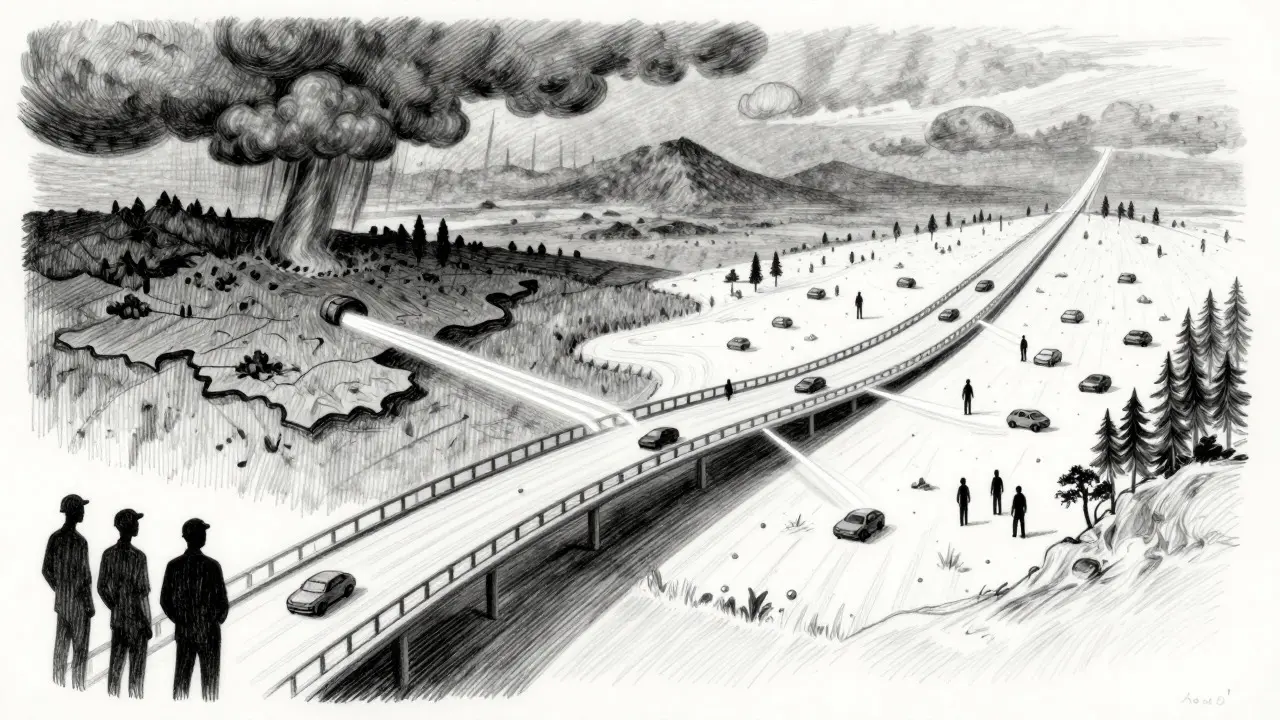
Even with the right tools, many teams fail during actual disasters. Based on incident reports from 2024 and 2025, here are the biggest mistakes:
- Ignoring Bandwidth Limits: Transferring a 200GB model file over the internet takes time. If your backup script tries to push this during peak hours, it will throttle and fail. Test your transfer speeds. Consider using physical drive shipments for initial massive dataset migrations if needed.
- Skip Testing: 41% of DR failures happen because the team never tested the recovery procedure. A backup is useless if you don’t know how to restore it. Run quarterly "fire drills" where you intentionally shut down a non-production environment and race to bring it back online.
- Incomplete Component Backups: Backing up the model weights is not enough. Did you back up the tokenizer? The embedding vectors? The custom Python libraries used for preprocessing? 32% of failures stem from missing these supporting components.
- Underestimating Cost: Cross-region data egress fees are real. Moving petabytes of data between regions can spike your bill. Monitor your data transfer costs closely and use compression techniques where possible.
Building Your Incident Response Plan
Technology alone won’t save you. You need people and processes. Tigera’s 2024 security guide emphasizes that an effective incident response plan must include clear communication channels and decision-making authority.
Create a runbook that answers these questions:
- Who declares a disaster?
- What is the order of restoration? (Usually: Database -> Model Weights -> Inference API -> Monitoring)
- How do we notify stakeholders?
- How do we verify the model hasn’t drifted or been corrupted during recovery?
Implement continuous monitoring for "model drift" and accuracy degradation. Sometimes, a disaster isn’t a total outage-it’s a slow decline in performance due to corrupt data feeds. Alerts should trigger before users notice.
Next Steps for Implementation
If you are starting from zero, don’t try to boil the ocean. Follow this phased approach recommended by Forrester:
Phase 1 (Weeks 1-6): Protect Inference. Set up automated backups for your current production model weights to a secondary region. Configure DNS failover for your API endpoints. This gives you immediate protection for your revenue-generating assets.
Phase 2 (Weeks 7-12): Secure Training Data. Implement immutable storage for your datasets. Automate checkpoint exports from your training jobs. Ensure your Git repositories contain all necessary configuration files.
Phase 3 (Weeks 13-16): Full Ecosystem Recovery. Build the secondary training environment. Test the full end-to-end recovery process. Train your team on the runbooks.
Remember, disaster recovery is not a one-time project. It’s a continuous practice. As your models grow larger and your architectures evolve, your DR strategy must evolve with them.
How long does it take to recover a large language model after a disaster?
It depends on your architecture. With an Active-Active setup, inference APIs can recover in under 15 minutes. For Active-Passive setups, restoring model weights and spinning up GPUs can take 30 minutes to several hours. Complete retraining environments may take up to 24 hours to fully restore.
Do I need to backup my entire training dataset?
Yes, ideally. Retraining a model from scratch without the original dataset is often impossible or prohibitively expensive. Store datasets in immutable object storage with versioning. For very large datasets, use incremental backups to manage storage costs.
Which cloud provider has the best native LLM disaster recovery features?
As of 2025, Microsoft Azure offers the most comprehensive native features, including automated cross-region replication for machine learning services. AWS and Google Cloud require more manual configuration but offer robust underlying infrastructure for building custom DR solutions.
What is the biggest risk in LLM disaster recovery?
The biggest risk is incomplete testing. Many teams assume their backups work until a real disaster strikes. Other major risks include underestimating bandwidth requirements for transferring large model files and failing to backup supporting components like tokenizers and configuration files.
How much does LLM disaster recovery cost?
Costs vary widely based on strategy. Active-Active architectures can double your compute costs due to redundant GPUs. Storage costs for replicating model weights and datasets can add 20-50% to your monthly bill. However, the cost of downtime for mission-critical AI applications often far exceeds these prevention costs.