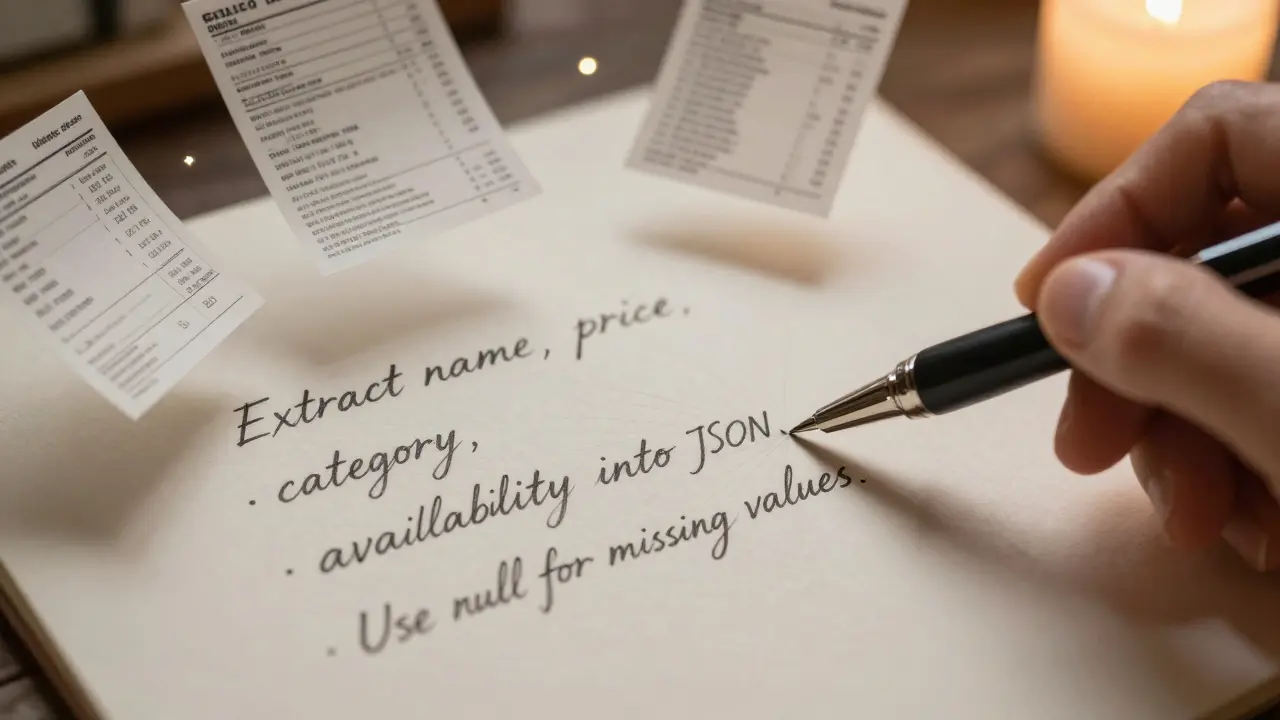
Ever tried copying data from a scanned invoice, a PDF form, or a messy email into your spreadsheet - only to spend hours cleaning it up? That’s the problem data extraction prompts in generative AI solve. Instead of writing custom code or using clunky OCR tools, you can now ask an AI model to read unstructured text or images and spit out clean, ready-to-use JSON or tables. It’s not magic. It’s prompt design. And if you’re not using it yet, you’re still doing manual work that AI can handle in seconds.
Why JSON and Tables Matter
AI models talk in language. But your systems? They need structure. Databases, spreadsheets, APIs - they all expect data in a fixed format. JSON and tables are the universal languages of structured data. JSON gives you nested fields, arrays, and key-value pairs. Tables give you rows and columns - perfect for spreadsheets or SQL databases.
Think about this: you have 500 customer support emails. Each one has a name, issue type, priority, and date. Manually extracting that? It’s a full-time job. With a good prompt, you can turn all 500 into a single JSON file - one record per email, all properly formatted. No copy-pasting. No regex hell.
How to Write a Data Extraction Prompt
Not all prompts work. Most fail because they’re too vague. A good extraction prompt has four parts:
- Task definition - What exactly are you asking the AI to do?
- Parameter specification - What data fields do you need?
- Output format - JSON? Table? How should it look?
- Error handling - What if data is missing or unclear?
Here’s a real working example for extracting product info from a web page:
Extract product details from the text below into a JSON object. Include these fields: name, price, category, and availability. If price is not listed, use null. If category is ambiguous, use "Unknown". Do not add extra fields. Output only valid JSON, no explanations. Here’s the text: [paste text here]That’s 100 tokens. That’s all it takes. And it works.
Table Extraction: Handling Real-World Messiness
Tables are harder than JSON. Why? Because real tables are broken. Cells are merged. Headers span multiple rows. Columns shift. OCR tools turn tables into garbled text. But AI can fix this - if you tell it how.
DocsBot AI’s prompt template for table extraction includes five key rules:
- Flatten multi-row headers into single-line labels
- Propagate merged cell values to all affected rows
- Preserve the relationship between headers and data columns
- Handle irregular column counts per row
- Output strictly as a JSON array of objects - no markdown, no extra text
Example input: A scanned financial report with a table where "Q1" spans two columns. The AI should output:
[{"month": "January", "revenue": "12000", "expenses": "8500"},
{"month": "February", "revenue": "14500", "expenses": "9200"},
{"month": "March", "revenue": "13800", "expenses": "8900"}]
Notice: no "Q1" column. The AI understood the structure and flattened it logically.
Platform Differences: Google, Microsoft, DocsBot AI
Not all AI platforms handle extraction the same way.
Google Cloud’s Vertex AI offers 12 pre-built prompt patterns. One of them, "Table parsing from document," is designed for PDFs and scanned forms. It automatically detects table boundaries and handles merged cells. Their November 2025 update added self-correcting prompts - the AI checks its own output for valid JSON before returning it.
Microsoft Azure OpenAI leans into integration. Their April 2024 case study showed a system that pulls data from emails, uses Python libraries (pandas, beautifulsoup4), and validates outputs against schema rules. They hit 98.2% accuracy by adding three layers: schema check, cross-field consistency, and human review for edge cases. Their secret? Saying "output null if uncertain" cut errors by 37%.
DocsBot AI specializes in image-based tables. They don’t just ask the AI to read - they pre-process the image first. Their prompts include instructions like: "deskew the image, enhance contrast, remove noise." This reduces OCR noise before the AI even sees the text. Their Q2 2025 user survey gave them a 4.8/5 rating for table extraction guidance - the highest in the field.
What Goes Wrong (And How to Fix It)
Most people fail at first. Why? Three reasons:
- Broken JSON - Missing commas, extra quotes, unescaped characters. Reddit users report 78% of initial outputs crash parsers. Fix: Add "Do not include any text outside the JSON object. If you must explain something, put it in a comment field."
- Guessing instead of null - AI fills in blanks with made-up data. That’s dangerous. Microsoft’s fix: "If any value is missing, unclear, or uncertain, output null. Do not infer."
- Wrong data types - Dates as strings, numbers as text. Solution: "Price must be a number. Date must be in YYYY-MM-DD format. If format is unknown, output null."
A user on HackerNews named TechFlow Inc. spent 80 hours refining prompts before seeing results. But once they did, they saved 65 hours a month. The upfront cost? Real. The payoff? Massive.
Validation Is Non-Negotiable
You can’t trust AI output blindly. Even the best prompts make mistakes. That’s why every production system needs validation.
Here’s a simple three-step system:
- Schema validation - Use a JSON schema validator (like Ajv or Python’s jsonschema) to check field names, types, and required fields.
- Consistency checks - If "total" doesn’t equal the sum of line items, flag it.
- Human-in-the-loop - For critical data (invoices, medical records), have a person review 5-10% of outputs randomly.
Microsoft’s system only reached 98.2% accuracy after adding all three. Without validation? You’re risking data corruption.
Where This Is Being Used
Finance: Extracting bank statements into accounting systems.
Healthcare: Turning patient intake forms into EHR records - with PII redaction built into the prompt.
E-commerce: Pulling product specs from supplier PDFs into inventory databases.
Legal: Converting court filings into structured case logs.
Gartner predicts 75% of enterprise data extraction will use AI prompts by 2027. Right now, it’s 32%. The shift is happening fast.
Getting Started: Your 4-Step Plan
- Define the schema - List every field you need. Be specific. "Date" isn’t enough. "Date in YYYY-MM-DD format" is.
- Write the prompt - Use the four-part structure. Include examples if possible.
- Test with 10 samples - Run them. Fix the errors. Don’t move on until 90%+ are clean.
- Build validation - Add schema checks and null handling. Then integrate.
You don’t need to be a prompt engineer. You just need to be precise.
Can I use data extraction prompts with any AI model?
Yes, but results vary. GPT-4, Claude 3, and Gemini 1.5 handle structured output best. Older models like GPT-3.5 often fail on complex JSON. Always test with your target model. Most cloud platforms now offer fine-tuned versions optimized for structured output - check their documentation.
Do I need to code to use these prompts?
No, not necessarily. Tools like Make.com, Zapier, or DocsBot AI let you paste prompts and get JSON without writing code. But if you want to automate, validate, or integrate with databases, you’ll need basic scripting (Python, JavaScript). The prompt does the extraction. Code does the cleanup.
What’s the best way to handle dates in extracted data?
Always specify the format in your prompt. For example: "All dates must be in YYYY-MM-DD format. If the input uses 'Jan 15, 2025', convert it. If format is unknown, output null." This prevents inconsistent formats like MM/DD/YYYY or DD-MON-YY from breaking downstream systems.
How do I deal with merged cells in tables?
Don’t let the AI guess. Tell it exactly what to do: "If a header spans multiple columns, combine them with a hyphen (e.g., 'Q1-Revenue'). Propagate the value from merged cells to every row below it until a new value appears." This is how DocsBot AI and Google’s table prompts handle it.
Is this secure for sensitive data like medical or financial records?
Only if you design it to be. Never send raw PII to public APIs. Use on-premise models or private cloud endpoints. Add instructions like: "Remove all names, addresses, and ID numbers before output. Replace with [REDACTED]." Microsoft’s healthcare case study showed 12% of early prompts leaked data - because the AI included error messages with patient info. Always audit your prompts for this risk.
How long does it take to learn this?
If you’ve done basic prompt engineering before, you can get comfortable in 12-15 hours. Beginners need 25-30 hours. The key is practicing with real documents - not tutorials. Start with 5 invoices or 10 emails. Fix the errors. Repeat. After three rounds, you’ll see patterns.
Can I extract data from images or PDFs?
Yes - but not directly. The AI can’t see images. You need an OCR tool first (like Tesseract, Google Vision, or built-in OCR in Azure). Run the image through OCR to get text, then feed that text into your extraction prompt. DocsBot AI automates this by combining OCR and prompt steps into one workflow.
What’s the biggest mistake people make?
They assume the AI will "figure it out." It won’t. You must be explicit. Every field. Every format. Every edge case. The more you specify, the better it works. Vague prompts = messy data. Precise prompts = clean results.


