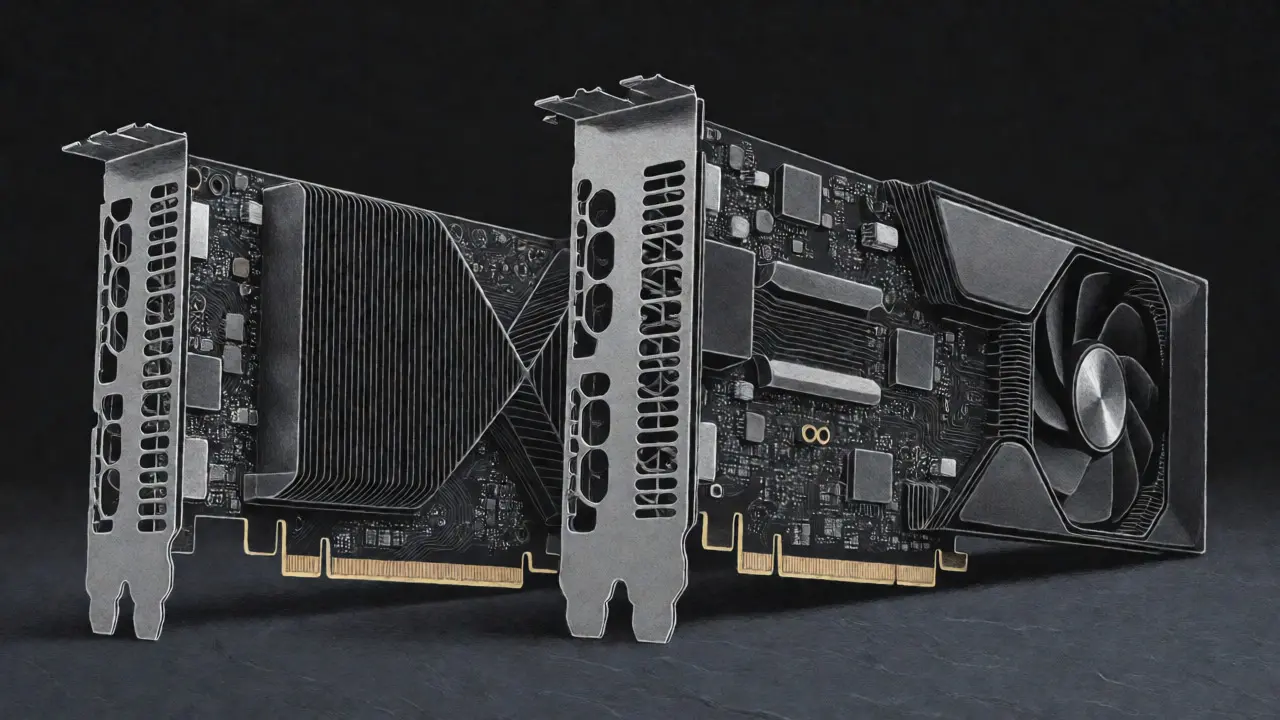
You have a shiny new Large Language Model ready to go. Maybe it is Llama 3 or Mistral. You need to run it in production. Now comes the hard part: picking the hardware. Do you rent an NVIDIA H100, stick with the older A100, or try to squeeze it onto a CPU? This isn't just about speed; it's about not burning cash on idle servers while your users wait five seconds for a single word.
The landscape shifted dramatically in 2025. Cloud prices for high-end GPUs dropped by nearly 40%, changing the math entirely. What used to be a clear choice for budget-conscious startups is now murky. Let's break down exactly when each option makes sense, using real-world benchmarks and current market data as of September 2026.
The Hardware Contenders: Specs That Matter
Before we talk money, let's look at the metal. The battle is primarily between two NVIDIA architectures and the humble CPU.
The NVIDIA A100, released in 2020, remains a workhorse. It features 80GB of HBM2e memory with 2.0 TB/s bandwidth. For many smaller models, it is still plenty fast. However, its third-generation Tensor Cores are starting to show their age against modern transformer-heavy workloads.
Then there is the NVIDIA H100, launched in late 2022 but dominating 2025-2026 deployments. It uses the Hopper architecture. Key upgrades include HBM3 memory with 3.35 TB/s bandwidth and a dedicated Transformer Engine. This engine allows dynamic precision switching between FP8, FP16, and INT8 formats. Why does this matter? Because LLMs spend most of their time doing matrix multiplications that benefit hugely from FP8 calculations.
CPU Offloading is different. It doesn't use a dedicated accelerator for every layer. Instead, frameworks like vLLM or llama.cpp keep some weights in fast GPU memory and swap the rest into system RAM. This saves massive upfront costs but introduces latency penalties that can ruin user experience.
| Feature | NVIDIA A100 (80GB) | NVIDIA H100 (80GB SXM) | CPU Offloading (High-End Server) |
|---|---|---|---|
| Architecture | Ampere | Hopper | x86_64 / ARM |
| Memory Bandwidth | 2.0 TB/s (HBM2e) | 3.35 TB/s (HBM3) | ~0.4 - 0.8 TB/s (DDR5) |
| Key Innovation | 3rd Gen Tensor Cores | Transformer Engine (FP8) | PagedAttention / KV Cache Mgmt |
| Typical Cost/Hour (Cloud) | $0.75 - $1.10 | $1.20 - $1.80 | $0.20 - $0.50 |
| Best For | Mixed Workloads, Legacy Models | High-Volume, Low-Latency Prod | Dev, Testing, Very Low Traffic |
Performance Benchmarks: Speed vs. Reality
Specs on paper don't always translate to real-world speed. We looked at recent independent benchmarks running Llama 3.1 70B using the vLLM inference engine.
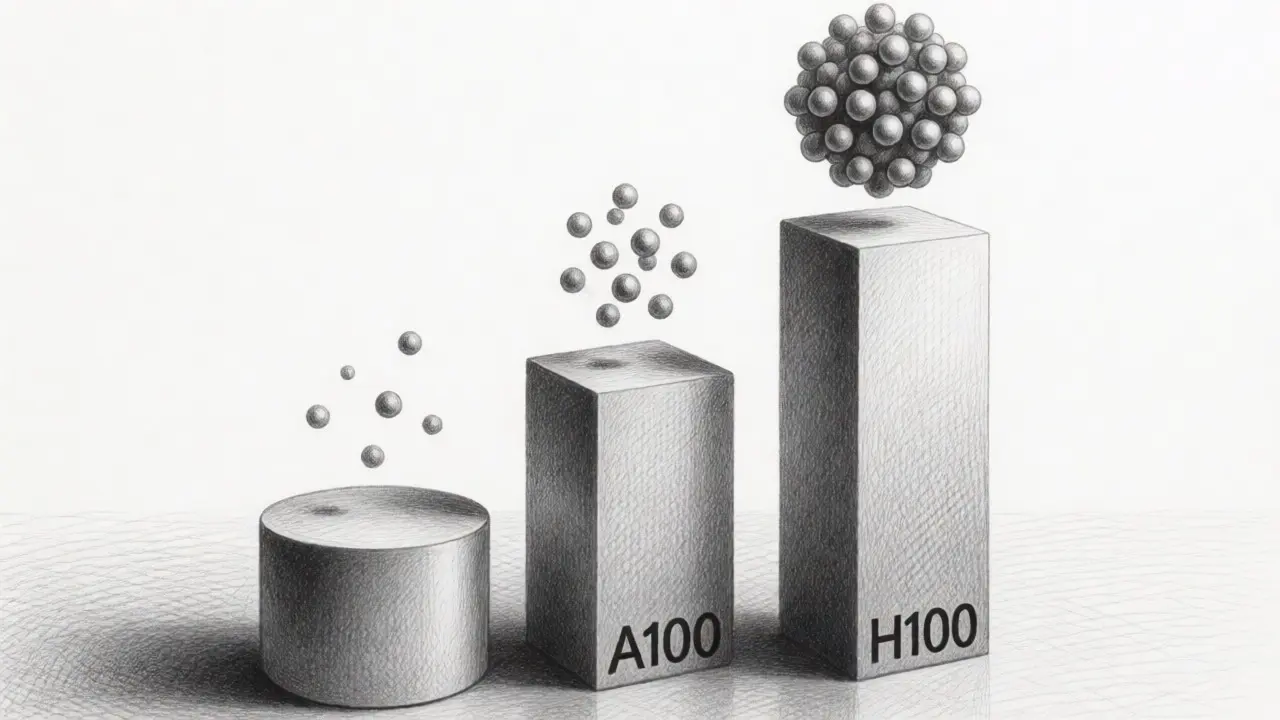
The results were stark. The H100 generated 3,311 tokens per second. The A100 managed 1,148 tokens per second. That is a 2.8x throughput advantage for the H100. But here is the kicker: the H100 only costs about 1.7x more per hour than the A100 in major cloud providers like AWS and Azure. When you do the math on cost-per-token, the H100 is actually 18% cheaper for this specific workload.
For smaller models, say under 13 billion parameters, the gap narrows. The H100 might deliver 250-300 tokens per second versus the A100's 130. Is that double the speed worth double the price? Often, no. If your application handles low concurrency-meaning few users at once-the A100 often provides better price/performance because it is widely available and cheaper to rent by the minute.
CPU offloading tells a different story. Running a 70B model on a powerful server CPU with 64GB+ RAM works, but it crawls. Latency jumps from 200-500ms on an H100 to 2-5 seconds per token. Throughput drops to 1-5 tokens per second. If you are building a chatbot where users expect instant responses, CPU offloading will feel broken. It is fine for batch processing overnight jobs, but terrible for interactive apps.
The Cost Equation: How to Calculate True Value
Don't just look at the hourly rate. Look at the cost per thousand tokens generated. This metric normalizes performance differences.
- H100: Higher hourly rate ($1.20-$1.80/hr), but high throughput means lower cost per token for large models. Ideal for scaling.
- A100: Lower hourly rate ($0.75-$1.10/hr). Good for medium-sized models (7B-30B) where the H100's extra speed isn't fully utilized due to bottlenecks elsewhere.
- CPU: Lowest hourly rate ($0.20-$0.50/hr). But if you need 5x more time to generate the same output, the savings vanish quickly unless traffic is extremely sporadic.
Consider concurrency. One financial services engineer reported handling 37 concurrent users on a single H100 before latency exceeded 2 seconds. On an A100, they hit that limit at 22 users. If you have 100 users, you need three A100s or two H100s. The two H100s are likely cheaper and easier to manage than three A100s plus the orchestration overhead.

Implementation Effort: Don't Ignore Engineering Time
Time is money. Getting these systems running isn't plug-and-play.
A100 benefits from mature tooling. Frameworks like TensorRT-LLM and DeepSpeed offer out-of-the-box support. Expect 1-3 days of optimization work. Most developers know how to debug it.
H100 requires leveraging the Transformer Engine to get those big gains. Using FP8 precision isn't automatic; you need to configure quantization correctly. NVIDIA estimates a 2-4 week engineering effort for complex pipelines to fully realize the benefits. If your team is small, this learning curve matters.
CPU Offloading has the lowest barrier to entry for simple scripts but high complexity for stability. Managing memory swapping without crashes takes skill. Developers report 5-7 days just to get stable performance with large models. Documentation quality varies, often scoring lower than NVIDIA's official guides.
When to Choose Which?
Here is a decision tree based on common scenarios in 2026:
- Choose H100 if:
- Your model is >30B parameters.
- You need sub-second response times for real-time applications.
- You have high concurrency (>20 simultaneous requests).
- You want future-proofing for emerging 1T+ parameter models.
- Choose A100 if:
- Your model is <13B parameters.
- Traffic is low or bursty, making reserved instances less efficient.
- You are running mixed workloads (training + inference) where A100 compatibility is broader.
- Budget is tight and you can tolerate slightly higher latency.
- Choose CPU Offloading if:
- You are in development or testing phases.
- You are running very small models (<7B) with minimal traffic.
- You are doing offline batch processing where latency doesn't matter.
- You absolutely cannot afford GPU rentals yet.
Market Trends and Future Proofing
As of mid-2026, the H100 represents 62% of new enterprise LLM inference deployments. The A100 holds 28%. CPU solutions account for just 10%, mostly in dev environments. Analysts predict H100-class GPUs will maintain over 75% market share through 2027.
Why? Memory bandwidth. As models grow larger, fitting them into memory becomes harder. The H100's 3.35 TB/s bandwidth is critical for keeping data flowing to compute units. The A100's 2.0 TB/s is becoming a bottleneck for next-gen models. If you plan to upgrade your model size in the next year, starting on H100 avoids a painful migration later.
Alternatives exist. AMD's MI300X offers competitive specs, delivering about 1.7x the performance of an H100 at 85% of the cost in some benchmarks. However, software ecosystem maturity lags behind NVIDIA's CUDA stack. Unless you have specific expertise with ROCm, sticking with NVIDIA reduces integration risk.
Common Pitfalls to Avoid
Many teams make costly mistakes during selection.
Ignoring Quantization: Running an H100 with FP16 weights leaves performance on the table. Use FP8 or INT8 quantization to unlock the Transformer Engine's potential. Tools like GPTQ or AWQ help convert models efficiently.
Underestimating Network Overhead: If you split a model across multiple GPUs, NVLink speed matters. H100's 900 GB/s NVLink is significantly faster than A100's 600 GB/s. For multi-GPU setups, this difference compounds.
Over-provisioning for Peak Load: Buying enough GPUs for your busiest hour wastes money 23 hours a day. Consider autoscaling groups. Start with one H100, monitor utilization, and scale horizontally only when needed.
Is the H100 really faster than the A100 for all LLMs?
Not always. For very small models (under 7B parameters) with low traffic, the A100 may offer better value because the H100's advanced features aren't fully utilized. However, for models above 13B parameters, the H100 consistently delivers 2-3x higher throughput due to its superior memory bandwidth and Transformer Engine.
Can I use CPU offloading for production chatbots?
Generally, no. CPU offloading typically results in 2-5 second latencies per token, which feels sluggish for interactive conversations. It is best suited for background tasks, batch processing, or development environments where immediate feedback isn't critical.
How much does cloud pricing affect the choice?
Significantly. While H100 hourly rates are higher, its efficiency often leads to a lower cost-per-token. In 2025-2026, cloud prices for H100s dropped ~40%, making it frequently cheaper overall than A100s for high-volume inference. Always calculate cost per thousand tokens rather than just hourly rates.
What is the Transformer Engine and why does it matter?
The Transformer Engine is a specialized hardware unit in the H100 that dynamically adjusts numerical precision (FP8, FP16, INT8) during computation. This allows for faster processing and lower memory usage specifically optimized for transformer-based models like LLMs, yielding up to 30x faster inference compared to previous generations in optimal scenarios.
Should I consider AMD GPUs instead?
AMD's MI300X is a strong contender, offering similar performance to the H100 at potentially lower costs. However, the software ecosystem (ROCm vs. CUDA) is less mature. If your team lacks experience with AMD hardware, the integration risks and debugging time might outweigh the hardware savings.