
You type a quick question into your favorite AI tool. You hit enter. Three seconds later, you get a confident, perfectly formatted answer that is completely wrong. It sounds authoritative. It cites sources that don't exist. It misses the point entirely. This isn’t just bad luck; it’s the result of a fundamental mismatch between what you think you’re asking and what the AI actually understands.
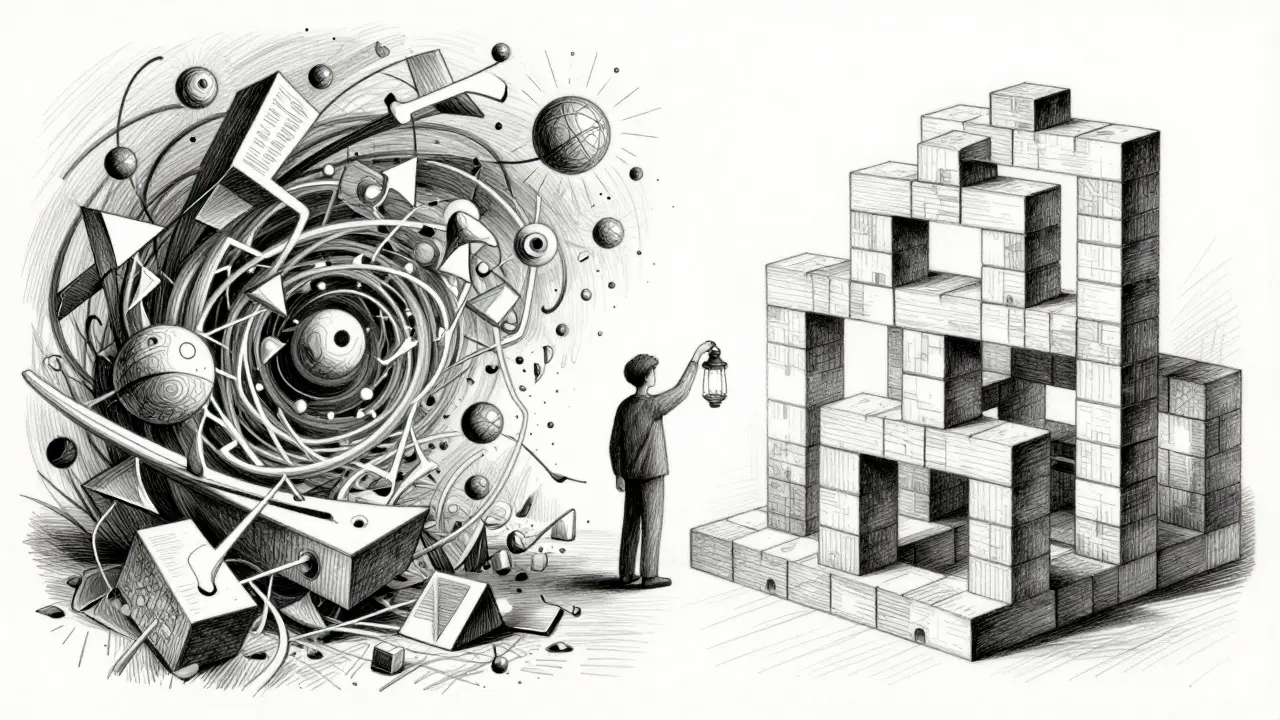
For years, we’ve treated AI interactions like magic 8-balls: ask a vague question, hope for the best. But as generative AI becomes central to how we work, write, and code, that casual approach is failing us. The solution isn’t better models alone-it’s better conversations. Enter interactive clarification prompts: a strategy where the AI asks *you* questions before it tries to answer. It’s the difference between guessing what someone wants for dinner and asking if they prefer Italian or Thai.
The Iceberg Problem in Prompting
Most users operate under the assumption that their initial prompt contains all the necessary information. It rarely does. Think of any complex request-writing a marketing email, debugging a Python script, summarizing a legal contract-as an iceberg. The text you type is just the tip above water. Beneath the surface lies context, audience, tone constraints, preferred format, and specific goals. When you leave those submerged layers hidden, the AI has to fill in the blanks with statistical guesses.
This gap is known in UX research as the specification problem. According to insights from the Nielsen Norman Group on prompt structure, vague requests lead to disproportionately poor outputs because the model lacks the framing needed to narrow its vast training data down to your specific need. If you ask an AI to “write a blog post about coffee,” it might give you a history of caffeine, a recipe for latte art, or a guide to bean roasting. None of these might be what you wanted. Interactive clarification prompts force the AI to stop and dig for that hidden context before generating content.
Why Asking First Reduces Hallucinations
We often blame hallucination risk on the AI being “liar” or “broken.” In reality, hallucinations are usually the model trying too hard to be helpful without enough direction. When an AI receives an underspecified prompt, it calculates the most statistically coherent sequence of words based on general patterns. Without constraints, it invents details to make the response feel complete. By asking clarifying questions first, the system anchors the generation process in user-defined facts rather than probabilistic guesses.
Consider the technical mechanism behind this. Generative AI predicts word-by-word sequences. The more precise the input specification, the higher the probability that the output aligns with intent. Interactive clarification maximizes input specification *before* core response generation begins. Instead of guessing your target audience, the AI asks: “Who is reading this? Is it executives, developers, or customers?” Once you specify “developers,” the model shifts its vocabulary, complexity, and reference points instantly. This pre-generation calibration drastically reduces the chance of irrelevant or fabricated information slipping into the final answer.
From Monologue to Dialogue: How It Works
Traditional AI interaction is unidirectional. You command; it responds. If the response is off, you refine your prompt and try again. This trial-and-error loop wastes time and computational resources. Interactive clarification transforms this into a collaborative dialogue. The AI acts less like a search engine and more like a consultant who refuses to start working until they understand the scope.
Perplexity AI has pioneered this approach with its Copilot feature. When you submit a broad query, the Copilot doesn’t immediately dump a list of links. It pauses. It analyzes the ambiguity in your request. Then it asks targeted questions: “Are you looking for recent news or historical data?” “Do you need citations from academic journals or industry blogs?” This scaffolding helps users articulate needs they didn’t know they had. It turns a frustrated dead-end into a productive session.
Frameworks That Support Clarification
Interactive prompting isn’t just a UI gimmick; it fits into established prompt engineering frameworks. For instance, the CLEAR framework (Concise, Logical, Explicit, Adaptive, Reflective) emphasizes the “Adaptive” component, which calls for refining prompts based on response quality. Interactive clarification takes this further by adapting *before* the first response is generated.
Similarly, the PROBE framework includes a step to “Request Reasons,” encouraging users to ask the AI to explain its thinking. Interactive systems flip this: the AI requests reasons from the user. It asks for the “why” behind the request. Why do you need this summary? What decision will you make based on it? These questions trigger deeper cognitive engagement from the user, leading to richer inputs and superior outputs.
| Feature | Static Prompting | Interactive Clarification |
|---|---|---|
| User Effort | High upfront effort to specify everything | Low initial effort; iterative refinement |
| Error Rate | Higher due to ambiguous inputs | Lower due to pre-validation |
| Hallucination Risk | Significant when context is missing | Minimized through constraint setting |
| Learning Curve | Steep; requires prompt engineering skills | Gentle; AI guides the user |
| Best For | Simple, well-defined tasks | Complex, nuanced, or creative projects |
Practical Examples: Seeing the Difference
Let’s look at two scenarios to see how interactive clarification changes the outcome.
Scenario 1: The Vague Request
You type: “Write an essay on climate change.”
Without clarification, the AI produces a generic 500-word overview covering global warming, ice caps, and carbon footprints. It’s accurate but useless if you needed a policy brief for a city council meeting. The AI guessed wrong.
Scenario 2: The Clarified Request
The AI sees “climate change” and asks: “What is the intended audience? What is the desired length? Should I focus on economic impacts, scientific data, or political solutions?”
You reply: “City council members. 800 words. Focus on local zoning laws and renewable energy incentives.”
Now the AI generates a targeted, persuasive document with relevant local examples. The difference isn’t the model’s intelligence; it’s the precision of the input.
Implementing Clarification in Your Workflow
You don’t need to wait for every AI tool to build this feature natively. You can simulate interactive clarification in your own workflows by adopting a few habits:
- Pause Before Generating: If your prompt feels short, add a placeholder. Write “[Audience: ] [Goal: ] [Format: ]” and fill them in before hitting enter.
- Ask the AI to Question You: Add this instruction to your system prompt: “Before answering, ask me up to three clarifying questions to ensure you understand my context and constraints.”
- Define Success Criteria: Explicitly state what a good answer looks like. “I need three actionable steps, not theoretical concepts.”
- Specify Source Types: Tell the AI whether to rely on academic papers, news articles, or official documentation. This narrows the knowledge domain and reduces hallucination.

The Educational Benefit of Being Asked
One overlooked advantage of interactive clarification is that it teaches users how to prompt better. When an AI asks, “What tone should this email have?” it signals that tone matters. Over time, users internalize these variables. They start thinking about audience, format, and constraints naturally. This creates a feedback loop where novice users gradually develop the expertise of seasoned prompt engineers. The AI becomes a tutor, not just a tool.
This democratization of AI capability is crucial. Not everyone knows how to craft perfect prompts. By shifting some responsibility to the AI to seek clarity, we make advanced capabilities accessible to people with varying levels of technical sophistication. It respects the user’s time by getting closer to the target output on the first attempt, reducing the frustration of endless revisions.
Challenges and Limitations
Interactive clarification isn’t a silver bullet. It adds latency. Users accustomed to instant answers may find the pause annoying. There’s also a risk of over-questioning, where the AI asks so many trivial questions that the interaction feels tedious. Designers must balance thoroughness with efficiency. The goal is to ask only the questions that materially impact the output quality.
Additionally, this approach requires AI systems capable of recognizing ambiguity. Not all current models are sophisticated enough to distinguish between a simple factual query (“What is the capital of France?”) and a complex open-ended one (“How can I improve my team’s productivity?”). Misidentifying the need for clarification can frustrate users who just want a quick fact.
Looking Ahead: The Future of Conversational AI
As we move through 2026, the line between chatbots and intelligent assistants continues to blur. The most successful tools will be those that prioritize understanding over speed. Interactive clarification prompts represent a shift toward empathy in design-acknowledging that human communication is messy, contextual, and iterative. By embracing this approach, we reduce hallucination risks, improve output relevance, and create a more collaborative relationship with our AI tools. The next time you feel tempted to type a vague query, remember: the best answer starts with the right question.
What are interactive clarification prompts?
Interactive clarification prompts are a technique where an AI system asks the user targeted questions to clarify context, constraints, and goals before generating a response. This ensures the output aligns closely with the user's actual needs rather than relying on assumptions.
How do clarification prompts reduce hallucinations?
Hallucinations often occur when AI fills in missing information with statistical guesses. By asking clarifying questions first, the AI gathers specific constraints and facts from the user. This anchors the generation process in real data, significantly lowering the risk of fabricating details.
Which AI tools use interactive clarification?
Perplexity AI is a notable example, using its Copilot feature to ask follow-up questions before providing comprehensive answers. Other advanced LLM interfaces are beginning to integrate similar proactive questioning mechanisms to improve accuracy.
Can I use interactive clarification with any AI model?
Yes. Even if the tool doesn't do it automatically, you can instruct the AI to ask you clarifying questions before answering. Adding a phrase like "Ask me three questions to clarify my request before responding" works with most modern large language models.
Does asking questions slow down the AI?
It adds a small amount of latency to the initial interaction, but it saves time overall by reducing the need for multiple revisions. Getting a highly relevant answer on the first try is generally faster than iterating through several poor-quality responses.


