
To get a handle on this, we first need to define our terms. In the world of Large Language Models, Latency is the time it takes for the model to generate a response for a single request. We often break this down into Time-to-First-Token (TTFT)-that crucial first blink of text the user sees-and Inter-Token Latency (ITL), which is the gap between each subsequent word. On the flip side, Throughput is the total volume of data (usually measured in tokens per second) the system processes across all concurrent users. If latency is how fast one car gets through a tunnel, throughput is how many cars pass through that tunnel per hour.
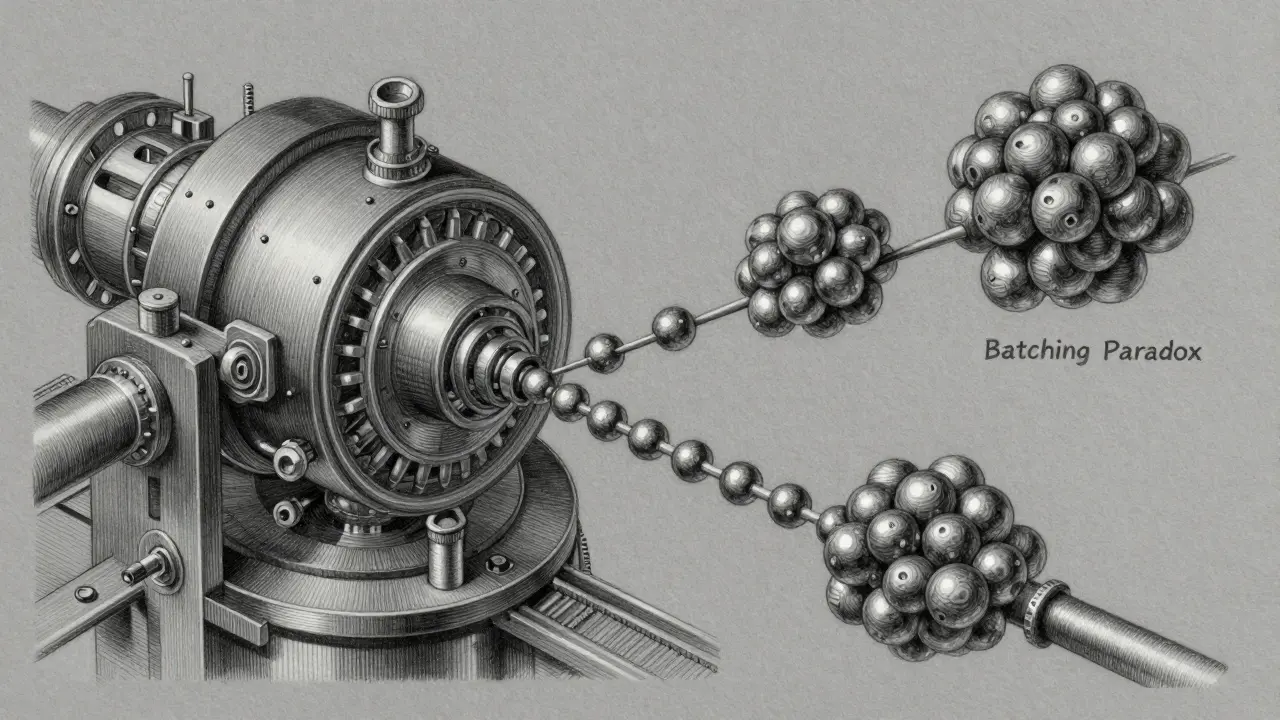
The Batching Paradox: Why More is Sometimes Slower
The primary lever engineers use to increase throughput is batching. Instead of processing one request at a time, the GPU handles a group of requests simultaneously. This is where the trade-off becomes concrete. When you increase your batch size, you're utilizing the GPU's massive parallel processing power more efficiently, which spikes your throughput. However, this comes at a cost to the individual user.
Take a look at the data from a typical NVIDIA A100 setup. If you move from a batch size of 1 to a batch size of 64, you might see your throughput jump by 14x, but your latency could increase by 4x. Why? Because the GPU has to do more work per cycle, and requests may have to wait in a queue for the batch to fill or for the previous large batch to finish processing. For a document processing pipeline, this is a win-you don't care if a PDF takes 5 seconds instead of 2 as long as you process 1,000 PDFs an hour. But for a live chat, a 4x increase in latency is a death sentence for user experience.
| Batch Size | Throughput (Tokens/sec) | Latency (Per Request) | Best Use Case |
|---|---|---|---|
| 1 | Low | Very Low | Real-time Chat/Voice |
| 8-16 | Medium | Moderate | Interactive Web Apps |
| 64+ | Very High | High | Offline Batch Processing |
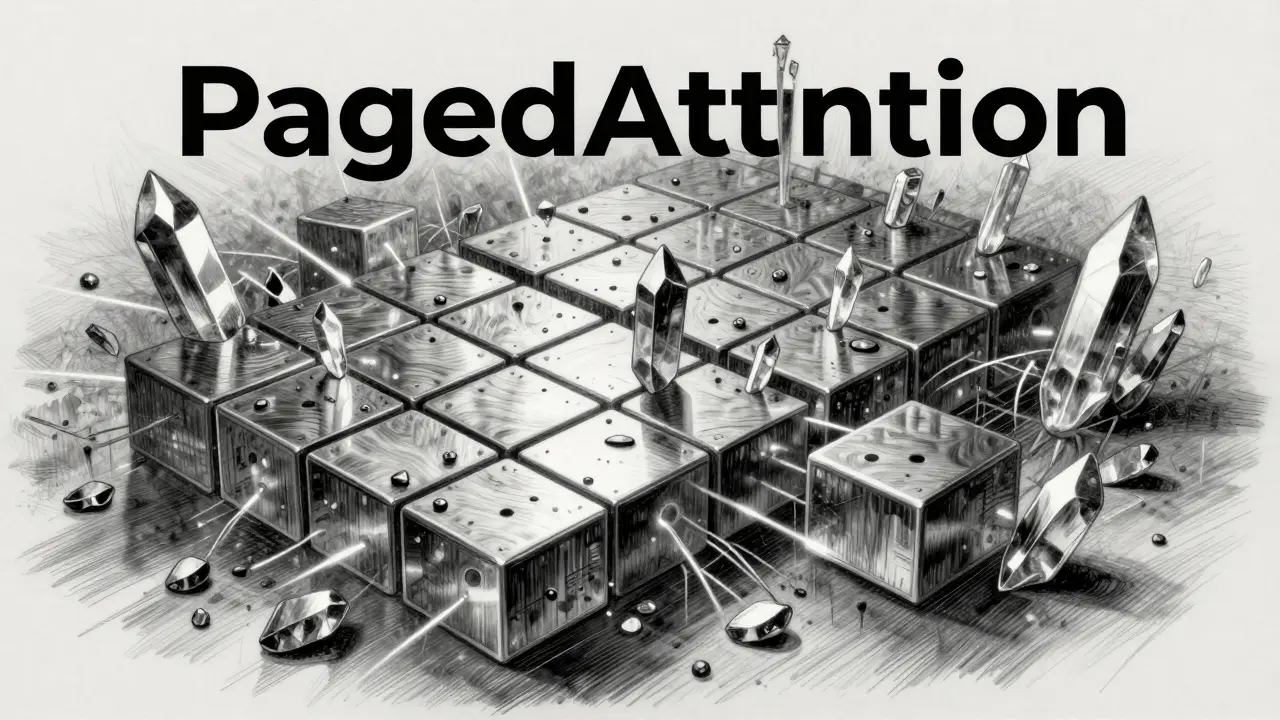
Solving the Memory Bottleneck with PagedAttention
A huge part of the latency struggle comes from how GPUs handle memory. Traditional systems waste huge chunks of VRAM by reserving static blocks for the KV (Key-Value) cache, which stores the context of the conversation. This inefficiency limits how many requests you can batch, which in turn kills your throughput.
This is why vLLM is an open-source inference engine that uses PagedAttention to manage KV cache memory dynamically, similar to virtual memory in operating systems. By allowing the cache to be stored in non-contiguous memory blocks, vLLM can fit significantly more requests into a single batch. In high-concurrency workloads, this mechanism has been shown to achieve up to 24x higher throughput than older systems like Hugging Face TGI. However, there's a catch: while vLLM wins on volume, TGI often maintains slightly better tail latencies (the slowest 5% of requests) for single-user scenarios. If your app is a high-end executive assistant for one person, TGI might actually be the smoother choice.
Hardware Influence: GPUs and Interconnects
Your choice of silicon changes the math. Moving from an A100 to the NVIDIA H100 isn't just a bump in speed; it can reduce per-token computation time by 35-45%. Even more critical is how the GPUs talk to each other. If you're using tensor parallelism to split a massive 70B model across four GPUs, the network overhead can become a bottleneck. Using NVLink-NVIDIA's high-speed interconnect-can slash that communication overhead by 20-30%.
It's a bit counterintuitive, but increasing hardware parallelism doesn't always help latency linearly. For example, with a small batch size of 1, doubling your tensor parallelism from 2x to 4x might only shave 12% off your latency. But if you're running a batch of 16, that same jump in hardware can reduce latency by 33%. Hardware scaling works best when there is enough work (throughput) to justify the coordination cost.
Practical Strategies for Production Tuning
So, how do you actually set this up without guessing? You need to define your "accuracy floor" and your latency budget before touching the config files. Most production environments fall into three buckets:
- Conversational (Real-time): Target a Time-to-First-Token (TTFT) under 300ms and Inter-Token Latency under 100ms. Start with a batch size of 1 and scale up only until you hit that 300ms ceiling.
- Interactive (Web Apps): A response time of 500ms to 2s is acceptable. You can afford larger batches (e.g., 4-16) to keep costs down while maintaining a snappy feel.
- Batch Processing (Analysis): Latency is irrelevant. Optimize for maximum tokens per second. Use the largest batch size the GPU memory can handle.
A pro tip for those using vLLM or TGI: watch your 95th percentile (p95) latency. A common mistake is looking at average latency. You might see an average of 0.8s and think you're golden, but if your p95 is 3s, 5% of your users are experiencing a frozen app. This "spikiness" usually happens when batch sizes are too aggressive for the available VRAM, causing the system to struggle with memory pressure.
The Future: Adaptive Batching and Specialized Cores
The industry is moving away from static configurations. We're seeing the rise of adaptive batching, where the system looks at the current queue length and dynamically adjusts the batch size in real-time. The goal is to keep the p95 latency under a specific threshold (like 1 second) while squeezing out as much throughput as possible. Newer hardware, like the NVIDIA Blackwell architecture, is integrating these optimizations directly into the silicon via the Transformer Engine, which can reduce the severity of the latency-throughput trade-off by nearly 30%.
What is the difference between TTFT and ITL?
TTFT (Time-to-First-Token) is the time from when a user sends a prompt to when the first character appears. This is the primary measure of "perceived speed." ITL (Inter-Token Latency) is the average time between each subsequent token. If ITL is too high, the text appears to "stutter" as it generates.
Does increasing the model size always increase latency?
Generally, yes. Larger models have more parameters to compute per token. However, if a larger model can be split across more GPUs using tensor parallelism with high-speed interconnects like NVLink, the latency might be comparable to a smaller model on a single, slower GPU, though the cost will be significantly higher.
When should I prioritize throughput over latency?
Prioritize throughput for asynchronous tasks where a human isn't waiting for an immediate answer-such as summarizing 1,000 legal documents, generating synthetic datasets, or overnight log analysis. In these cases, the cost per token is the most important metric.
How does PagedAttention actually improve throughput?
PagedAttention eliminates memory fragmentation in the KV cache. By storing key-value pairs in small, non-contiguous pages rather than one giant block, it allows the system to pack many more concurrent requests into the GPU's VRAM, which enables much larger batch sizes.
Will a faster GPU always solve my latency issues?
Not necessarily. While an H100 is faster than an A100, latency is often driven by software configuration (batch size) and network overhead. If you have a distributed architecture with poor synchronization, the network lag can eat up all the gains provided by faster silicon.
Next Steps for Optimization
If you're struggling with performance, don't start by buying more hardware. First, benchmark your current p95 latency with a batch size of 1. Then, slowly increase the batch size in increments of 2 or 4 until you see your TTFT cross your target threshold. If you're hitting memory limits before you hit your latency target, it's time to switch to an inference engine like vLLM to optimize your VRAM. Finally, if you're running a multi-GPU setup, ensure you're using the fastest interconnects available to minimize the synchronization tax.


