
Big language models are powerful, but they can burn through cash faster than a smartphone on 5G. One misconfigured bot, a runaway chatbot, or a poorly optimized prompt can spike your monthly bill from $500 to $10,000 in a single day. If you’re running LLMs in production, you’ve either already been burned - or you will be. The fix isn’t more money. It’s token budgets and quotas.
Why Token Costs Are the Hidden Killer in LLM Projects
Most teams think of LLM costs as a simple pay-per-call model. They assume each query costs a few cents. But that’s not how it works. Modern LLMs charge by tokens - individual words, subwords, or even punctuation marks. A single user message can be 500 tokens. The AI’s response? Another 1,200. Add a conversation history, file uploads, or tool calls, and you’re looking at 3,000+ tokens per interaction. Multiply that by hundreds of users, and you’re in the millions of tokens per day.Alibaba Cloud’s Qwen-Flash model charges $0.05 per million input tokens and $0.40 per million output tokens for small requests. Sounds cheap? Try this: a customer support bot handling 50,000 queries a day with 2,000 tokens each? That’s 100 million input tokens and 100 million output tokens daily. Your monthly bill? $1,200 just for input, $9,600 for output. That’s $10,800. And that’s just one bot.
Without limits, LLMs don’t care how much they cost. They just keep generating. And companies are learning this the hard way. Reddit user u/AI_Engineer2025 reported a single misconfigured agent burning through 2.8 million tokens in 17 minutes - costing $1,120 before anyone noticed. That’s not a bug. That’s a budget disaster waiting to happen.
What Are Token Budgets and Quotas?
Token budgets are pre-set limits on how many tokens a system, user, or feature can consume over a period - usually daily or monthly. Quotas are the enforcement layer: when you hit that limit, the system automatically reacts.It’s not just about blocking requests. Smart systems use graduated responses:
- At 50% of budget: Send a Slack or email alert
- At 80%: Send another alert + log warning
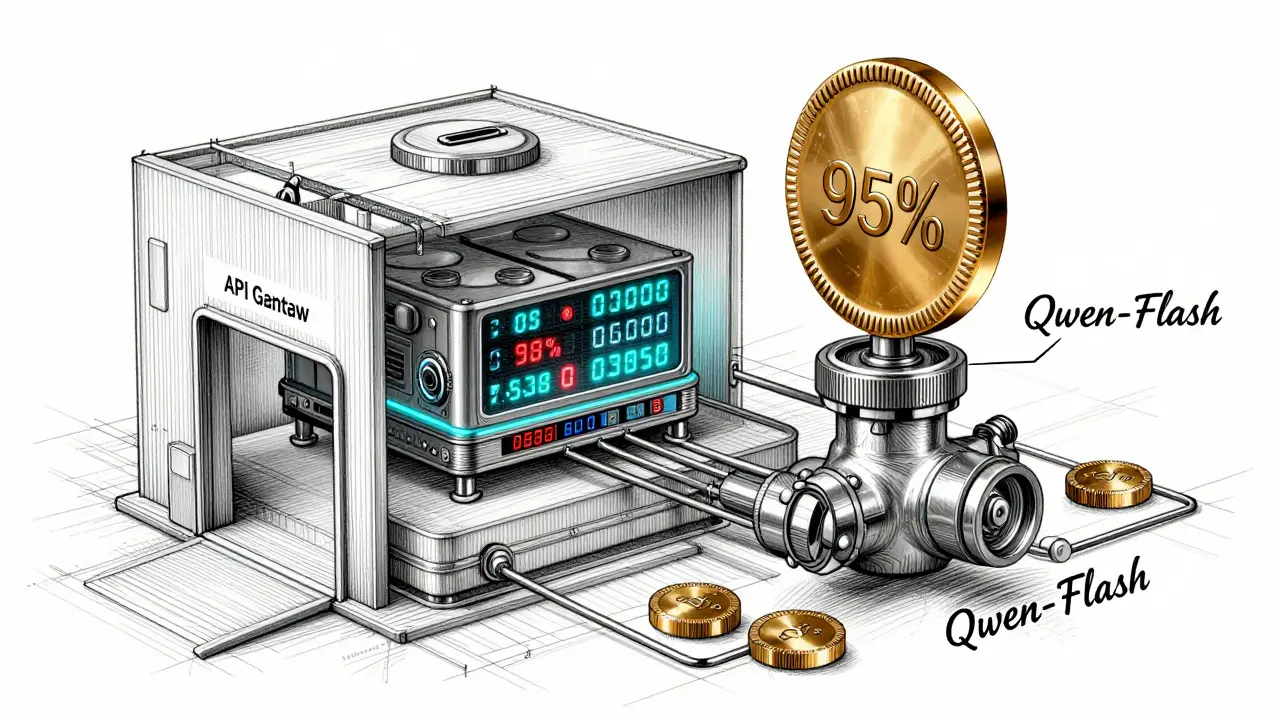
- At 95%: Throttle responses - shorten outputs, slow down speed
- At 100%: Block all new requests until next period
This is what OneUptime calls their “emergency brake.” And it works. According to G2 reviews from January 2026, 92% of users who implemented this system say it prevented catastrophic overruns. The goal isn’t to stop usage. It’s to make usage predictable and controllable.
How Token Budgeting Works Under the Hood
Most token budget systems rely on three core components:- Token counters - placed at your API gateway (like Kong or Nginx). Every request passes through here. The system counts input tokens (your prompt) and output tokens (the AI’s reply).
- Budget storage - a simple database (Redis, PostgreSQL) that tracks daily/monthly usage per user, endpoint, or team.
- Enforcement engine - checks usage against limits in real time. If you’re at 97%, it doesn’t just say “no.” It might downgrade the model from Qwen-Max to Qwen-Plus, or trim the response length.
Companies like KrakenD Enterprise take this further. They don’t just block - they route. If your team’s budget is almost gone, the system automatically shifts requests to a cheaper model. Qwen-Flash instead of Qwen-Max. That’s dynamic cost optimization in action.
And it’s not just about total tokens. Some systems now track context window cost. Longer conversations = more memory, more processing. OneUptime’s January 2026 update charges extra for prompts over 128K tokens - because they strain the system. Ignoring context cost? That’s why some teams end up spending 30-40% more than they should.
Real-World Examples: Who’s Doing This Right?
A fintech startup in Chicago was spending $8,000/month on LLMs. Their fraud detection bot was generating long, detailed reports - 3,000 tokens per output. They didn’t know who was using it, or why. After implementing per-user token attribution with Traceloop, they found one team was running 500 test queries an hour. They set a quota of 10,000 tokens per user per day. Costs dropped 63% in two weeks.A healthcare startup in New Mexico scaled from 50 to 5,000 daily users without increasing their budget. How? They used Tonic3’s framework: they capped each user to 5 messages per session, limited responses to 500 tokens, and used Qwen-Flash for routine questions. They kept Qwen-Max for only 10% of complex cases. Their monthly overrun stayed under 12%.
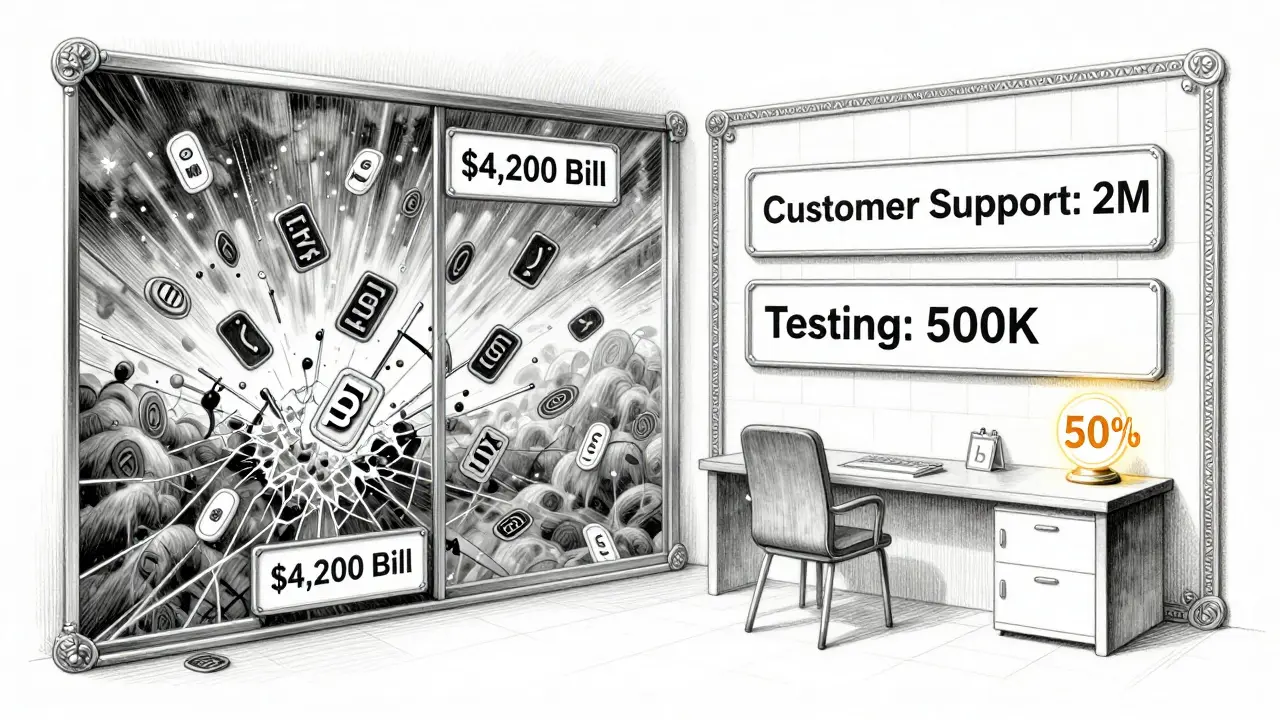
Meanwhile, marketing teams are still struggling. Only 42% use any budgeting at all. Why? Because they think “AI is free.” One agency ran a campaign using a generative AI tool to create 10,000 social posts. Each post took 800 tokens. Result? A $4,200 bill in three days. They had no alerts. No limits. No idea where the money went.
How to Set Up Your First Token Budget
You don’t need a team of engineers. Here’s a 4-step plan you can start today:- Measure first - Run your LLM for 3 days without limits. Record total tokens used per request. Use tools like Traceloop or your cloud provider’s dashboard. What’s your average prompt length? Your average response? What’s the max?
- Set a baseline budget - Multiply your average daily usage by 3. That’s your starting monthly budget. If you’re using 200K tokens/day, set your budget at 6M tokens/month.
- Apply graduated thresholds - Use the 50/80/95/100 rule. At 50%, alert your team. At 95%, throttle. At 100%, block.
- Assign ownership - Don’t let one team use 80% of the budget. Split quotas by feature: “Customer Support” gets 2M tokens, “Content Generation” gets 1.5M, “Testing” gets 500K.
Pro tip: Always leave 10% buffer. Tonic3 recommends setting quotas at 90% of your total budget. That way, if something spikes, you have room to react before hitting the wall.
What Not to Do
Don’t assume all providers count tokens the same way. OpenAI, Anthropic, and Alibaba Cloud use different tokenizers. One system might split “don’t” into two tokens. Another into one. If you’re using multiple models, your budgeting system must normalize this. Use a unified token counter layer - not the provider’s raw count.Don’t ignore free tiers. Alibaba Cloud warns that “free quotas are shared between main accounts and RAM users.” If your dev team uses a shared account, they might be eating into your production budget.
And don’t wait until you’re over budget to act. The average unmanaged LLM project has a 227% cost overrun, according to Gartner. By then, it’s too late. Budgets aren’t about saving money. They’re about preventing chaos.
The Bigger Picture: Why This Matters Now
In 2024, only 29% of enterprises used token budgeting. By January 2026, that number jumped to 83%. Why? Because the cost of not doing it is too high. The LLM cost management market hit $1.2 billion in 2025. And Gartner predicts 95% of enterprise AI deployments will have token budgets by 2027.Finance and healthcare lead adoption - they have strict budgets and audits. Marketing and creative teams? Still flying blind. But that’s changing. Forrester predicts cost management will be the second biggest operational concern after security by 2027.
Token budgets aren’t a luxury. They’re a necessity. The AI revolution isn’t being held back by compute power. It’s being held back by runaway costs. And if you’re not controlling your token usage, you’re not managing your AI - you’re just gambling with your budget.
What’s the difference between input and output tokens?
Input tokens are everything you send to the model - your prompt, past messages, file content. Output tokens are what the model generates in reply. Most providers charge more for output because it takes more processing power. For example, Alibaba Cloud charges $0.05 per million input tokens but $0.40 per million output tokens. That’s an 8x difference.
Can I use one budget for multiple LLM providers?
Yes - but only if your budgeting system normalizes token counts across providers. OpenAI, Anthropic, and Alibaba Cloud each tokenize text differently. A unified token counter layer is required to track usage fairly. Otherwise, you’ll overpay on one system and underutilize another. Tools like KrakenD Enterprise handle this automatically by converting all token counts into a standard unit before applying limits.
Do token budgets slow down AI responses?
Not if they’re designed well. At 50-80% usage, you’ll get full speed. At 95%, responses might be shortened or simplified - but still useful. At 100%, requests are blocked, not delayed. The goal isn’t to slow things down - it’s to prevent total system failure. Smart systems downgrade models instead of blocking, so users still get answers, just cheaper ones.
How do I know if my token counter is accurate?
Test it. Send the same prompt to your system and to the provider’s API (like OpenAI’s token counter tool). Compare the counts. If they’re off by more than 5%, your counter is misconfigured. Common errors include not counting special characters, forgetting system messages, or double-counting conversation history. Use a known benchmark - like the first 100 prompts from your logs - and validate against the provider’s official tokenizer.
What’s the best tool to start with?
If you’re on Alibaba Cloud, use their built-in budget manager - it’s free and integrates with Qwen models. If you’re using multiple providers, KrakenD Enterprise is the most mature option, with dynamic routing and per-user quotas. For small teams, OneUptime’s free tier gives you alerts at 50% and 80%, which is enough to catch problems early. The key is to start simple: track, alert, then limit.


