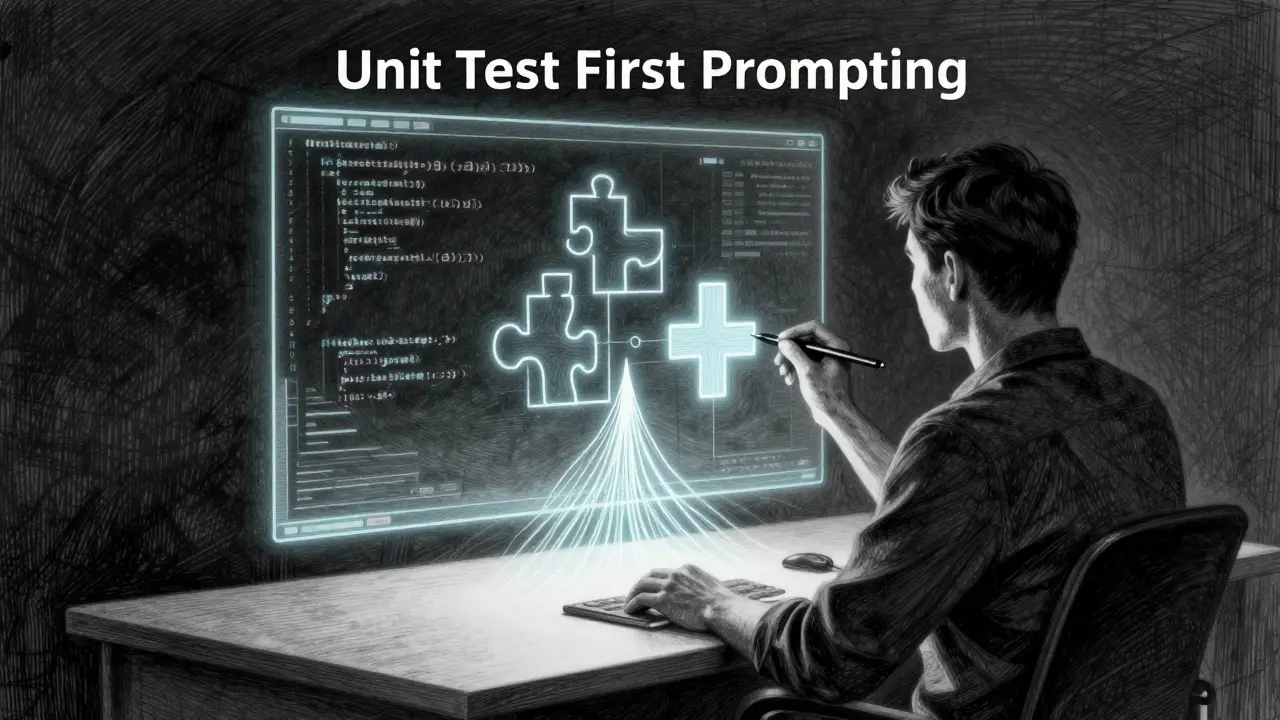
There is a dangerous habit in modern software development. You ask an AI model to write a function, it spits out code that looks perfect, and you paste it into your repository. It compiles. It runs. But does it actually do what you need? More importantly, is it secure?
This is the trap of "code-first" prompting. Without a clear specification, large language models (LLMs) like ChatGPT or GitHub Copilot will hallucinate logic that seems plausible but fails under edge cases or security audits. The solution isn't to stop using AI; it's to change the order of operations.
Unit Test First Prompting is a methodology where developers generate unit tests before implementation code using AI assistance. By forcing the AI to define how the code should behave-and fail-before writing the solution, you create an executable contract. This approach borrows from Test-Driven Development (TDD) is a software engineering practice that prioritizes test creation before coding, adapting its proven Red-Green-Refactor cycle for the age of generative AI.
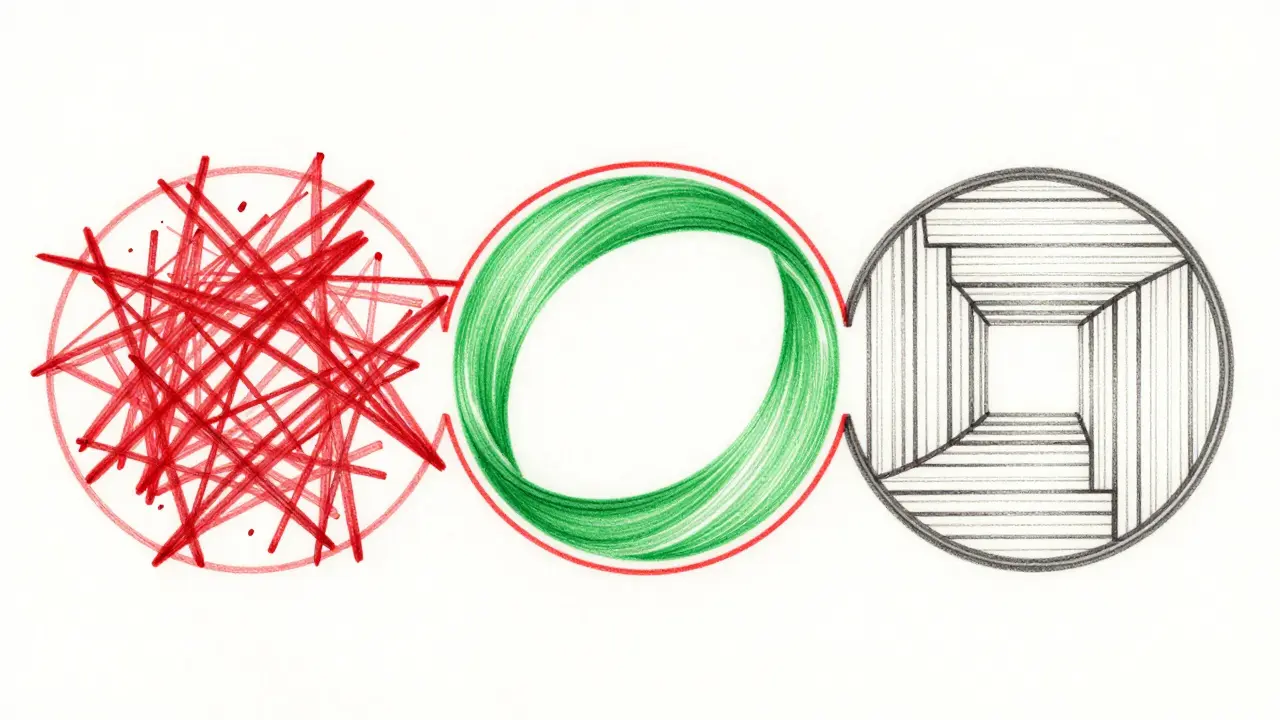
The Core Workflow: Red-Green-Refactor for AI
To use Unit Test First Prompting effectively, you need to treat the AI not as a coder, but as a pair programmer who needs strict instructions. The process follows three distinct stages. If you skip any of these, you lose the safety net this method provides.
- The Red Stage (Define Failure): You describe the function’s purpose and constraints. You explicitly ask the AI to generate unit tests that will fail because the implementation doesn't exist yet. Crucially, you include security requirements here. For example, if you are building a username validator, you don't just say "validate length." You specify: "Generate tests for CWE-20 (Improper Input Validation). Ensure usernames are 3-16 characters and start with a letter." The AI produces test functions that expect specific behaviors. Since there is no code, these tests cannot pass.
- The Green Stage (Pass the Tests): Now, you feed those failing tests back to the AI. Your prompt changes: "Here are the unit tests I created. Write the implementation code that makes these tests pass. Use secure libraries for data processing." The AI now has a concrete target. It can't guess what you want; it must satisfy the criteria defined in the Red Stage.
- The Refactor Stage (Clean Up): Once the tests pass, you review the generated code. Is it readable? Is it efficient? Does it still pass all tests? You refine the code structure without changing its behavior. This stage ensures that while the AI handled the heavy lifting of logic and security compliance, the final product meets your team's standards for maintainability.
This sequence prevents the common issue where AI generates code that works for happy paths but crumbles when faced with malicious input or unexpected data types. By defining the failure states first, you force the AI to consider them during implementation.
Advanced Prompting Techniques for Better Tests
Not all prompts are created equal. A vague request like "write tests for this function" yields mediocre results. To get high-quality, comprehensive unit tests, you need to structure your prompts using specific techniques. These methods guide the LLM to think like a senior QA engineer rather than a casual scripter.
- Role Priming: Start by assigning a persona. Instead of "Write tests," try "Act as an enterprise test engineer specializing in security compliance." This subtle shift primes the model to access training data related to professional testing standards and rigorous validation practices.
- Few-Shot Prompting: Provide examples. Include two or three snippets of existing, high-quality tests from your codebase within the prompt. This scaffolds the generation process, showing the AI the exact syntax, assertion library style, and coverage depth you expect. It reduces variability in output.
- Intention Extraction: Clearly state why you are testing. Don't just list inputs. Explain the business rule. "This function calculates tax rates. It must handle zero-income scenarios correctly to avoid division-by-zero errors." Giving context helps the AI identify relevant edge cases.
- Scenario Enumeration: List the specific scenarios the function might encounter. Explicitly mention normal operations, boundary values (like max integer limits), and error conditions. Ask the AI to create a test case for each scenario. This ensures broad coverage.
- Iterative Validation: Accept that the first draft won't be perfect. Review the generated tests. Did it miss a mock object? Did it assume a database connection exists? Refine your prompt based on these gaps and regenerate. This loop is essential for complex logic.
Research into computational prompting strategies shows that providing more context significantly improves test adequacy. Using Chain-of-Thought Prompting, where you guide the model through reasoning steps before asking for the final test code, often yields better results than simple single-prompt approaches.
Integrating Security: CWE Mitigations in Tests
One of the most powerful aspects of Unit Test First Prompting is its ability to embed security directly into the development lifecycle. Traditionally, security reviews happen late, after code is written. With this method, security becomes a prerequisite for passing tests.
In the Red Stage, you explicitly reference Common Weakness Enumeration (CWE) is a standard catalog of software weakness types used to classify vulnerabilities. For instance, if you are handling user input, you might prompt: "Generate unit tests that specifically check for CWE-79 (Cross-Site Scripting) by ensuring all HTML entities are escaped before storage."
When the AI moves to the Green Stage, it must implement code that satisfies these security-focused tests. It can't ignore XSS risks because the test suite will fail if it does. This forces security considerations to the forefront, shifting left in the development process. It transforms abstract security guidelines into concrete, automated checks that run every time you commit code.
This approach addresses a major risk in AI-assisted development: the tendency for models to produce plausible-sounding but insecure code. By requiring tests that verify security mitigations, you create objective evidence that the code is safe, rather than relying on the AI's self-reported confidence.
Tooling: GitHub Copilot and Frameworks
You don't have to rely solely on chat interfaces. Modern IDEs offer integrated tools that streamline this workflow. GitHub Copilot is an AI pair programmer tool that integrates with VS Code and other IDEs to assist with code completion and generation provides several ways to generate tests efficiently.
In Visual Studio Code, you can highlight a block of code, right-click, and select "Copilot -> Generate Tests." Alternatively, you can use the slash command `/tests` in the chat interface. These features analyze the selected code and produce a suite of unit tests covering various inputs and edge cases. However, remember the core principle: for true Unit Test First Prompting, you should ideally generate the tests before the implementation is fully fleshed out, or at least ensure the tests drive the implementation logic.
For teams scaling this practice, ad-hoc prompting isn't enough. You need consistent enforcement. Tools like `.cursorrules` or `.mdc` frameworks act as "always-on" guardrails. You can configure these files to enforce policies such as "No code generation allowed until failing unit tests are present." This transforms Unit Test First Prompting from a personal habit into a systematic, enforceable policy across your entire repository. It ensures that every developer, regardless of their experience level, follows the same secure development pattern.

Common Pitfalls and How to Avoid Them
Even with a solid strategy, things can go wrong. AI models are probabilistic, not deterministic. They make mistakes. Recognizing these pitfalls early saves hours of debugging later.
| Mistake | Consequence | Mitigation Strategy |
|---|---|---|
| Neglecting Error Messages | Recurring compilation failures or logical errors | Feed the specific error message back into the prompt. Ask the AI to explain why the test failed and how to fix the implementation. |
| Overloading Prompts | Confused outputs, missing details, or generic tests | Break down complex functions into smaller units. Generate tests for one small piece of logic at a time. |
| Ignoring Hallucinations | Tests that look correct but test non-existent methods or APIs | Manually review generated tests against your actual API documentation. Verify that mock objects match real dependencies. |
| Skipping Edge Cases | Vulnerabilities in production due to unhandled inputs | Explicitly list edge cases in your Scenario Enumeration step. Force the AI to test null values, empty strings, and maximum lengths. |
Another critical pitfall is assuming the first iteration is final. The AI might fail to generate necessary mock objects or might hallucinate implementation details that don't align with your architecture. You must be prepared to reframe your prompts. If the generated tests are too shallow, add more context about the business rules. If they are too verbose, constrain the scope. This iterative refinement is where the real value lies. The quality of your tests-and therefore your code-depends directly on the precision of your feedback loop.
Why This Matters in 2026
As of May 2026, AI-assisted development is no longer a novelty; it's the standard. Organizations are scaling AI code generation across enterprise teams. But with scale comes risk. The volume of code produced by AI increases the surface area for bugs and security vulnerabilities.
Unit Test First Prompting addresses this by creating a verifiable specification. The test suite serves as a contract between developer intent and AI implementation. When the tests pass, you have quantifiable evidence that the code meets functional and security requirements. This is crucial for compliance-heavy industries like finance and healthcare, where audit trails and proven correctness are mandatory.
Furthermore, this method accelerates learning. Developers new to TDD benefit from seeing the Red-Green-Refactor cycle in action, guided by AI. Those already familiar with TDD find that crafting effective prompts enhances their understanding of system design and edge-case analysis. The time investment in generating robust tests upfront pays off by reducing downstream debugging and security remediation costs.
The future of software development isn't about replacing engineers with AI. It's about empowering engineers to build more secure, reliable systems faster. By flipping the script and generating tests first, you take control of the AI's output. You stop hoping the code is right and start proving it is.
What is Unit Test First Prompting?
Unit Test First Prompting is a development methodology where developers use AI to generate unit tests before writing the implementation code. It adapts Test-Driven Development (TDD) principles for AI-assisted workflows, ensuring that code specifications and security requirements are defined and tested before any logic is implemented.
How does the Red-Green-Refactor cycle work with AI?
In the Red Stage, you prompt the AI to create tests that will fail because the code doesn't exist yet. In the Green Stage, you ask the AI to write the implementation code specifically to pass those tests. In the Refactor Stage, you clean up the code for performance and readability while ensuring tests still pass. This cycle ensures code correctness and security from the start.
Can I use GitHub Copilot for Unit Test First Prompting?
Yes. GitHub Copilot offers features like "Generate Tests" via right-click menus or the `/tests` slash command. While these tools often generate tests after code is written, you can adapt them for test-first workflows by describing your intended function in the chat and asking Copilot to generate the tests first, then implementing the code to meet those tests.
Why include CWE mitigations in my prompts?
Including Common Weakness Enumeration (CWE) mitigations in your test-generation prompts forces the AI to consider security vulnerabilities during the design phase. By requiring tests that check for issues like Improper Input Validation (CWE-20) or Cross-Site Scripting (CWE-79), you ensure the implementation code must address these risks to pass, embedding security directly into the development process.
What are the best prompting techniques for generating tests?
Effective techniques include Role Priming (assigning a persona like "enterprise test engineer"), Few-Shot Prompting (providing example tests), Intention Extraction (explaining the business rule), Scenario Enumeration (listing edge cases), and Iterative Validation (refining prompts based on initial outputs). These methods guide the AI to produce more comprehensive and accurate test suites.
Is Unit Test First Prompting suitable for beginners?
Yes, especially for those new to Test-Driven Development. The structured nature of the Red-Green-Refactor cycle helps beginners understand the importance of testing and edge-case analysis. While there is a learning curve in crafting effective prompts, the immediate feedback from failing tests provides valuable learning opportunities about system behavior and requirements.