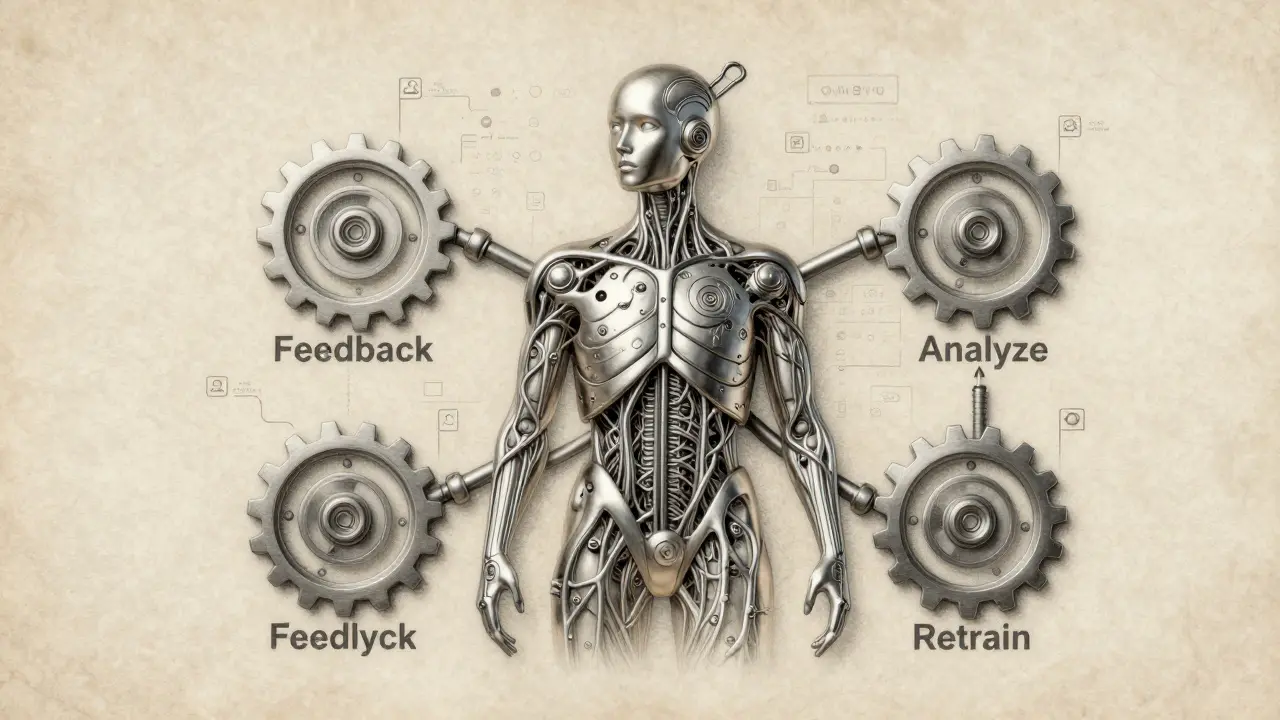
Most companies think deploying an AI model is the finish line. They train it, test it, and push it live-then forget about it. But here’s the truth: if you don’t keep feeding your AI new data, it gets dumber over time. Not because it’s broken. Because the world changed. Customers act differently. Data shifts. New patterns emerge. And your model? It’s still trying to solve yesterday’s problems.
That’s where continuous improvement loops come in. This isn’t a nice-to-have. It’s the only way to keep AI systems accurate, reliable, and useful. It’s not about building a perfect model once. It’s about building a system that learns as it goes.
Why Your Model Is Already Falling Behind
Imagine a model trained to predict customer churn. It worked great in 2024. Then, in early 2025, a new pricing plan launched. Suddenly, users who used to leave started staying. Your model didn’t know why. It kept flagging people who were now less likely to churn. Sales teams got false alarms. Support tickets piled up. The model wasn’t broken-it was outdated.
This is called data drift. It happens when the data your model sees in production stops matching the data it was trained on. It’s not rare. It’s inevitable. A 2025 study by MIT’s AI Lab found that 78% of production ML models show measurable performance decay within 90 days of deployment. Without feedback loops, you’re flying blind.
The Four Steps of a Working Loop
A real continuous improvement loop has four moving parts. Not five. Not seven. Four. And they all have to work together.
- Gather feedback - This isn’t just surveys. It’s every signal: user corrections, system errors, flagged predictions, even support tickets that mention AI mistakes. If a user overrides your model’s recommendation and logs why, that’s gold.
- Analyze the gap - Don’t just look at accuracy scores. Ask: Where are the biggest errors? Are they clustered in one user group? One data source? One time of day? A model that works for urban users but fails for rural ones? That’s a pattern you can fix.
- Retrain and update - Automated pipelines should trigger when drift exceeds a threshold. You don’t need to retrain every day. But you do need to retrain when it matters. Use the feedback data to update your training set. Maybe add new features. Maybe adjust weights. Maybe change the algorithm entirely.
- Validate and deploy - Test the new version in a shadow mode before rolling it out. Compare its predictions against the old model. If it performs better on real-world data, push it live. Then repeat.
This loop doesn’t stop. It runs in the background like a heartbeat. Every cycle makes the model sharper.
How Prompt Updates Fit In (Especially for Generative AI)
If you’re using LLMs-like ChatGPT or custom generative models-you’re already part of this loop. But most teams treat prompts like static code. They write a prompt once and assume it’ll work forever.
That’s a mistake.
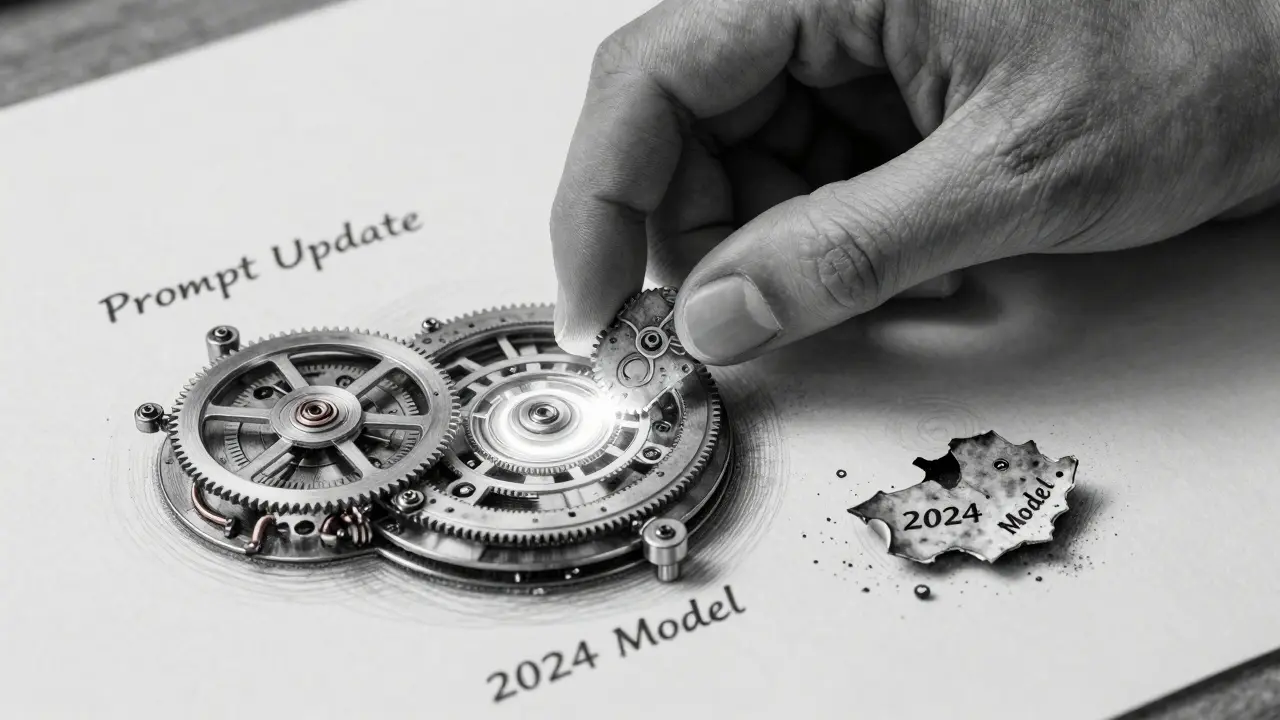
Prompt updates are part of the feedback loop. When users get weird, irrelevant, or unsafe responses, that’s not just a bug. It’s data. Track which prompts lead to poor outputs. Collect user ratings. Use A/B testing on prompt variations. Maybe “Explain like I’m 12” works better than “Give a detailed technical breakdown.” Maybe adding a constraint like “Do not hallucinate facts” cuts misinformation by 60%.
Companies like C3 AI and Salesforce now track prompt performance as rigorously as model metrics. They log every prompt, every output, every user correction. Then they use that data to auto-generate improved prompts. It’s not magic. It’s a loop.
Automation Is the Only Way to Scale
You can’t manually review every model prediction. You can’t retrain every week by hand. That’s why MLOps isn’t optional anymore.
Here’s what a working system looks like:
- Real-time monitoring of prediction confidence, error rates, and data distribution.
- Alerts triggered when metrics drop below a threshold (e.g., precision falls below 85%).
- Automated retraining pipelines that pull in new labeled data from user feedback.
- Version control for models and prompts-so you can roll back if something goes wrong.
- A shared dashboard where engineers, product teams, and support staff all see the same performance trends.
One financial services team in Albuquerque reduced false fraud alerts by 42% in six months by automating their loop. They didn’t hire more data scientists. They just built the system to learn from its own mistakes.
What Happens When You Skip the Loop
Organizations that ignore feedback loops don’t just lose accuracy-they lose trust.
Think about it:
- HR tools that keep rejecting qualified candidates from underrepresented groups because they were trained on biased historical data.
- Customer service bots that give the same wrong answer for months because no one checked the logs.
- Supply chain models that keep underestimating demand spikes because they never saw a pandemic before.
These aren’t edge cases. They’re predictable. And they’re expensive. A 2025 Gartner report estimated that poor model maintenance cost enterprises an average of $1.8M per year in lost revenue, compliance fines, and customer churn.
Worse? Users stop using AI altogether. Once trust is broken, it’s hard to rebuild.

Start Small. But Start Now.
You don’t need a full MLOps platform to begin. Here’s how to start this week:
- Choose one high-impact model-something users interact with daily.
- Add a simple feedback button: “Was this helpful?” Yes/No + optional comment.
- Collect those responses in a spreadsheet. Look for patterns every Friday.
- Manually retrain the model once a month using the feedback data.
- Document what changed. What worked? What didn’t?
After three cycles, you’ll know more about your model’s weaknesses than most teams do after a year.
This isn’t about being perfect. It’s about being responsive. AI doesn’t need to be flawless. It needs to get better. And that only happens when you give it feedback, retrain it, and update its prompts-over and over again.
The Real Advantage Isn’t Tech-It’s Culture
The best feedback loops aren’t built with code. They’re built with trust.
Teams that succeed treat every model error as a learning opportunity-not a failure. They reward engineers who surface problems. They celebrate users who correct the AI. They document everything. They make it easy for support staff to report bad predictions.
That’s the secret. Continuous improvement isn’t a technical challenge. It’s a cultural one. And it starts when you stop thinking of AI as a tool you deploy-and start seeing it as a teammate you coach.
What’s the difference between continuous improvement loops and continual learning?
Continuous improvement loops focus on updating models using real-world feedback and new data to stay accurate. Continual learning is about training a model on new tasks without forgetting old ones-like learning to recognize cats, then dogs, without losing cat recognition. One keeps the model relevant; the other expands its knowledge.
How often should I retrain my AI model?
There’s no fixed schedule. Retrain when performance drops. Set thresholds-for example, if accuracy falls below 85% or error rates spike by 20%, trigger retraining. Some models need weekly updates. Others run fine for months. Let data, not calendars, decide.
Can I use user feedback even if it’s not labeled?
Yes. Even unstructured feedback like “This suggestion was wrong” is valuable. Use it to flag high-error cases. Then, have humans review a sample of those cases to label them properly. Over time, this builds a clean, high-quality dataset for retraining.
Do prompt updates only matter for generative AI?
No. While prompt engineering is critical for LLMs, even traditional models benefit from input formatting changes. For example, changing how you encode dates or normalize text can improve performance. Treat prompts as part of your feature set-and update them like any other variable.
What metrics should I track to know if my loop is working?
Track prediction accuracy, precision, recall, and F1 score over time. Also monitor data drift (using KS-test or PSI metrics), user feedback rates, and how often retraining triggers. If your model’s performance stabilizes or improves over weeks, your loop is working. If it keeps dropping, you’re missing feedback signals.


