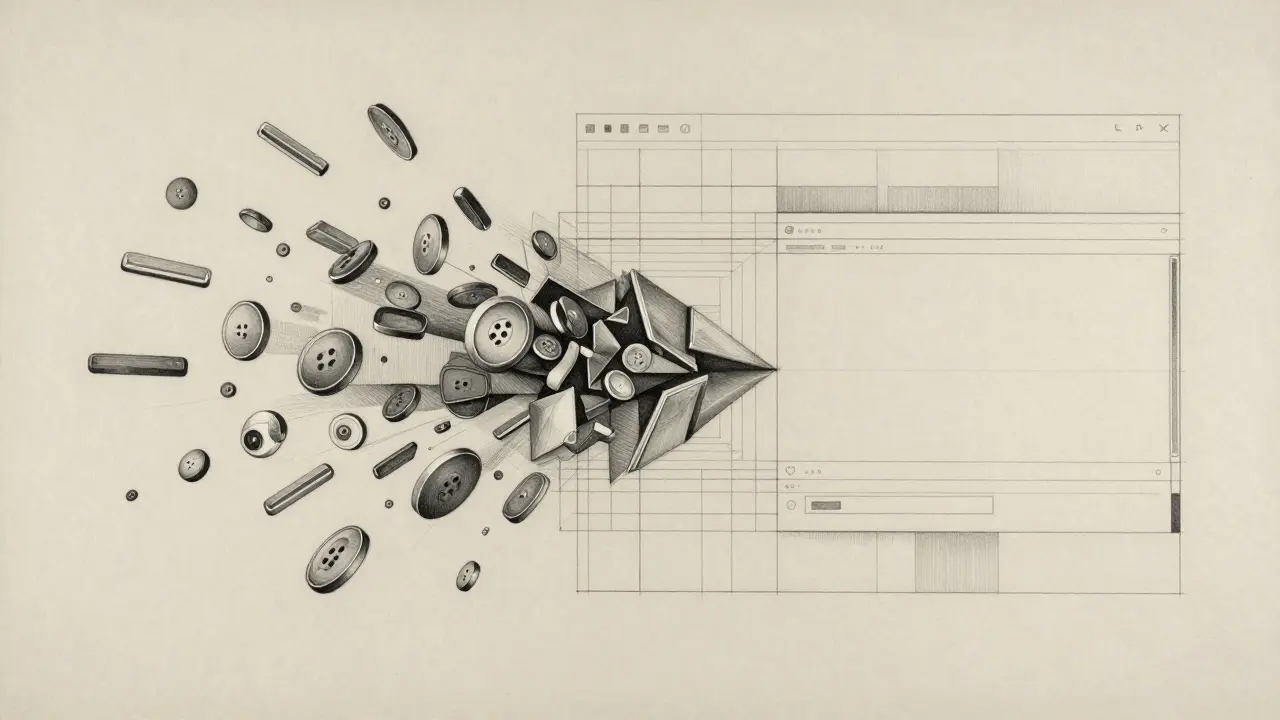
A Design System is a comprehensive guide containing reusable components and clear standards that allow teams to build consistent digital products at scale. When you mix this with AI, you move from "wild" generation to constraint-based design. Instead of the AI guessing what a button looks like, it pulls from a predefined library of tokens and patterns. This shift is the only way to ensure that AI-generated UI doesn't turn your product into a fragmented mess.
The Core Engine: Using Design Tokens for AI Constraints
AI doesn't naturally understand "brand identity," but it does understand data. To keep components consistent, you have to stop giving the AI vague prompts and start giving it Design Tokens, which are the smallest atoms of a design system, such as hex codes for colors, pixel values for spacing, and font-family declarations. By defining these as the only acceptable values the AI can use, you create a constraint-based environment.
For example, instead of letting an AI decide that a primary button should be "a professional blue," your system should force it to use the token color-primary-600. If the AI wants to add space between a header and a paragraph, it shouldn't pick a random number like 17px; it must choose from your spacing scale, such as spacing-stack-md (16px) or spacing-stack-lg (24px). This approach turns the AI into a "junior developer" who knows exactly which ingredients to use, even if they still need a senior designer to check the final plating.
Bridging the Gap Between Design and Code
One of the biggest headaches in UI development is the handoff. You design something in Figma, and the developer spends hours trying to make the CSS match. AI-integrated design systems are starting to kill this friction. Tools like UXPin Merge is a platform that allows designers to work with real React or Web components directly within their design environment, rather than just drawing shapes that look like components.
When AI generates a UI using real components, you aren't just getting a mockup; you're getting a functional prototype. This means the consistency is baked in at the code level. If the React component for a "Card" is updated in the library, every AI-generated page using that card updates automatically. This creates a single source of truth that prevents the "version drift" that usually happens when AI creates static images or isolated HTML snippets that don't belong to a larger system.
| Platform | Primary Strength | Best For... | Key Limitation |
|---|---|---|---|
| Components AI | Open-source visual tools | Creating custom token scales | Requires manual setup for complex UI |
| UXPin Merge | Code-backed components | Closing the design-to-dev gap | Steeper learning curve for non-coders |
| Motiff AI | Rapid production-ready UI | Fast prototyping from wireframes | Less control over custom token logic |
| UX Pilot | Figma-integrated controls | Precision brand alignment | Dependent on Figma ecosystem |
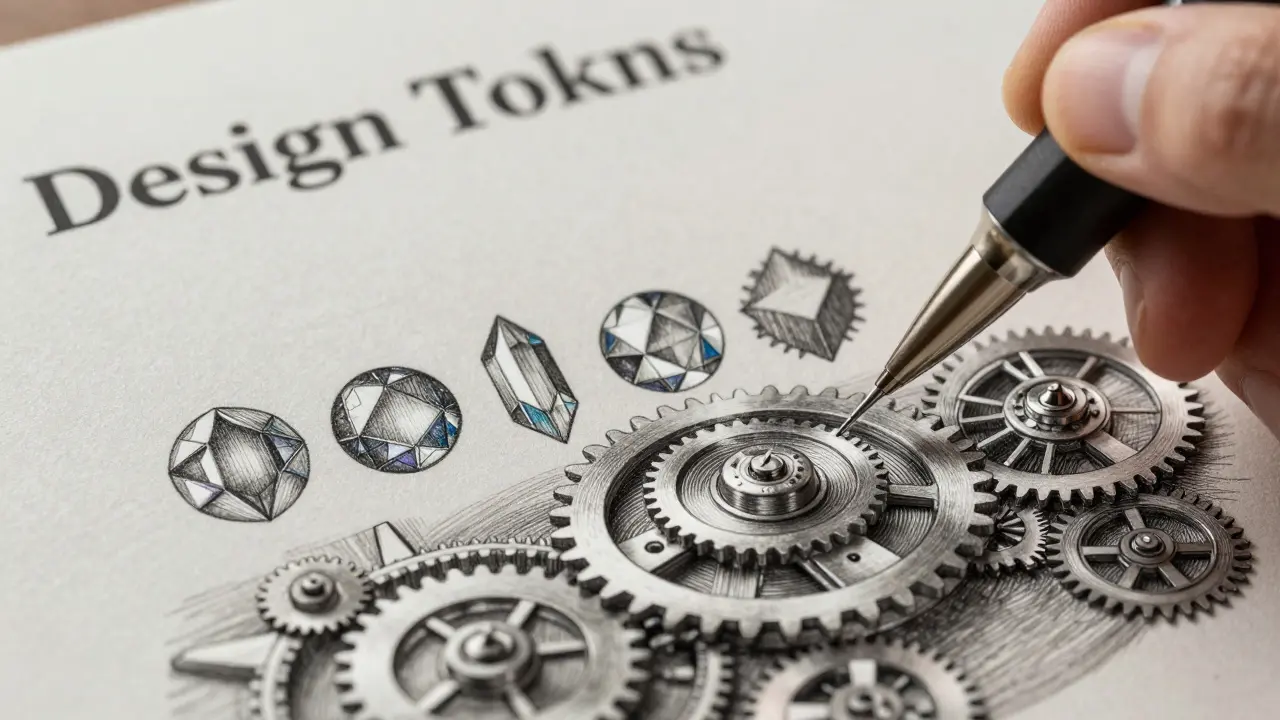
The "First Draft" Mindset: Human-in-the-Loop Governance
Despite the hype, AI cannot yet handle the nuance of enterprise-grade accessibility. A common pitfall is trusting AI to handle WCAG 2.1, which are the Web Content Accessibility Guidelines that ensure digital content is accessible to people with disabilities. Reports show that AI-generated components often reach only 50-80% of their final required form before a human needs to step in.
The most successful teams treat AI output as a "scaffold." The AI handles the tedious work-like resizing a component for five different screen sizes or generating 20 variations of a list item-and the human designer focuses on the high-level strategy. Do the colors have enough contrast for visually impaired users? Is the tab order logical for keyboard navigation? These are questions AI still struggles to answer accurately. If you skip the human review, you aren't just risking a few off-brand pixels; you're risking a legal compliance nightmare.
Implementing AI Governance in Your Workflow
Moving to an AI-augmented design system isn't as simple as plugging in an API. It requires a shift in how you document your rules. If you want an LLM to generate a component that actually fits your system, you can't just give it a PDF of your brand guidelines. You need to provide structured data.
To get an AI to act as a reliable component generator, follow these steps:
- Document Token Pairs: Clearly map tokens to their values (e.g.,
primary-brand=#0052CC). - Create a Component Library: Build a set of 15-20 "golden examples" of perfect components. This acts as the training set for the AI to understand your specific syntax and naming conventions.
- Define Parameter Ranges: Tell the AI what is not allowed. For instance, "Never use a border-radius larger than 8px for buttons."
- Establish a Review Cycle: Set up a workflow where every AI-generated component is vetted by a lead designer and a frontend engineer before it hits the production library.
Teams that spend 2-4 weeks on this initial onboarding process report significantly higher success rates. Without these constraints, AI becomes a liability that creates more technical debt and visual inconsistency than it solves.
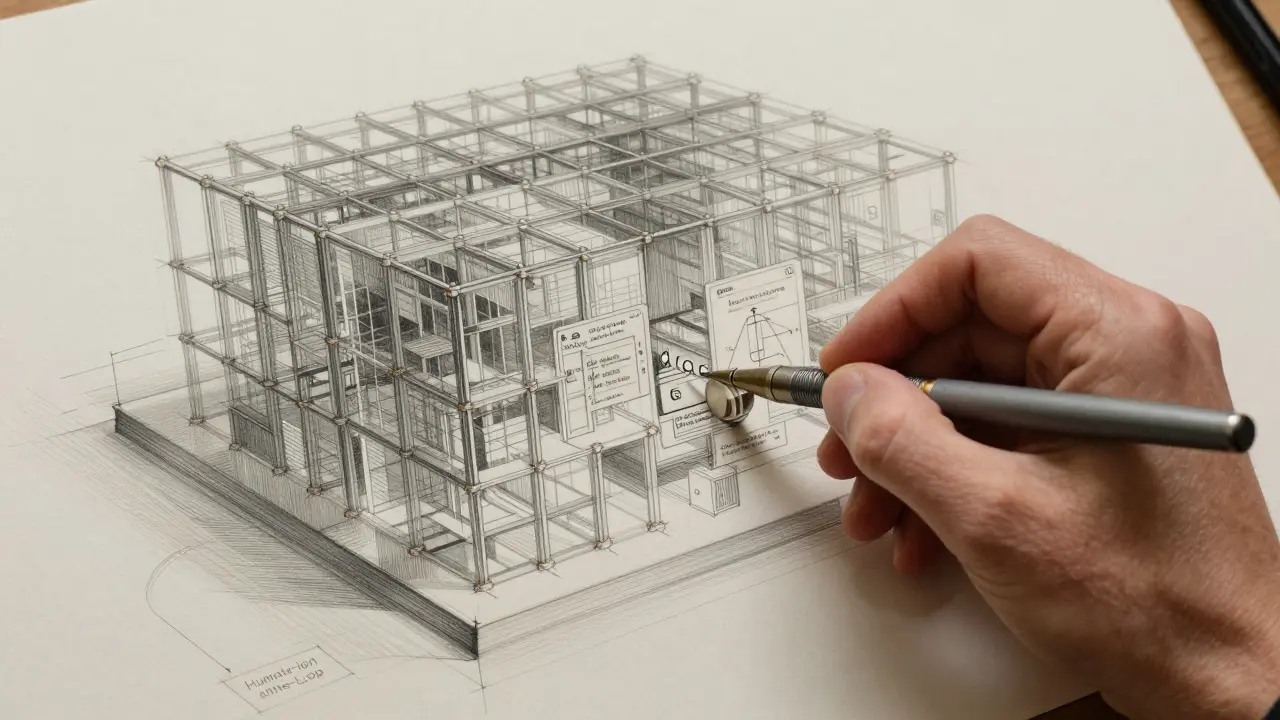
The Future of Generative Component Libraries
We are moving toward a world of "lighter" design systems. Instead of massive, rigid libraries that are hard to update, we're seeing the rise of generative frameworks. In this model, the design system doesn't store every single possible component variation. Instead, it stores the logic and the tokens, and the AI generates the specific variation on the fly based on the context of the page.
This means your design system becomes an evolving organism. If you change your primary brand color in the token manager, the AI doesn't just update a CSS variable; it can intelligently suggest how that color change affects the contrast of every generated component across your entire site. The role of the designer shifts from "pixel pusher" to "system architect," managing the rules that govern the AI's creativity.
Can AI completely replace the need for a manual design system?
No. AI is a tool for execution, not for decision-making. A design system provides the strategic rules (the "why" and "how") that the AI needs to function. Without a human-defined system, AI will produce inconsistent results that don't align with brand goals or user needs.
How does AI help with design-to-code handoff?
AI reduces handoff friction by generating code that is already mapped to your design tokens. Tools like UXPin Merge allow designers to use real code components in their mocks, meaning the "design" is essentially the "code," eliminating the need for developers to guess measurements.
Why is AI-generated UI often not accessible?
AI often focuses on visual patterns rather than underlying semantic structure. It might create a button that looks right but lacks the proper ARIA labels or keyboard focus states required by WCAG 2.1 standards, which is why human auditing is essential.
What are design tokens and why are they vital for AI?
Design tokens are the smallest pieces of a design system (like a specific color hex or a spacing value). They are vital because they provide a standardized language that AI can follow, preventing it from guessing values and ensuring visual consistency.
How long does it take to set up an AI-integrated design system?
Typically, teams require a 2-4 week onboarding period to document tokens, establish component variants, and set the constraints that the AI must follow to ensure the output is usable and brand-consistent.
Next Steps for Your Team
If you're just starting, don't try to automate your entire UI overnight. Start with a small, low-risk area-like your internal admin dashboard or a set of simple marketing cards. Use this as a sandbox to test how your design tokens translate to AI prompts.
For designers: Start learning how to write "systematic prompts." Instead of saying "make it look modern," say "use spacing-lg for the margins and color-neutral-200 for the borders." For developers: Focus on building a robust, tokenized CSS architecture. The cleaner your code is today, the easier it will be for an AI to read it and generate consistent components tomorrow.


