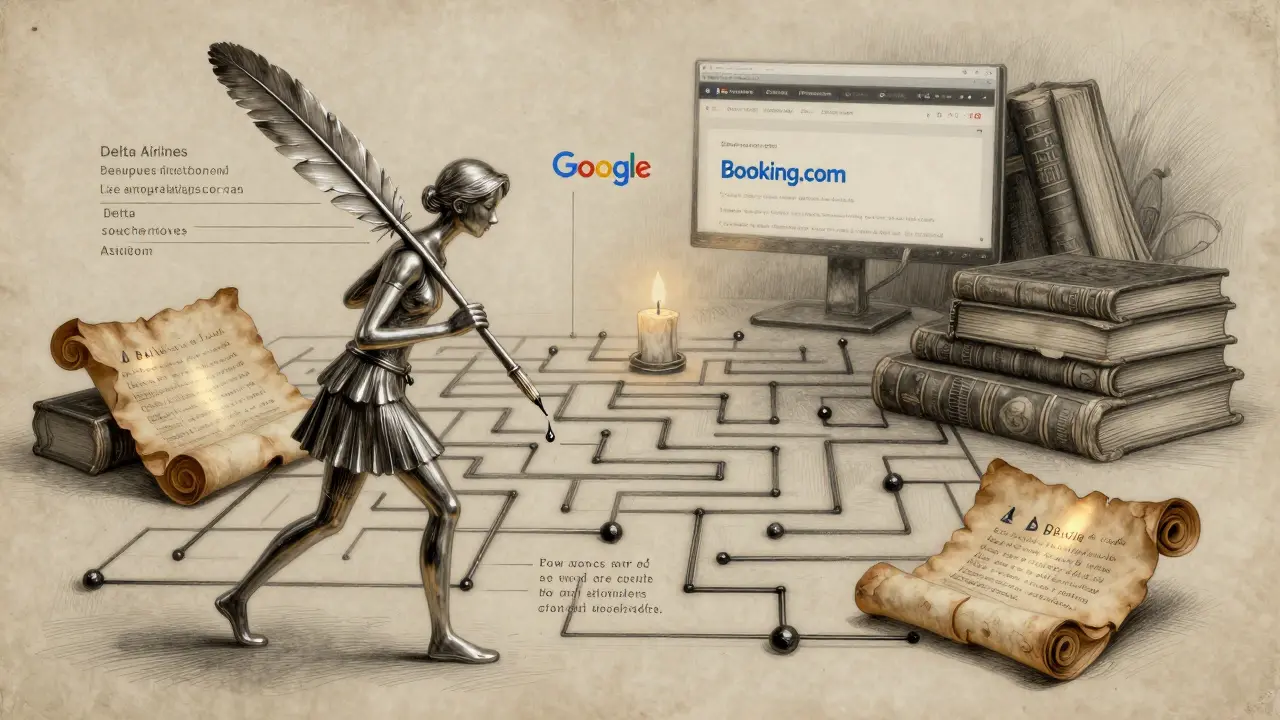
Most people think of AI assistants as chatbots that answer questions from memory. But what happens when the answer changes tomorrow? What if you need the latest price of a laptop, the schedule for a concert next week, or whether a news story is still true? That’s where grounded web browsing comes in. It’s not just about pulling facts from a database-it’s about letting AI agents go online, find live information, and prove where they got it. This isn’t science fiction anymore. In 2025, grounded web browsing is the backbone of real AI agents that actually do things-like book flights, compare products, or verify claims-without guessing.
What Exactly Is Grounded Web Browsing?
Grounded web browsing means an AI agent doesn’t just rely on what it learned during training. Instead, it connects its output to real, live sources on the web. Think of it like a research assistant who doesn’t memorize textbooks but goes to the library every time they need an answer. Google calls it "connecting model output to verifiable sources." Salesforce says it’s "infusing a prompt with the information you want the AI to consider." Both mean the same thing: the AI must point to a real website, document, or page to back up its answer.
Before 2024, most AI agents were stuck with outdated knowledge. A model trained in 2023 couldn’t tell you what happened in January 2024. Grounded browsing fixes that. When you ask an agent, "What’s the cheapest flight from Albuquerque to Denver next Tuesday?" it doesn’t guess. It opens a browser, searches Google, clicks through airline sites, compares prices, and then tells you: "Based on Delta’s website updated 3 hours ago, the lowest fare is $142."
How It Works: The Engine Behind the Scenes
Grounded browsing isn’t one trick-it’s a stack of technologies working together. At its core, an AI agent uses a language model (like Llama-4 or Flan-T5) to understand what you’re asking. But then it hands off control to browser automation tools like BrowserUse, Playwright, or Selenium. These tools act like robotic fingers that can click buttons, fill forms, and read page content.
Here’s the flow:
- The agent reads your question: "Find me a 5-star hotel in Santa Fe under $200/night."
- It decides whether to search Google or go directly to a site like Booking.com. In 83% of cases, agents use Google Search API. In 21% of cases, especially with newer models like Llama-4, they manually open google.com and type the query themselves.
- The browser navigates to the search results, clicks on hotel pages, and reads the HTML.
- It uses DOM downsampling to ignore clutter-like ads and sidebars-and focus only on key info: price, rating, availability.
- It cross-checks the data with a vector database (like Chroma) to make sure it’s not repeating a previous error.
- Finally, it answers: "Based on Booking.com, the Hotel Santa Fe has a 4.8 rating and is $189/night as of February 22, 2026."
This whole process takes about 14.7 seconds on average-way slower than a normal search, but it’s accurate. And that’s the trade-off: speed for reliability.
Why Grounded Browsing Beats Static Knowledge
Static knowledge bases are like frozen snapshots. Grounded browsing is live video.
Take a simple question: "Did the Super Bowl halftime show change its lineup?" A model trained in 2023 might say it’s Taylor Swift. But if you ask a grounded agent today, it checks the official NFL site, finds the updated press release, and tells you it’s now Bad Bunny and Kendrick Lamar. That’s a 38.6 percentage point improvement in accuracy over static models, according to BrowserArena’s October 2024 tests.
Another example: product pricing. A retail company tested a grounded agent against a traditional one. The static model gave outdated prices 42% of the time. The grounded agent? Only 9%. That’s because it checks live sites. When a store changes prices hourly-like airlines or Amazon-the difference isn’t just nice to have. It’s make-or-break.
Even more impressive: grounded agents hit 72.3% accuracy on knowledge-heavy tasks like medical or legal queries, while ungrounded models barely hit 41.7%. Stanford’s research shows ungrounded LLMs make factual errors in 47% of web-related questions. Grounded? Just 18%.
Where It Falls Short
Grounded browsing isn’t magic. It breaks often.
First, JavaScript-heavy sites. If a page loads prices with JavaScript (like Airbnb or Uber), the agent fails 47% of the time. Some sites hide data behind login walls. Agents can’t log in without credentials, so they hit a wall 89% of the time on password-protected pages.
CAPTCHAs are another nightmare. Nearly 9 out of 10 agents get stuck on them. No AI today can reliably solve reCAPTCHA v3 without human help.
Then there’s cost. A single complex query-like comparing 5 flight options across 3 sites-costs about $0.042. A simple chat response? $0.008. Multiply that by thousands of users, and you’re looking at massive cloud bills.
And websites change. A button moves. A class name updates. A layout flips. Agents trained on last month’s structure fail 27% more often when sites change. One Reddit user reported their agent kept failing on a retail site because the "Add to Cart" button moved from the right side to the left. They spent 37 hours fine-tuning it.

Real-World Use Cases
Grounded browsing is already being used in places where accuracy matters:
- E-commerce: A startup used GLAINTEL to automate product searches for a mid-sized retailer. They cut search time by 43% and improved price accuracy to 82%. Customers now get real-time deals instead of outdated listings.
- Customer Support: A travel company deployed grounded agents to handle booking changes. Instead of transferring calls, the AI checks flight status, rebooks automatically, and emails the updated itinerary-all using live data.
- Financial Analysis: Hedge funds use grounded agents to track SEC filings, earnings calls, and news. One firm reported a 31% increase in decision speed because their AI could pull live earnings data instead of waiting for quarterly reports.
- News Verification: Fact-checking tools now use grounded browsing to trace viral claims back to original sources. If someone says "a law passed in Texas," the AI checks the state legislature’s website-not Wikipedia.
These aren’t demos. They’re live systems running in production.
Who’s Building This?
The big players are all in:
- Google: Vertex AI now includes "Grounding 2.0," launching in January 2025. It adds better entity recognition-so the AI knows "Tesla" means the company, not the car model.
- Salesforce: Agentforce lets customer service bots pull live data from Salesforce CRM, Shopify, and external sites.
- Microsoft: Azure Cognitive Services integrates grounded browsing into its AI tools for enterprise users.
- Startups: BrowseAI raised $12.5M in October 2024. Webfuse launched a DOM downsampling API in November 2024 that cuts token usage by 62% without losing accuracy.
Open-source tools are also growing fast. The BrowserUse library (on GitHub with 1,247 stars) lets developers build agents without paying for GPT-4. One developer used the 780-million-parameter Flan-T5 model to handle 147 different web actions-like clicking dropdowns or filtering results-without needing billion-parameter models.
The Future: What’s Coming Next?
Three big shifts are coming by Q3 2025:
- Standardized protocols: Right now, every agent talks to websites differently. Experts predict a common language-like HTTP for the web-will emerge. Think of it as a universal API for AI agents.
- Agent-friendly websites: Sites may start adding special tags-like
<ai-access>-to help bots read content faster and avoid CAPTCHAs. Imagine a website saying: "Hey AI, here’s the price table, no ads, no login needed." - Regulation: The EU AI Act already mentions "autonomous web navigation systems." Expect rules on transparency: "This answer came from Amazon.com"-and maybe even compensation for sites whose traffic is used by agents.
There’s also a quiet revolution happening with vision-language models. UC Berkeley’s Dr. Dawn Song says combining DOM parsing with image recognition could boost accuracy by 22-28%. For example, an agent could see a price on a screenshot, recognize it as text, and extract it-even if the HTML is broken. Webfuse’s early tests with bounding boxes (numbered boxes around key elements) show a 37% accuracy jump.
Getting Started: What You Need to Know
If you’re a developer, here’s how to start:
- Learn Python. You need advanced skills-think 4.3/5.0 on Stack Overflow’s scale.
- Set up a browser automation tool. Playwright is the most reliable. Selenium works too.
- Integrate a RAG system. Use Chroma (v0.4.22) or FAISS to store and retrieve verified sources.
- Implement DOM downsampling. Strip out navigation menus, ads, footers. Focus on the core content.
- Test on BrowserArena’s public tasks. It’s free, open, and shows how your agent stacks up.
Expect a learning curve of 8-12 weeks. Most developers hit roadblocks with JavaScript, rate limits, or site changes. The community has solutions: 47% of BrowserUse forks include custom DOM filters. Join the Web Navigation AI Agents subreddit (3,247 members) or the BrowserUse Discord (1,842 members).
Big Risks and Ethical Questions
There’s a darker side.
Right now, 89% of agent queries go through just three search engines. That means Google, Bing, and DuckDuckGo control what information AI agents see. If Google changes its algorithm, agent accuracy can swing by up to 19 percentage points. That’s not just a bug-it’s a vulnerability.
And then there’s the economy. Circle’s November 2024 analysis warns that AI agents generate massive web traffic-but they don’t click ads. If 10% of web traffic becomes agent-driven, it could threaten the $547 billion digital ad market that keeps the open web alive. Sites rely on ad revenue to stay running. If bots scrape content without paying, who pays for the servers?
Some think agents will start paying websites. Aisera says 73% of industry leaders are discussing "compensation mechanisms." Maybe your agent pays a micropayment every time it pulls data from a news site. It’s wild. But it might be the only way the system survives.
Final Thoughts
Grounded web browsing isn’t about making AI smarter. It’s about making AI honest. It’s about forcing the model to say, "I got this from here," not "I think this is right."
For businesses, it’s the difference between guessing and knowing. For users, it’s the difference between getting a fake price and a real one. And for the web itself? It’s a challenge: How do we let AI explore without breaking the system that makes it possible?
One thing’s clear: in 2026, if your AI assistant can’t go online and prove its answer, it’s not an assistant. It’s a guesser.
What’s the difference between grounded web browsing and regular RAG?
Regular RAG pulls information from a fixed database-like uploaded PDFs or stored documents. Grounded web browsing goes live: it opens a browser, navigates real websites, extracts current data, and cites the exact source. RAG is like reading a library book. Grounded browsing is like calling the library and asking them to read the latest issue out loud.
Can grounded agents handle login-protected websites?
No, not reliably. Most grounded agents can’t log in because they don’t have credentials. Even if they could, storing passwords raises security risks. Some systems use session cookies from logged-in users, but that’s rare and fragile. For now, agents work best on public, open websites.
Why do grounded agents struggle with JavaScript-heavy sites?
Many modern websites load content dynamically using JavaScript. If the agent reads the HTML before the script finishes, it sees empty placeholders instead of prices or reviews. Tools like BrowserUse and Playwright wait for elements to load, but complex frameworks (like React or Angular) can still confuse them. Success rates drop to 53% on these sites.
How accurate are grounded agents compared to humans?
On structured tasks like price comparison or flight booking, grounded agents match or exceed human accuracy-reaching 72-84% success rates. But humans still win at ambiguous, visual, or emotionally nuanced tasks. An agent can’t tell if a hotel photo looks "cozy." A human can. The best systems combine both: agent finds the data, human makes the final call.
Is grounded web browsing only for big companies?
No. Open-source tools like BrowserUse and GLAINTEL let anyone build grounded agents. You don’t need GPT-4. A 780-million-parameter model like Flan-T5 can handle product searches, news checks, and simple comparisons. The barrier is technical skill, not cost. If you know Python and browser automation, you can start today.
What’s the biggest risk to grounded browsing?
Information homogenization. Right now, 89% of agent queries go through just three search engines. If those engines change rankings, bias, or filters, every agent gets the same skewed results. That could lead to a world where AI agents all believe the same thing-even if it’s wrong-because they all learned from the same limited sources.


