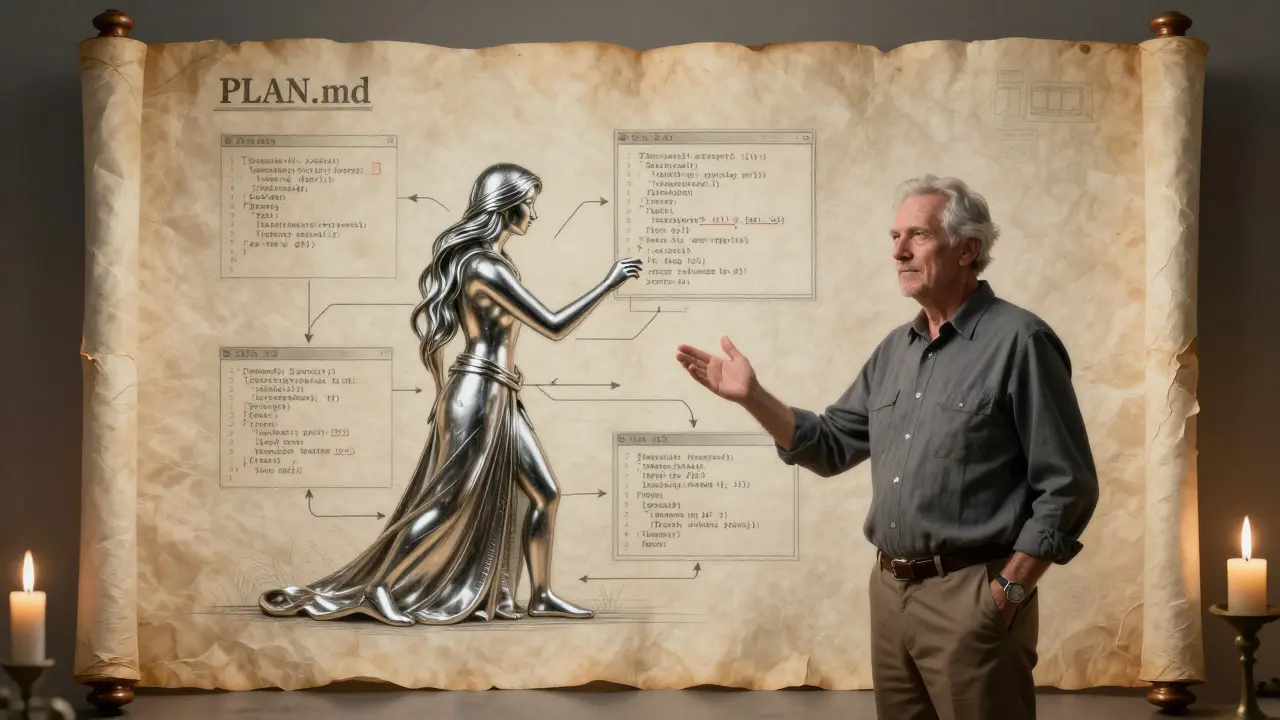
Most enterprises think vibe coding is a magic button that turns ideas into code overnight. It’s not. It’s a vibe coding system - a shift in how teams build software, not just a faster way to write it. If you’re expecting your developers to type "build a login flow" and get a production-ready feature, you’re setting up for failure. Realistic vibe coding in enterprise settings doesn’t remove human judgment - it changes who does what, and how they communicate.
What Vibe Coding Actually Does
Vibe coding isn’t GitHub Copilot on steroids. It’s not a smart autocomplete. Tools like Cascade, Claude Code, and Windsurf operate like junior developers with access to your entire codebase, documentation, and team history. They plan work across multiple files. They run tests. They read error logs. They propose pull requests. They even update READMEs as they go. But they don’t decide what to build. They don’t know your business rules unless you tell them - clearly.
Think of it this way: a senior engineer sets the goal. The AI handles the execution. The engineer doesn’t write code - they write specifications. And those specs need to be as precise as a contract.
Why Most Teams Fail at First
Half of all vibe coding sprints end in confusion. Teams start with excitement, then hit a wall when the AI builds something that looks right but misses the point entirely. Why? Because they treated it like a tool, not a process.
Here’s what usually goes wrong:
- Leadership didn’t buy in - developers were told to "try AI," but no one changed how planning or reviews work.
- Specs were vague: "Make the dashboard faster" - AI guesses. It picks the wrong optimization. Now you have a broken feature.
- Code reviews stopped. People assumed the AI got it right. Bugs slipped into production.
- Documentation was ignored. New team members couldn’t figure out why things were built a certain way.
The biggest mistake? Believing AI reduces paperwork. It doesn’t. It increases the importance of clarity.
Realistic Expectations: The 4 Non-Negotiables
If you want vibe coding to work in your enterprise, these four things are mandatory - not optional.
1. Leadership Must Own the Shift
You can’t just hand this to engineers and hope they adapt. Managers, tech leads, and directors need to understand this isn’t about writing less code - it’s about writing clearer plans. If your sprint planning still revolves around estimating story points for individual functions, you’re not ready.
Instead, sprint planning becomes: "What’s the goal? What’s the boundary? What’s the success metric?" The AI fills in the rest. But if leadership doesn’t change how they define success, the AI will just build what it thinks you meant - and that’s rarely what you wanted.
2. Specs Are the New Code
Every feature starts with a PLAN.md file - in the root of the repo, or nested under complex components. This isn’t a fluffy doc. It’s a contract. It includes:
- What the feature does (in plain English)
- What it doesn’t do (boundaries matter)
- How data flows in and out
- Which systems it connects to
- Any compliance or security rules
- A simple sketch or diagram if needed
When the AI has this, it builds faster. Without it? It invents. And in enterprise systems, invented logic is dangerous.
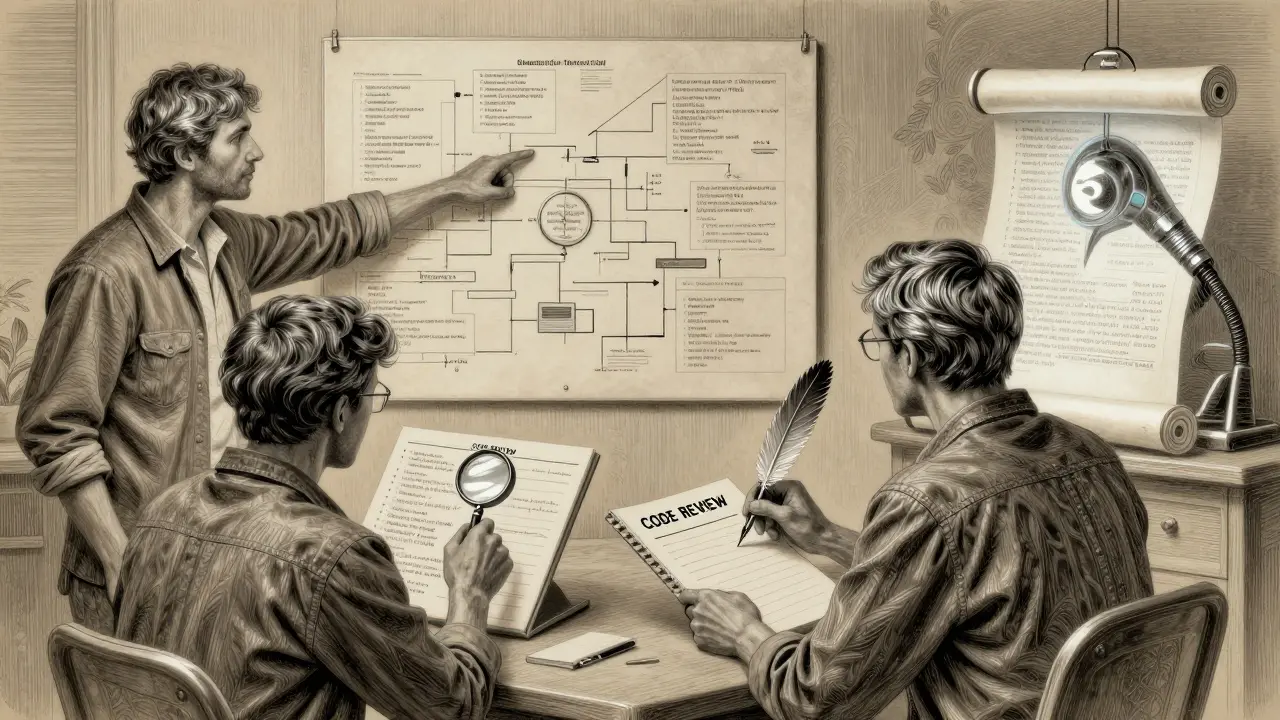
3. Code Review Doesn’t Go Away - It Gets Better
AI writes code. Humans still review it. But now, the review isn’t about syntax or indentation. It’s about alignment. Did the AI follow the PLAN.md? Did it miss a constraint? Did it assume something not written down?
Use this rule: review like a boss. Don’t just click "approve." Ask: "Would a new hire understand this from the docs?" If the answer is no, send it back. The AI doesn’t mind. It’ll fix it - faster than a human ever could.
4. Documentation Gets Smarter, Not Dumber
AI doesn’t replace documentation - it automates it. Cascade and Jules can auto-generate READMEs, comment complex functions, and update changelogs as changes happen. But only if you give them clear direction.
Set up custom subagents to handle documentation. For example: "When a new endpoint is added, update the API spec and notify the QA team." That’s not magic. That’s workflow automation. And it’s what makes vibe coding sustainable.
Who Benefits Most - And Who Doesn’t
Vibe coding doesn’t work for every team. It thrives in environments with:
- Strong technical leadership
- Clear product ownership
- Existing documentation habits
- Teams that already use version control well
It fails when:
- Teams are siloed - ops, data, and dev don’t talk
- Requirements change daily without structure
- There’s no trust in the process
Operations teams? They love it. Instead of waiting months for an engineering team to build a data dashboard that updates inventory, they use vibe coding to build it themselves - with guardrails set by platform engineers. Data teams turn read-only reports into live systems that write back to databases. That’s real value.
But if you’re trying to train 50 developers across 10 departments with no alignment? Don’t. Start small. One team. One project. One clear spec. Prove it works before scaling.
How to Start - Step by Step
Don’t flip a switch. Build momentum.
- Choose one small, high-impact project - not your core product. Something like an internal tool or reporting dashboard.
- Assign one senior engineer as the "orchestrator." Their job: write specs, review AI output, and set boundaries.
- Use Cascade or Claude Code. Start with Chat mode to get feedback. Then switch to Code mode to let the AI build.
- Create a PLAN.md before you write a single line of code. Make it detailed.
- Review every commit. Ask: "Did this match the spec?" If not, why?
- After two weeks, measure: How many days did it take? How many bugs slipped through? How much faster was it than last time?
That’s your baseline. Now you have data. Not hope. Data.
The Bigger Shift: From Code to Clarity
Vibe coding doesn’t make developers obsolete. It makes them better. Instead of spending weeks writing boilerplate, they focus on what matters: understanding the problem, defining boundaries, and ensuring the system works as intended.
Think of it like this: before, you were a painter. Now, you’re a director. You don’t hold the brush. You tell the artist what colors to use, where to place the light, and what emotion to convey. The AI is the brush. You’re the vision.
That’s not easier. It’s harder - but more valuable. And it’s the future of enterprise software.
Is vibe coding just another name for AI pair programming?
No. AI pair programming tools like GitHub Copilot help you write individual lines or functions. Vibe coding tools like Cascade or Claude Code handle entire features - planning, building, testing, and documenting across multiple files. They don’t wait for your next prompt. They proactively suggest changes, update documentation, and even create pull requests. It’s not assistance - it’s delegation.
Can vibe coding replace senior engineers?
No - and trying to will fail. Senior engineers are still essential. They define the goals, set boundaries, enforce compliance, and review outputs. The AI handles execution, but it can’t judge trade-offs, understand business risk, or know your legacy system’s quirks. Senior engineers aren’t being replaced - they’re being amplified.
Do I need to train my whole team at once?
No. Start with one team - ideally one that already writes good documentation and has strong communication. Use a 90-minute intro session to explain the workflow, then run a real project for two weeks. Let success speak louder than training slides. Once that team delivers faster and with fewer bugs, others will ask how to join.
What if the AI makes a security mistake?
You’re not off the hook. The AI doesn’t know your compliance rules unless you write them into the spec. Use custom subagents to enforce rules: "Always check for SQL injection in user inputs," or "Never store PII in logs." Combine that with automated code scanning and strict reviews. The AI can help you catch risks - but only if you teach it what to look for.
How do I handle legacy systems with vibe coding?
Start by using vibe coding to document the legacy system. Ask the AI: "Explain how this module works." It will read the code, analyze dependencies, and generate a summary. Use that as a base for future modernization. Then, use it to build new integrations - not rewrite everything. Vibe coding works best as a bridge, not a bulldozer.
Can vibe coding work for non-engineers?
Yes - if they’re given structure. Operations teams have built their own inventory trackers and approval workflows using vibe coding tools. But they needed clear templates: "Create a form that lets users request equipment, sends a Slack alert, and updates a spreadsheet." With that structure, non-engineers can build real tools. Without it? They’ll get frustrated. Provide templates, not freedom.


