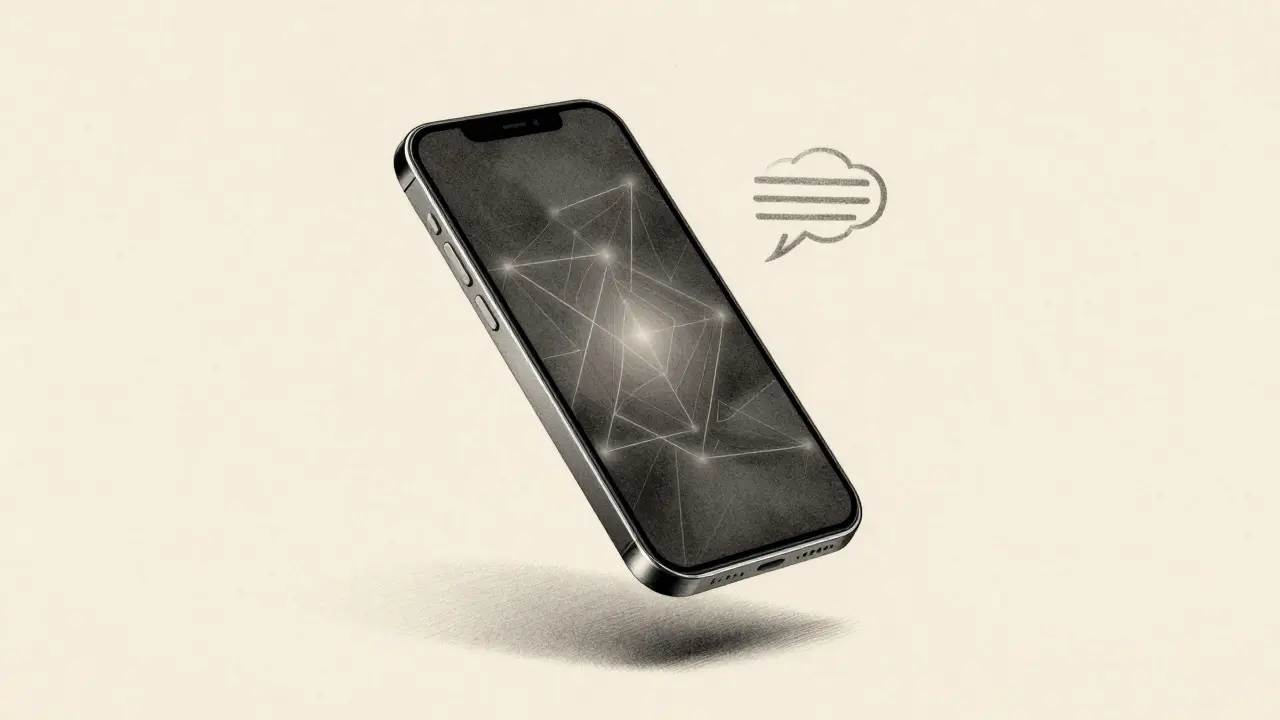
Imagine your phone understanding your voice command before it even finishes sending data to the cloud. Or your smart thermostat adjusting the temperature based on your sleep patterns-without ever uploading your bedroom habits to a server. This isn’t science fiction. It’s on-device generative AI, and it’s already in your pocket, on your wrist, and inside your home. For years, AI felt distant. You spoke to a voice assistant, and your words traveled thousands of miles to a data center, got processed, then came back. That delay? It’s gone. Today, powerful AI models run right on your phone, earbuds, or security camera-no internet needed. Why does this matter? Because when AI lives on your device, three things change: your data stays private, responses happen instantly, and your network doesn’t choke.
Why Cloud AI Isn’t Enough Anymore
Cloud-based AI, like GPT-4 or Claude, works great for long-form writing or complex analysis. But it has a fatal flaw for everyday use: latency. When you ask your smart speaker a question, your voice has to travel to a server, wait in line, get processed, then come back. That’s 200 to 800 milliseconds of delay. For a human, it’s barely noticeable. For a robot avoiding a collision, or a AR headset overlaying real-time directions, it’s too slow. And then there’s privacy. If every word you say, every face you recognize, every health metric you track gets sent to a company’s server, who owns that data? Regulations like GDPR and HIPAA make this risky. Even if companies promise not to store it, the act of sending data creates a vulnerability. On-device AI fixes both problems. It cuts the trip. Your data never leaves your phone.How On-Device AI Actually Works
You don’t need a supercomputer in your pocket. You need a smartly shrunk model. Here’s how it’s done:- First, a massive AI model is trained in the cloud using tons of data-like Google’s Gemini or Meta’s Llama.
- Then, engineers shrink it. Techniques like quantization (reducing numbers from 32-bit to 8-bit), pruning (cutting out unused parts), and knowledge distillation (teaching a small model to mimic a big one) make it tiny.
- Finally, it’s packed into formats like ONNX Runtime or TensorRT and installed directly on the device’s chip-like Apple’s Neural Engine or Qualcomm’s Hexagon processor.
Real Examples You’re Already Using
This isn’t theoretical. You’re using on-device AI right now:- Apple’s iPhone uses local Transformer models for dictation and autocorrect. Your typing habits learn on-device-no cloud.
- Google’s Gemini Nano runs on Pixel phones to summarize messages, generate replies, and transcribe voicemails-all without connecting to the internet.
- Qualcomm’s latest chip powers earbuds that translate speech live, even mid-flight with no signal.
- Smart doorbells like Ring and Nest now detect faces, packages, and pets locally. No more waiting for the cloud to say "It’s your neighbor."
- Wearables like the Apple Watch and Fitbit track heart rhythm anomalies and sleep stages using AI trained on your personal data, not a global average.
Latency: The Difference Between Safe and Dangerous
Think about autonomous vehicles. A car scanning its surroundings needs to react faster than a human blink. If it has to send video to a server and wait for a decision, it’s too late. But with on-device AI, the car processes every frame locally-identifying pedestrians, traffic lights, and sudden obstacles in under 50 milliseconds. The same applies to surgery robots, factory bots, and AR glasses. Delay isn’t annoying-it’s deadly. On-device AI turns milliseconds into life-saving margins.
Privacy: Your Data, Your Device
Here’s the quiet revolution: your medical data, your private chats, your facial recognition patterns-all stay on your phone. A hospital using an on-device AI model to monitor a patient’s breathing through a wearable doesn’t need to send that data to a third-party server. It’s processed, flagged, and acted on right there. No breach risk. No compliance headache. Even voice assistants are changing. Instead of recording every "Hey Siri" and sending it to Apple’s servers, newer models now trigger only after local voice recognition confirms it’s you. Everything else? Never leaves the chip. This isn’t just about trust. It’s about control. You decide what gets shared-and what stays hidden.Bandwidth and Battery: The Hidden Wins
Most people don’t realize how much bandwidth AI eats. Streaming a 4K video uses 15 Mbps. Sending raw video to the cloud for AI analysis? That can hit 100 Mbps per device. Multiply that by millions of security cameras, smart fridges, and wearables, and your home network slows to a crawl. On-device AI cuts that demand by 90%. Only the result-"intruder detected," "temperature too high," "call me"-gets sent. The heavy lifting happens locally. And battery life? It improves too. Cloud AI forces constant wireless transmission, draining power. Local AI runs on efficient, low-power chips designed to wake up, process, and sleep again. Apple’s Neural Engine, for example, uses 10x less energy than cloud-based alternatives.Personalization: AI That Knows You
Cloud AI sees patterns across billions of users. It’s good at averages. But on-device AI? It learns you. Your voice assistant starts recognizing your slang. Your keyboard predicts your next word based on how you text your partner, not how strangers type. Your smart thermostat learns you like it cool at 6 a.m. on Tuesdays-not because of weather data, but because it remembers your habits. This level of personalization isn’t possible with cloud models. They can’t store your personal data without violating privacy laws. On-device AI doesn’t have that limit. It learns from you, for you, and stays locked on your device.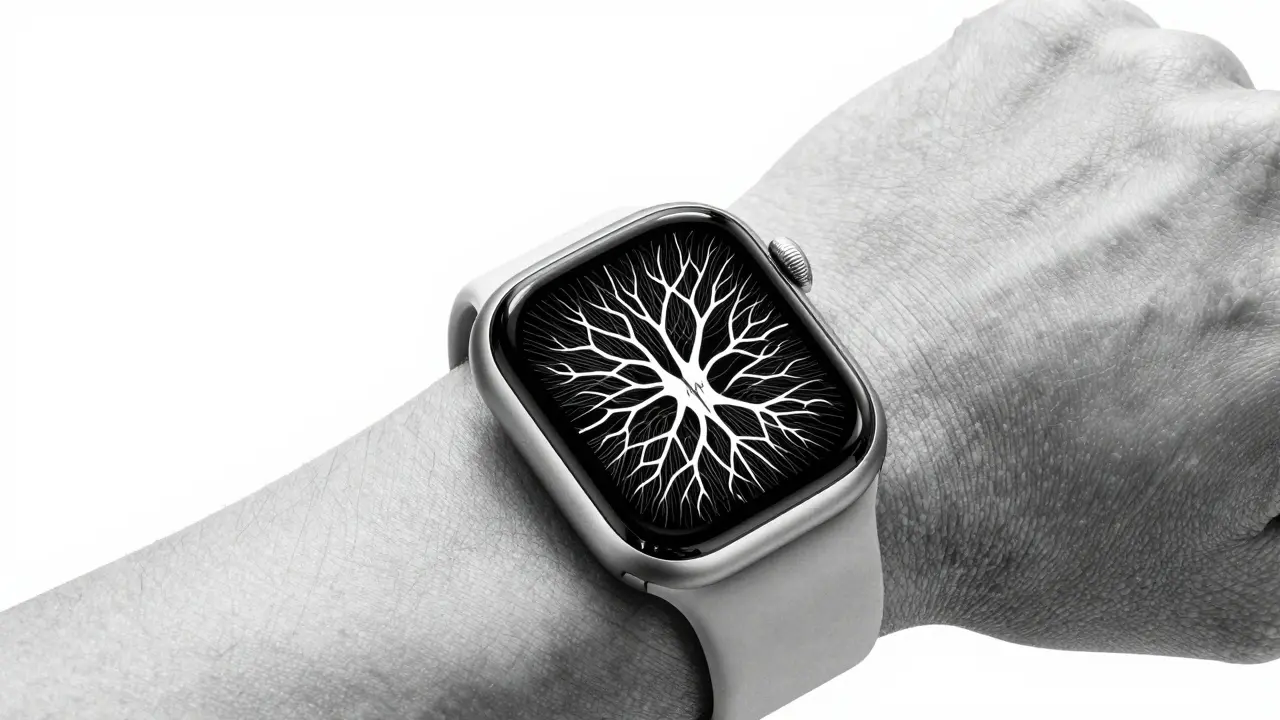
Challenges: Can Your Phone Really Run AI?
Yes-but it wasn’t easy. Early attempts to run large models on phones failed. They were too slow, too hot, too draining. The breakthrough came from hardware-software co-design:- Specialized AI cores in chips (like Apple’s NPU, Google’s TPU, Qualcomm’s Hexagon) now handle AI tasks separately from the main CPU.
- Model compression techniques have improved dramatically. A 13B-parameter model can now be shrunk to under 1GB with 95% accuracy retention.
- Tools like TensorFlow Lite and ML Kit make it easier than ever for developers to deploy models without deep expertise.
The Future: AI Everywhere, Not Just in the Cloud
The next five years will see on-device generative AI explode. We’ll have:- Smart glasses that generate real-time captions for conversations in noisy rooms-all offline.
- Industrial sensors that predict equipment failure before it happens, without sending data to a central server.
- Home robots that learn your routines and adapt without needing constant updates from the cloud.
What’s Next?
If you’re a developer, start experimenting with TensorFlow Lite or Apple’s Core ML. Try running a small language model on your phone. See how fast it responds. Notice how little data it uses. If you’re a consumer, look for products that say "on-device AI," "no cloud required," or "privacy-first." These aren’t buzzwords. They’re guarantees. The future of AI isn’t just smarter-it’s closer. And it’s staying right where you are.What’s the difference between on-device AI and cloud AI?
Cloud AI runs on remote servers and needs an internet connection to process data. On-device AI runs directly on your phone, watch, or camera without sending data anywhere. Cloud AI is better for complex tasks like writing essays; on-device AI is better for fast, private tasks like voice recognition or facial detection.
Does on-device AI need internet at all?
No-not for daily use. Once the model is installed, it works offline. But it does need internet occasionally to download updates or retrain with new data. Think of it like your car: you drive without gas stations, but you still need to refill every few weeks.
Is on-device AI less powerful than cloud AI?
It’s not less powerful-it’s more focused. Cloud models can have billions of parameters and handle complex tasks. On-device models are smaller, usually under 1 billion parameters, but they’re optimized for speed, efficiency, and privacy. For everyday tasks like speech recognition or image filtering, they’re just as accurate-and much faster.
Can on-device AI be hacked?
It’s harder to hack than cloud AI. Since data never leaves your device, there’s no network path for attackers. However, if someone gains physical access to your phone, they might try to extract the model. That’s why manufacturers use secure enclaves and encryption to protect the AI software on the chip.
Which devices support on-device generative AI today?
Flagship smartphones (iPhone 15 Pro, Pixel 8, Samsung Galaxy S24), smartwatches (Apple Watch Series 9, Galaxy Watch 6), wireless earbuds (AirPods Pro 2, Sony WF-1000XM5), and smart cameras (Ring, Nest, Eufy) all now include on-device AI. Even some laptops like the MacBook Pro with M-series chips run local AI models for tasks like transcription and image enhancement.


