
The traditional pull request (PR) cycle is often where momentum goes to die. You finish a feature, push your code, and then wait days for a human reviewer to find a missing null check or a naming inconsistency. By the time you get the feedback, you've already switched contexts three times. This friction doesn't just slow down delivery; it kills developer flow and hurts long-term software maintainability by letting small technical debts accumulate while teams wait for approvals.
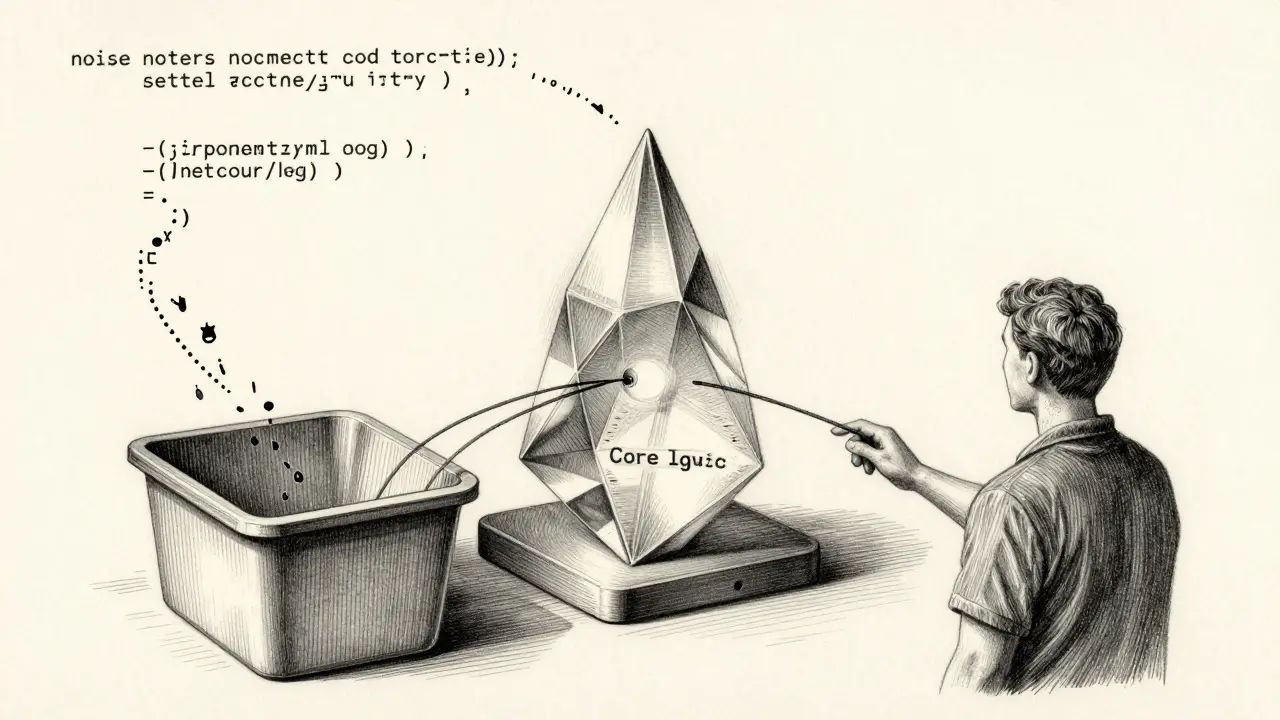
The solution isn't to replace the human reviewer-that's a recipe for architectural disaster-but to implement a "pair reviewing" workflow. By putting a model in the driver's seat for the first pass, you can clear the "noise" (syntax, basic bugs, style) before a human ever looks at the code. When done right, this doesn't just speed up the merge; it elevates the human conversation from "you forgot a semicolon" to "does this architecture scale?"
Quick Summary: The AI-Human Review Hybrid
- The First Pass: AI handles routine checks (null pointers, sensitive data, syntax) instantly.
- The Human Focus: People focus on business logic, architectural integrity, and mentorship.
- The Outcome: Reduced PR cycle times (often 10-20% faster) and fewer escaped defects.
- The Risk: Over-reliance can lead to "skill atrophy" in junior developers.
The Mechanics of AI-Powered Reviews
To understand how this works in a real-world pipeline, we have to look at what's happening under the hood. An AI code review is an automated process using machine learning and natural language processing to analyze and provide feedback on source code. It isn't just a fancy linter; it's a context-aware system.
Most modern workflows follow a specific technical sequence to ensure the feedback is actually useful:
- The Trigger: An event, like opening a PR in GitHub or GitLab, notifies the tool.
- Code Parsing: The tool fetches the diff and often converts the code into an Abstract Syntax Tree (AST) to understand the structure.
- Static Analysis: Traditional linters flag the obvious stuff first.
- AI Analysis: Large Language Models (LLMs) analyze the intent and logic, looking for deeper issues that static tools miss.
- Feedback Loop: Suggestions are posted as in-line comments directly in the PR thread.
For instance,
Greptile takes this a step further by analyzing the entire codebase rather than just the changed lines. This means the AI knows that a change in user_service.py might break a dependency in auth_module.py, even if the latter wasn't touched in the current PR.
Comparing the Heavy Hitters
Not all AI reviewers are built the same. Some are lightweight assistants, while others act like full-fledged agents. If you're deciding which tool to plug into your CI/CD pipeline, the trade-off usually comes down to "depth of context" vs. "ease of setup."
| Tool | Primary Strength | Context Level | Pricing Model |
|---|---|---|---|
| GitHub Copilot | IDE Integration | PR Diff focused | Per-user monthly |
| CodeRabbit | Customizable Rules | Workflow-wide | Free / Pro Tier |
| Greptile | Full Base Knowledge | Entire Repository | Enterprise |
| Qodo Merge | Complex Patterns | Deep Context | Tiered |
| Aider | Privacy / Local | Local Terminal | Free/Open |
In a real-world scenario, a team might use GitHub Copilot for real-time suggestions while typing, but rely on CodeRabbit to enforce specific team standards during the PR phase. This "layered" approach ensures that no single tool is a single point of failure.
Designing the Human + Model Workflow
The magic happens when you stop treating the AI as a "checker" and start treating it as a "pre-reviewer." Here is how to structure the workflow to maximize maintainability without losing the human touch.
Step 1: The Automated Guardrail
Set the AI to trigger immediately upon PR creation. The AI should focus on "objective" failures: null pointer exceptions, sensitive data leaks (like API keys in code), and basic exception handling. Microsoft's internal engineering teams found that catching these "obvious problems" early reduces the back-and-forth between humans by 10-20%.
Step 2: The Author's Iteration
Before a human reviewer is notified, the author addresses the AI's comments. This prevents the human reviewer from wasting their mental energy on trivialities. If the AI suggests a fix, the author evaluates it; if it's a false positive, they dismiss it. This keeps the PR thread clean for high-level discussion.
Step 3: The Strategic Human Review
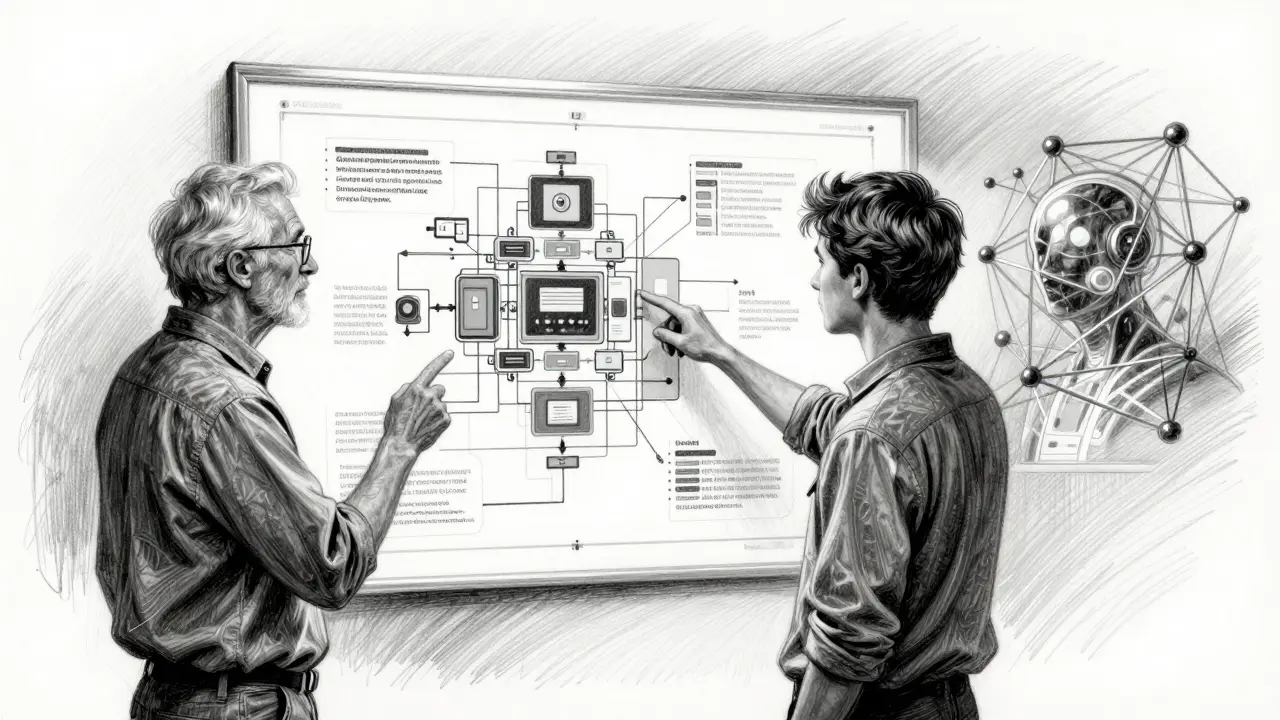
Now the human enters. Because the "noise" is gone, the human reviewer can focus on the things AI still struggles with: business logic, architectural alignment, and long-term maintainability. Does this change align with our 2026 roadmap? Is this a sustainable pattern for the next three years? These are human questions.
Step 4: Interactive Q&A
Modern tools now allow reviewers to ask the AI questions directly in the PR. For example, "Where else in the codebase is this pattern used?" This helps reviewers understand the big picture without having to manually grep through twenty different files.
The Pitfalls: Where AI Fails and Humans Win
It's tempting to treat AI as a silver bullet, but that's how you end up with a codebase that looks clean but is logically broken. AI models generally lack a deep understanding of business context. An AI might tell you that a function is too long, but it won't know that the function *must* be structured that way to comply with a specific legal requirement or a quirky legacy API.
There's also the danger of "skill atrophy." The Alan Turing Institute has warned that junior developers who rely too heavily on AI reviews might stop learning how to debug. If the AI always tells them where the bug is, they never develop the "detective muscle" required for senior engineering roles. To fight this, teams should treat AI suggestions as learning opportunities-asking the junior dev *why* the AI suggested a certain change rather than just telling them to apply it.
Finally, be wary of false positives. One developer on G2 reported nearly 50 false positives in 100 PRs with certain tools. If you don't spend the time configuring custom rules to match your team's standards, the AI becomes another source of friction rather than a solution.
Pro Tips for Implementation
If you're rolling this out today, keep these heuristics in mind:
- Customization is non-negotiable: Don't stick with default rules. Spend the first few weeks refining your AI's "persona" to match your internal style guide.
- Combine AI Types: Use "traditional" AI for fast syntax checks and "agentic" AI for deeper codebase analysis.
- Measure the Right Things: Don't just track the number of bugs caught. Track "Time to Merge" and "Reviewer Fatigue." If your senior devs are happier because they aren't pointing out missing brackets for the thousandth time, the system is working.
- Privacy First: For highly sensitive projects, look at local solutions like Aider that run in the terminal and don't send your proprietary logic to a cloud provider.
Does AI code review replace the need for human reviewers?
Absolutely not. AI is excellent at finding technical flaws and enforcing style, but it cannot understand business intent, architectural trade-offs, or the long-term strategic goals of a project. The most effective workflow uses AI as a first-pass filter, leaving humans to focus on high-level logic and mentorship.
How much time can we actually save with AI reviews?
Data from Microsoft shows a 10-20% improvement in median PR completion time. Some teams using specialized tools like CodeRabbit have reported reducing review times from over 3 days down to under 2 days by eliminating trivial back-and-forth cycles.
What is the biggest risk when implementing AI reviews?
The biggest risks are false positives and developer skill atrophy. If the tool isn't tuned, it can waste time with irrelevant suggestions. If junior developers blindly accept AI fixes without understanding the underlying reason, they may fail to develop critical debugging and architectural skills.
Can AI reviews handle security vulnerabilities?
Yes, many tools are specifically designed to catch sensitive data leaks (like hardcoded passwords) and common security flaws. However, for high-security environments, it's best to pair a general AI reviewer with a dedicated security tool like Snyk Code AI.
How do I stop the AI from being too "noisy"?
The key is custom rule configuration. Instead of using the tool out-of-the-box, identify the top 10 most common "nitpicks" your human reviewers make and program those into the AI. Conversely, disable rules that don't align with your team's philosophy to reduce false positives.


