
When you ask an AI to write code, it doesn’t know your project’s rules unless you tell it. That’s where pattern libraries for AI come in. They’re not magic. They’re not AI that thinks for you. They’re reusable templates-structured rules, prompts, and guidelines-that tell your AI coding assistant how to behave in your specific project. Think of them like a style guide for code, but one your AI actually reads and follows.
What Is Vibe Coding, Really?
Vibe coding isn’t just typing prompts and getting code back. It’s a back-and-forth dance. You guide the AI with natural language, and it responds with code that fits your context. But without structure, that AI might generate code that works… but is full of security holes, inconsistent patterns, or violates your team’s standards.
Unlike traditional AI tools that suggest snippets for well-defined tasks, vibe coding treats the AI like a junior developer you’re mentoring. You don’t just say, “Write a login function.” You say, “Write a login function using our auth library, with rate limiting, no raw SQL, and JWT tokens signed with our secret key.” That’s where pattern libraries step in. They turn vague guidance into clear, repeatable instructions.
How Pattern Libraries Actually Work
Pattern libraries are files-usually YAML or Markdown-that live in your project folder. They’re read by AI coding tools like Cursor, GitHub Copilot, Claude Code, and Windsurf. These files tell the AI:
- Which frameworks to use (Django, React, Spring)
- Which security practices to enforce (no OS command injection, no hardcoded secrets)
- How to format code (indentation, naming, comment style)
- What patterns to avoid (like using
eval()or raw SQL queries)
For example, Wiz’s open-source Python rules file for Flask explicitly blocks this:
禁止: 使用 os.system() 或 subprocess.run() 与用户输入拼接That’s not just advice. The AI sees it and won’t generate code that breaks it. In tests, teams using these rules saw up to a 63% drop in critical security flaws in AI-generated code.
Pattern Libraries vs. Generic AI Prompts
Some developers just type prompts like “Make this secure.” That’s unreliable. AI doesn’t remember your last project. It doesn’t know your company’s coding standards unless you tell it again-every single time.
Pattern libraries fix that. They’re persistent. They travel with your codebase. If you clone the repo, the rules come with it. If a new developer joins, they don’t need a 30-minute onboarding call-they just open the .cursor/rules/ folder and see exactly how the AI should behave.
Here’s what happens when you skip pattern libraries:
- AI generates code with SQL injection risks because it doesn’t know you use Django ORM
- Code style shifts between files because no one defined indentation rules
- Security scans flag 15 issues in the first PR, all avoidable
With pattern libraries, you catch those issues before they ever reach code review.
Real-World Impact: Numbers That Matter
It’s not theory. Teams using pattern libraries are seeing measurable results:
- 47% fewer code revisions (Graphite, May 2024)
- 32% faster feature delivery (Graphite, May 2024)
- 70% fewer security vulnerabilities in Flask APIs (Reddit user, May 2024)
- 62% reduction in security-related PR comments at FinTech startup NovaPay (April 2024)
One team at a healthcare company, MedFlow, tried overly strict rules and ended up with AI rejecting valid solutions. That’s the flip side. Too rigid, and you lose creativity. Too loose, and you get chaos.
The sweet spot? Start small. Pick your top 3 vulnerabilities for your stack-like missing authentication (CWE-306) or file upload flaws (CWE-434)-and build rules around those. Expand later.
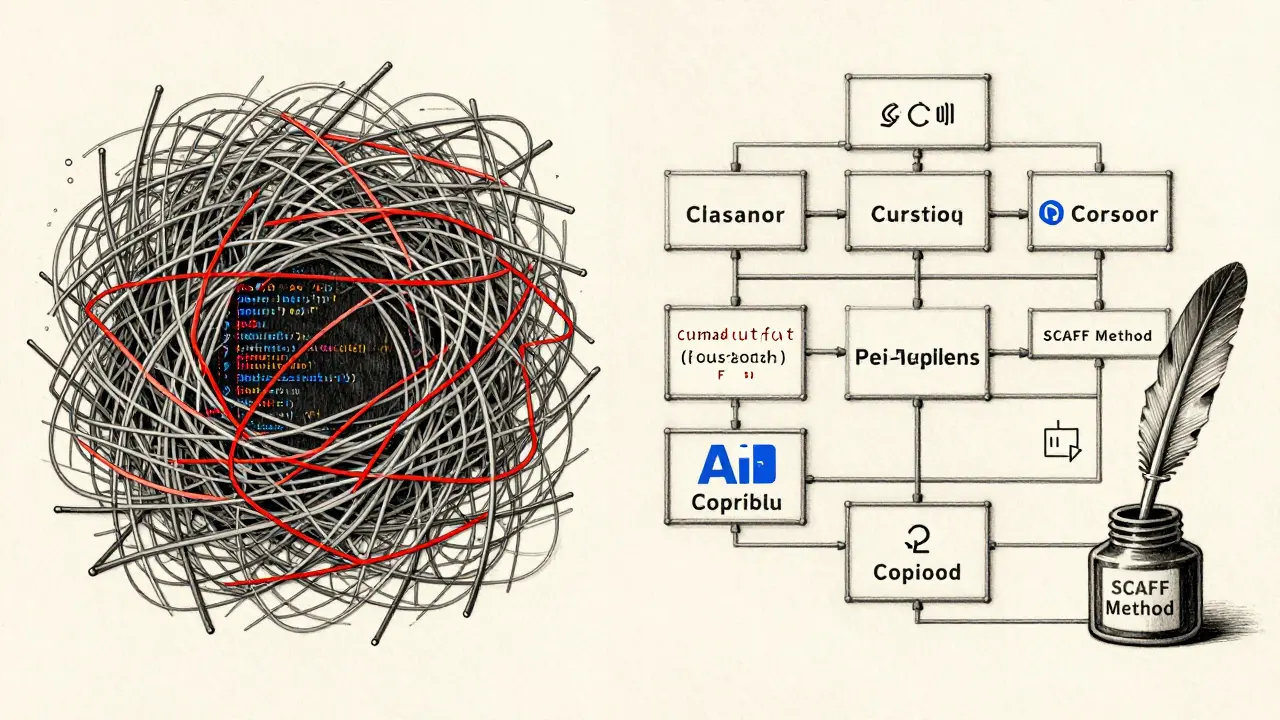
Platform Differences: Cursor vs. GitHub Copilot vs. Others
Not all AI tools handle pattern libraries the same way.
| Tool | Rules Format | Security Detection Rate | Ease of Use | Key Strength |
|---|---|---|---|---|
| Cursor | YAML, hierarchical rules | 89% | 4.8/5 | Framework-specific templates, severity levels |
| GitHub Copilot | Plain text in repo settings | 67% | 3.2/5 | Easy to set up, widely available |
| Claude Code | CLAUDE.md file |
78% | 4.1/5 | Strong natural language understanding |
| Graphite Agent | Codebase-aware rules | 92% | 4.5/5 | Reduces false positives using project history |
Cursor leads in structure and detection. GitHub Copilot is easiest to start with but weakest in precision. Graphite stands out because it learns from your past code-so if you’ve already fixed a certain bug, it won’t suggest it again.
The SCAFF Method: A Proven Prompt Template
Wiz and the Vibe Coding Framework introduced SCAFF-a simple formula for writing effective prompts:
- Structure: Define the code’s overall shape (e.g., “Create a REST endpoint”)
- Context: Add project details (e.g., “Using Django 5, PostgreSQL, JWT auth”)
- Action: Tell the AI what to do (e.g., “Validate input, sanitize output”)
- Format: Specify output style (e.g., “Return JSON, no comments, 4-space indent”)
- Feedback: Tell it what to avoid (e.g., “Never use raw SQL”)
Using SCAFF, developers report 40% more consistent output. It turns vague requests into precise instructions.
Adoption Rates and Why Most Teams Don’t Use Them
Despite the benefits, only 28% of developers actively use pattern libraries. Why?
- Maintenance fatigue: 41% abandoned complex rules because updating them felt like a chore
- Tool fragmentation: Rules written for Cursor don’t work in Copilot. Switching tools means reconfiguring everything
- Unclear documentation: GitHub Copilot’s guides scored 3.2/5 for clarity-many developers didn’t know how to start
The fix? Start with open-source templates. Wiz’s rules on GitHub have over 4,200 stars and 300 contributors. You can copy their Python/Flask rules, tweak the names, and deploy them in hours-not weeks.

Security Isn’t Enough
Pattern libraries are powerful, but they’re not a silver bullet. Dr. Marcus Chen from Google DeepMind warns: “They only block known issues. What about new attack patterns no one’s thought of yet?”
That’s why teams using pattern libraries still need:
- Static analysis tools (SAST)
- Dependency scanners (SCA)
- Manual code reviews
Pattern libraries catch the low-hanging fruit. The rest needs human oversight.
What’s Next? The Future of Pattern Libraries
The market is exploding. Gartner predicts 80% of enterprise AI tools will include standardized pattern libraries by 2026. Wiz just released version 3.0 with auto-updating rules that watch for framework changes. Cursor’s new Rules Marketplace has over 1,200 shared templates.
But the real win? Regulation. NIST’s updated AI Risk Management Framework now recommends pattern libraries as part of secure software development. That means in 2025 and beyond, if you’re in finance, healthcare, or government tech, you’ll likely be required to use them.
Getting Started: Your 3-Step Plan
You don’t need to build a perfect system on day one. Here’s how to begin:
- Pick one framework: Start with your most-used stack-React, Django, or Spring. Download Wiz’s open-source rules for it.
- Test in a small project: Add the rules to a new feature branch. Let the AI generate code for 3-5 tasks. See what it gets right, what it misses.
- Refine and share: Add 2-3 custom rules based on your team’s past bugs. Save the file. Commit it. Make it part of your onboarding checklist.
That’s it. No magic. No AI that thinks for you. Just clear rules that make your AI smarter.
Common Mistakes to Avoid
- Overloading rules: Don’t try to cover every possible vulnerability at once. Focus on the top 5.
- Ignoring tool differences: If you switch from Copilot to Cursor, don’t assume your rules work. Rebuild them.
- Forgetting to update: Frameworks change. New vulnerabilities emerge. Schedule a quarterly rules review.
- Not training your team: If your devs don’t know the rules exist, they won’t use them. Mention them in standups. Link to them in READMEs.
Pattern libraries for AI aren’t about replacing developers. They’re about giving them superpowers. You’re not outsourcing your judgment-you’re amplifying it.


