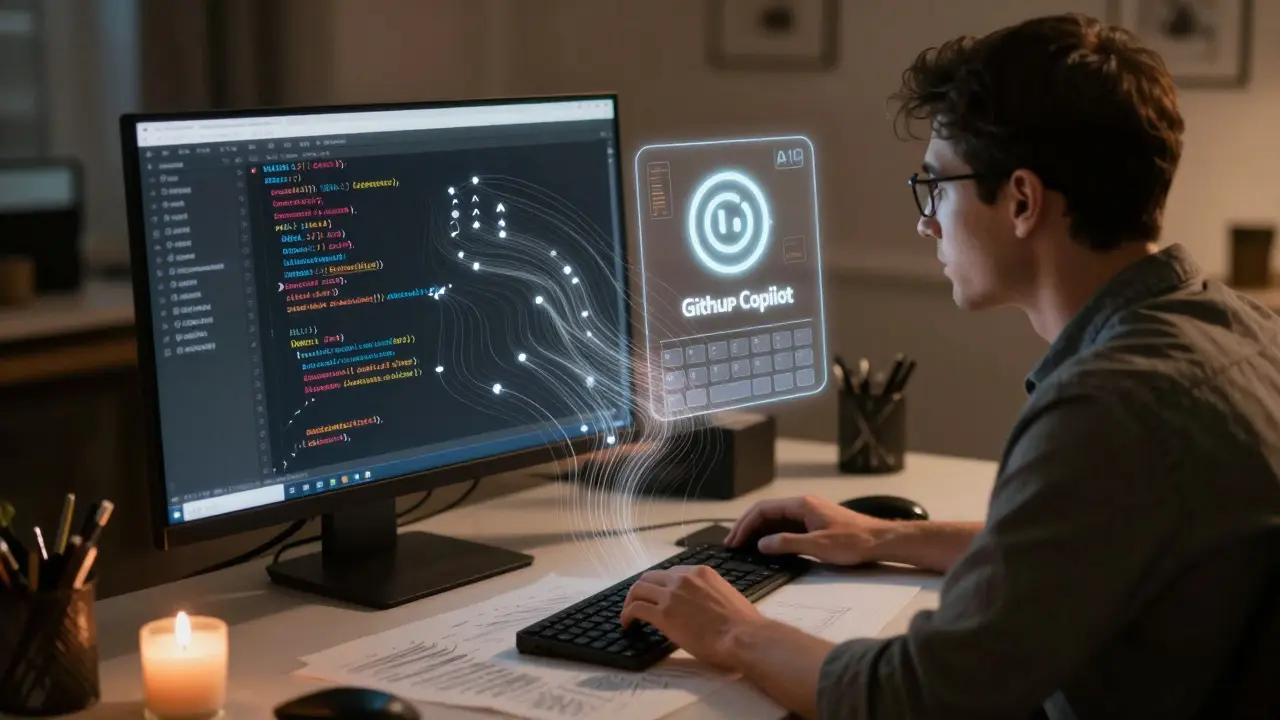
Imagine writing code that just works for everyone - no last-minute audits, no angry emails from users who can’t navigate your site, no frantic fixes before launch. That’s the promise of accessibility-inclusive vibe coding. It’s not magic. It’s a workflow. And it’s changing how teams build digital products in 2026.
For years, accessibility was treated like a checklist. Finish the design. Write the code. Then, hand it off to an expert to find the problems. The problem? By then, it’s too late. You’ve built a complex UI with 15 violations on the homepage. Fixing each one takes hours. And you’re still not sure if screen reader users can actually use it.
Accessibility-inclusive vibe coding flips that. Instead of fixing accessibility after the fact, you bake it into every line of code you write - especially when you’re using AI tools like GitHub Copilot. The term was coined by Deque Systems in mid-2024, after they found that 78% of AI-generated UI components failed basic WCAG 2.1 AA checks. That’s not a bug. That’s a systemic flaw in how we’re using AI.
What Is Vibe Coding - And Why It’s Broken Without Accessibility
Vibe coding is the practice of using AI to generate code quickly based on natural language prompts. You say, “Create a modal dialog with a close button and backdrop,” and the AI spits out React or Flutter code. Fast. Easy. Perfect - until you test it with a screen reader.
Most AI tools don’t know what aria-label does. They don’t understand focus management. They don’t care if your color contrast is 2.1:1 instead of 4.5:1. They’re trained on code that’s often inaccessible. So they replicate the same mistakes.
That’s where accessibility-inclusive vibe coding comes in. It’s not about teaching AI to be perfect. It’s about building guardrails around it. You use AI to generate the structure, then you layer in accessibility patterns that meet WCAG 2.2 by default. No extra steps. No audits. Just code that works for everyone from day one.
WCAG 2.2 Patterns You Can Code by Default
WCAG 2.2 isn’t just a set of rules. It’s a library of proven patterns. The W3C’s ARIA Authoring Practices Guide (APG) lists 47 of them - and each one is designed to be implemented directly into your components.
Here are three you can start using today:
- Keyboard Navigation for Tabs: If you’re building a tabbed interface, the APG says arrow keys should move focus between tabs, not just Tab. Most AI tools generate basic tab lists with no keyboard support. You fix it by adding
role="tablist",role="tab", and handlingArrowLeft/ArrowRightevents. Done. WCAG 2.1 Success Criterion 2.1.1 covered. - Color Contrast Enforcement: WCAG 2.2 requires 4.5:1 contrast for normal text. You can automate this. In Flutter, use
ThemeDatawith a function that calculates contrast ratios between background and text colors. If the AI generates a light gray text on white, your theme rejects it and suggests a darker shade. No manual checking needed. - Text Scaling: Paragraphs must scale with font size. WCAG 2.1 Success Criterion 1.4.10 requires line height of 1.5x, letter spacing of 0.12x font size, and word spacing of 0.16x. Build this into your typography system. Use CSS variables or Flutter’s
TextThemeto enforce it. AI generates a paragraph? It automatically meets spacing rules.
These aren’t hacks. They’re standard patterns. And when you use them as defaults, you’re not just compliant - you’re consistent. Users with cognitive disabilities or low vision don’t have to relearn how your site works every time they visit.
How to Set Up Accessibility-Inclusive Vibe Coding
You don’t need a team of experts. You need three tools:
- AI Code Assistant: GitHub Copilot, Amazon CodeWhisperer, or similar.
- Accessibility Validator: axe MCP Server (free, open-source, integrates with VS Code).
- Pattern Library: The W3C APG or Google’s “Accessible Component Patterns” GitHub repo (4,200+ stars).
Here’s the workflow:
- Write a prompt: “Create a responsive navigation bar with dropdown menus.”
- AI generates the code.
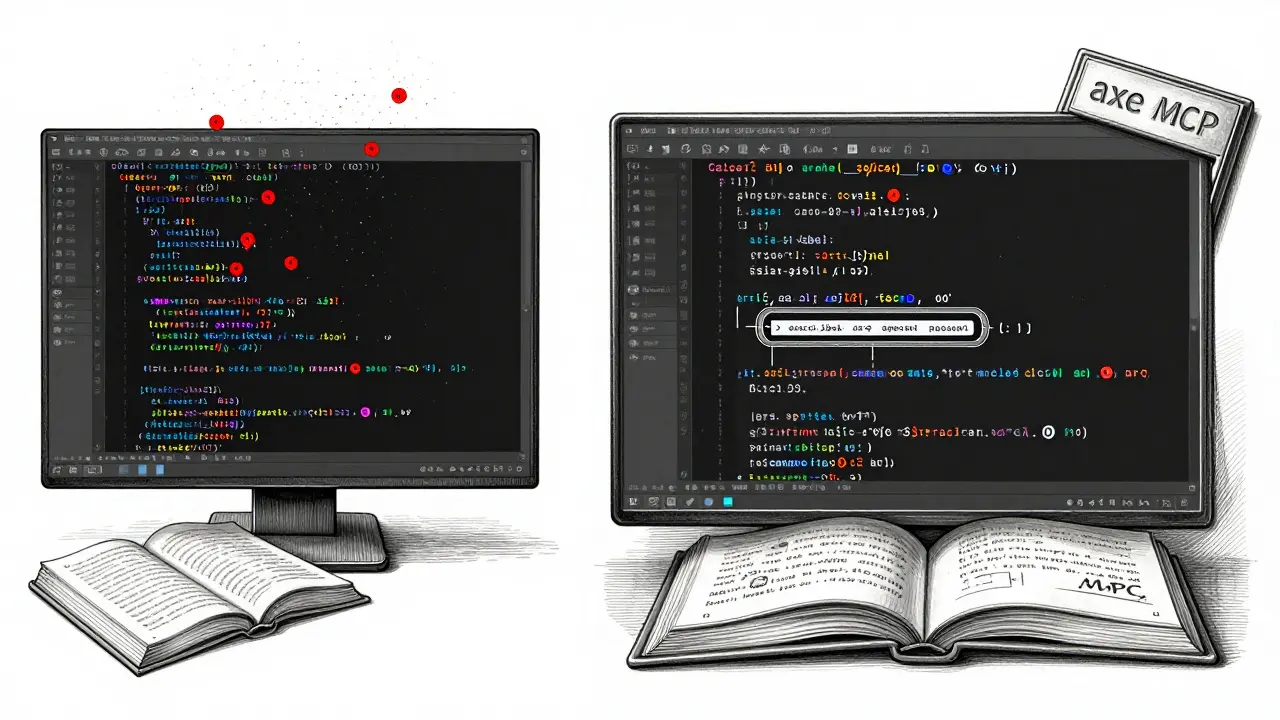
- Run
#analyze http://localhost:3033/nav for accessibility issues, #remediate, and reanalyzein your IDE. - axe MCP flags missing
aria-expandedon the dropdown trigger. - You say: “Fix it using APG pattern 12.”
- AI updates the code with correct ARIA roles and keyboard events.
- Reanalyze. All green.
This takes 90 seconds. Without this setup, you’d spend 30 minutes manually checking each component.
What AI Can’t Fix - And Why You Still Need Humans
Accessibility-inclusive vibe coding catches 70% of issues automatically. But not all.
AI doesn’t know if “Click here” is meaningful. It can’t tell if your form instructions are clear to someone with dyslexia. It won’t notice that your animated loading spinner is triggering seizures in users with photosensitive epilepsy.
That’s where human testing comes in. WebAIM’s March 2025 analysis found that automated tools catch 35-40% of issues. Human testers find 65-70%. The gap isn’t small. It’s critical.
So don’t stop at axe MCP. Run real user tests. Hire people with disabilities. Pay them. Include them in your design sprints. Léonie Watson from TetraLogical warns: “Over-reliance on automation creates technically compliant but unusable interfaces.”
One healthcare SaaS company skipped user testing. Their AI-generated modal dialogs were WCAG-compliant - but screen reader users couldn’t close them. Why? The AI used role="dialog" but forgot aria-modal="true". The fix was one line. But it took three weeks to catch because no one tested with real users.
Real Results: Shopify, Financial Services, and the ROI
Shopify rolled out accessibility-inclusive vibe coding in late 2024. By January 2025, accessibility-related customer support tickets dropped by 62%. That’s not just a win for users. That’s a win for their support team.
A Fortune 500 bank cut remediation time from 4 hours per page to 40 minutes. Why? They stopped finding 18 violations per page. They started with 2-3.
And the ROI? Deque’s case studies show a 4.3x return on investment. Less time fixing. Fewer lawsuits. Higher retention from users who feel included.
Enterprise adoption is exploding. In November 2024, 68% of companies with over 1,000 employees included accessibility validation in their AI workflows. That’s up from 29% just a year earlier. Financial services and healthcare lead the way - not because they’re altruistic, but because they’re legally exposed. Section 508, EN 301 549, and the EU’s April 2025 deadline are forcing change.
Where the Field Is Headed
Deque’s new tool, axe Copilot, launches February 15, 2025. It’s not a separate app. It’s a plugin that runs inside GitHub Copilot. As you type, it whispers: “Add aria-label here.” “This button needs a focus ring.” “Color contrast is 3.2:1 - try #333.”
W3C’s March 2025 APG update adds 12 new patterns - including ones for AI chat interfaces and dynamic content. That’s huge. AI is generating more content than ever. Now, there are rules for making it accessible.
By 2027, IDC predicts 90% of enterprise teams will have accessibility validation built into their AI coding workflows. The question isn’t whether you’ll adopt this. It’s whether you’ll adopt it before your competitors do.
Start Small. Build Right.
You don’t need to overhaul your whole codebase. Pick one component. A button. A form. A modal. Use AI to generate it. Run axe MCP. Fix the one violation. Save the pattern. Next time, reuse it.
Learn the APG patterns. Bookmark the Google accessibility repo. Use the color contrast checker in your design tool. Make it part of your daily workflow.
Accessibility isn’t a feature. It’s a foundation. And with accessibility-inclusive vibe coding, you’re not just building for compliance. You’re building for people.