
When you type a simple request like "build a login form with user profiles" into a vibe coding tool, you're not just getting code-you're triggering a chain of data flows that could expose passwords, credit cards, or employee records if not properly controlled. Vibe coding turns natural language into working software, but without strict data classification rules, it’s like handing a stranger the keys to your house and hoping they don’t open the safe. The truth is, most vibe coding platforms today don’t automatically protect sensitive data. They generate code fast, but they don’t think about risk. That’s where data classification rules step in-not as an afterthought, but as the foundation of safe AI-assisted development.
Why Data Classification Matters in Vibe Coding
Most developers assume that if the code runs, it’s fine. But vibe coding changes that. The tool doesn’t just write a function-it pulls in data from prompts, environment variables, and past examples. If a user says, "Show me all customer emails," and the system doesn’t know that email is Personally Identifiable Information (PII), it might generate code that stores those emails in plain text, logs them, or sends them to an external API without encryption. That’s not a bug-it’s a governance failure. Data classification answers one simple question: How dangerous is this data if it leaks? Without that answer, every line of AI-generated code becomes a potential breach vector. The Vibe Coding Framework breaks this down into four clear tiers: Critical, High, Medium, and Low. Each tier tells you what protections must be applied before the code even leaves the editor.The Four Tiers of Data Classification
Every input and output in vibe coding should be tagged with one of these four levels. This isn’t optional-it’s the minimum requirement for any organization that handles regulated data.- Critical: This is data that, if exposed, could lead to legal penalties, identity theft, or financial loss. It includes financial records, authentication tokens, passwords, and PII like Social Security numbers, driver’s licenses, or health IDs. Code handling this data must pass Level 3 verification: manual review by a security specialist, full documentation, and encryption at rest and in transit.
- High: Data that’s not directly personal but still sensitive. Think API keys, database connection strings, internal user IDs, or system configuration files. These require Level 2 verification: automated scanning for secrets, peer review, and secure storage in environment variables-not hardcoded.
- Medium: Standard app logic like product names, public product descriptions, or non-sensitive user preferences. These still need Level 2 verification and automated scanning, because even "harmless" data can be used in phishing or social engineering attacks if aggregated.
- Low: Internal tools, placeholder text, test data, or UI components that never touch real user information. These only need Level 1 verification: basic compliance monitoring and logging. No manual review required.
These tiers aren’t just labels. They dictate how the code is built, reviewed, and deployed. A Critical-tier function can’t be auto-deployed. A Low-tier function can. This keeps teams moving fast without drowning in reviews.
PII Detection: The Hidden Trap
One of the biggest blind spots in vibe coding is how it handles Personally Identifiable Information. Most tools don’t automatically detect PII. They rely on the user to say, "Don’t store emails," but what if they forget? Or what if the prompt says, "Get user details," and the system pulls name, phone, and address from a legacy database? Research by David Jayatillake found that PII detection tools often fail because they apply exclusion rules too late. Imagine this: the system scans the code and tags all email addresses as PII. Then it runs a filter to exclude test data. But if the filter runs after tagging, it doesn’t remove the tag-it just removes the data. The code still treats the remaining emails as PII, but now it’s been flagged as sensitive, so it gets encrypted. That’s fine. But if the filter runs before tagging, the system never sees the emails as PII at all. The code goes live without encryption. That’s a breach waiting to happen. The fix? Always classify data before filtering. Tag first. Then remove. Never assume the user knows what’s sensitive. Build the classification into the prompt template. For example: "If this request involves names, emails, phone numbers, or IDs, treat it as Critical and require encryption."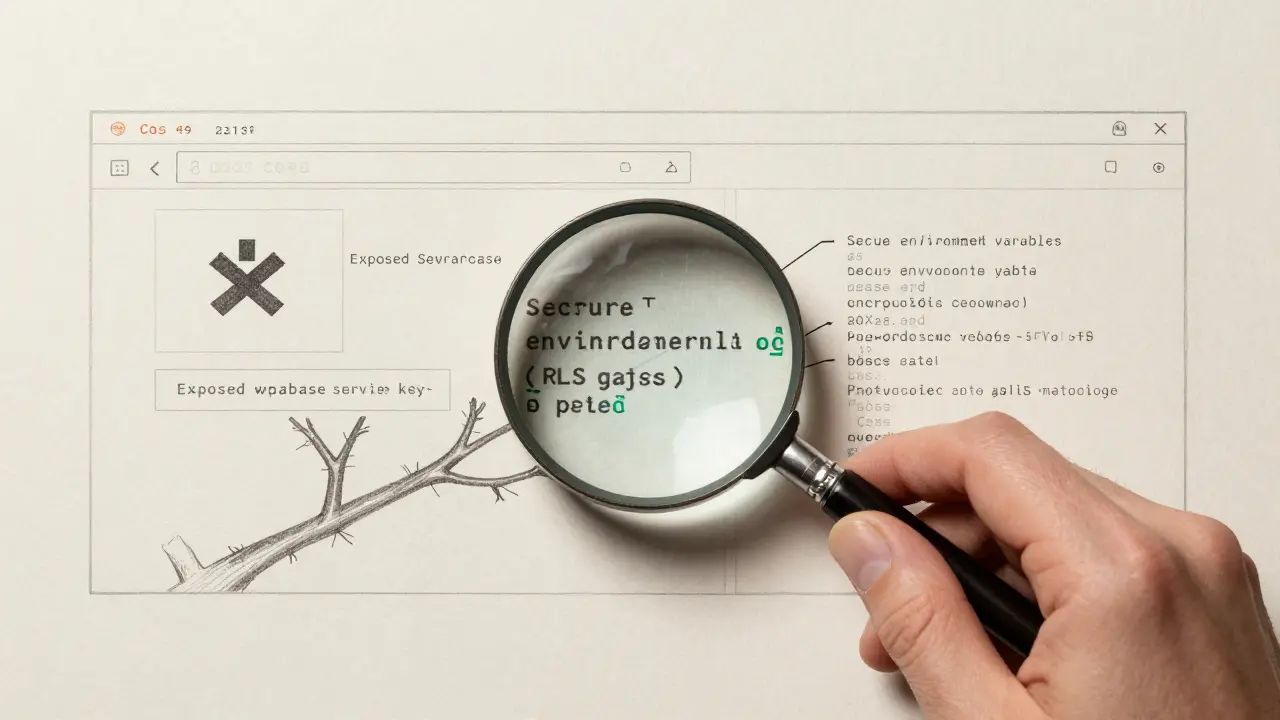
Environment Variables Are Non-Negotiable
You’ll see this pattern over and over in vibe-coded apps:const dbPassword = "password123";. That’s not a typo. That’s what the AI generated because the prompt didn’t specify how to handle secrets. The Cloud Security Alliance says this is unacceptable. Every database URL, API key, or token must come from an environment variable. Not hardcoded. Not in a config file. Not in a comment.
Vibe coding tools often generate code with default values because they’re trying to make the output "work right away." But that’s the opposite of secure. The classification rule here is simple: If it’s a credential, it must be injected at runtime. The tool should auto-insert process.env.DB_URL instead of a real URL. If it doesn’t, the output is automatically classified as High risk and must be manually reviewed before deployment.
CORS and RLS: The Two Most Common Mistakes
Two other areas where vibe coding falls apart are CORS and Row-Level Security (RLS). CORS (Cross-Origin Resource Sharing) controls which websites can talk to your API. Most vibe coding tools generate code withAccess-Control-Allow-Origin: *. That means any website, anywhere, can make requests to your backend. That’s fine for a public API. But if your backend handles user data, that’s a disaster. The classification rule: Always restrict CORS to known domains. Never use wildcards unless the endpoint is explicitly public. If the tool generates a wildcard, flag it as High and require manual approval.
RLS is even more dangerous. Many vibe-coded apps use Supabase, which has built-in row-level security. But the default rules let anyone read all rows. The AI generates code that sends a JWT token from the frontend to the backend, but doesn’t enforce that the token matches the user’s ID. So a user can change their ID in the browser and see someone else’s data. Escape Technologies found over 2,000 apps with this exact flaw. The classification rule: If the data is user-specific, RLS must be enabled and tested. If the token is exposed in frontend code, classify the output as Critical. The tool should auto-generate RLS policies based on the data type, not leave it to the developer to remember.
Exposed Secrets: The Silent Killer
The most common vulnerability in vibe-coded apps? Exposed secrets. Not passwords. Not tokens. Service role keys. Supabase, Firebase, and other BaaS platforms give you a "service role" key that bypasses all authentication. It can read, write, and delete any data. Vibe coding tools often generate code that hardcodes this key because it’s easier than setting up proper authentication. The Escape Technologies study found over 4,000 apps with exposed Supabase service keys. That’s not a mistake-it’s a systemic failure of classification. The rule is clear: Any key that bypasses user authentication must be classified as Critical. It must never appear in frontend code. It must be stored in a backend-only environment variable. And it must be reviewed by a security engineer before deployment.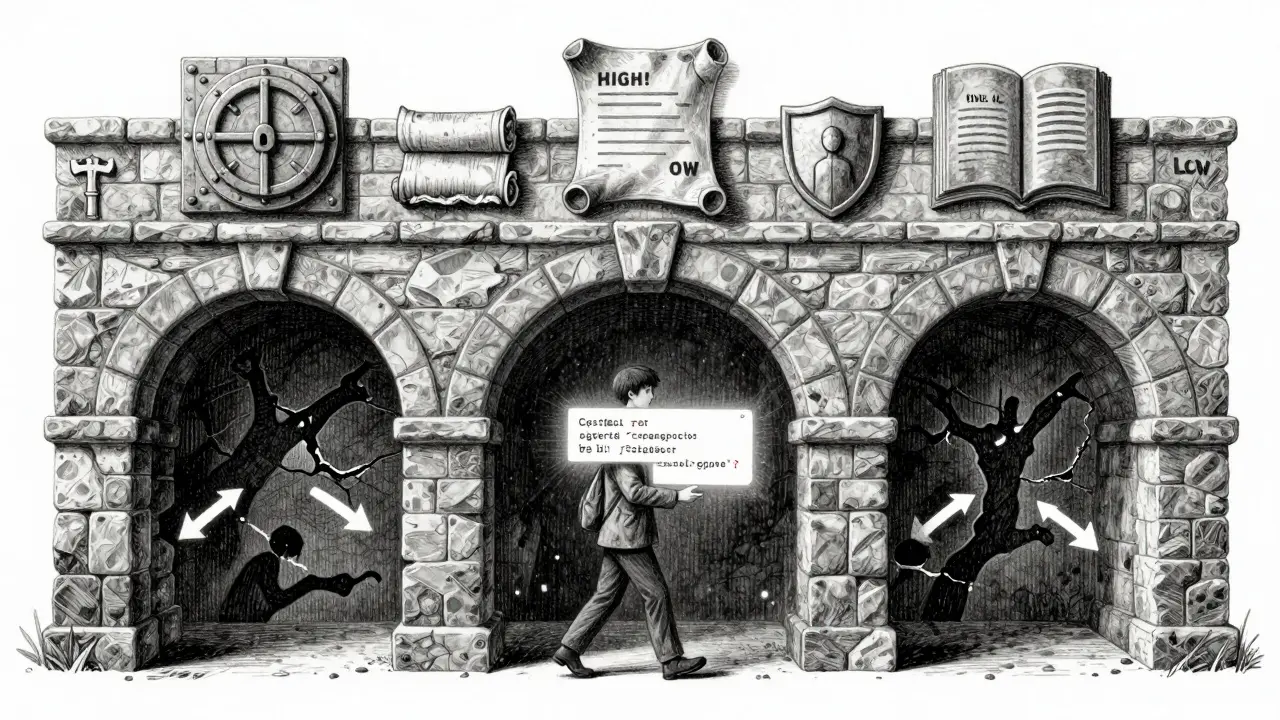
Least Privilege and Role-Based Access
You can’t just classify data-you have to classify access. Who can do what? The Vibe Coding Framework uses a role-based matrix. For example:- Guest: Can read public product listings
- User: Can read and update their own profile
- Admin: Can read all user data
- Service: Can write logs, but not access user records
How Governance Keeps This From Falling Apart
None of this works if it’s just a checklist. Governance means making these rules part of the workflow. That means:- Embedding classification prompts into the AI’s instructions: "Classify all data as Critical, High, Medium, or Low before generating code."
- Linking vibe coding tools to your company’s data governance system so it pulls in policies automatically.
- Requiring that every generated code change passes a classification audit before being committed.
- Training teams to treat vibe coding outputs like third-party code: review it, test it, don’t trust it.
Organizations that treat vibe coding as a magic button are already leaking data. Those that treat it as a high-risk tool with strict guardrails are building faster-and safer.
What You Should Do Today
If you’re using vibe coding tools right now:- Identify every piece of data your app handles. Tag it as Critical, High, Medium, or Low.
- Search your codebase for hardcoded secrets, wildcards in CORS, or missing RLS rules. Fix them.
- Update your prompts to require classification: "Classify all inputs and outputs before generating code."
- Set up automated scanning for exposed secrets and misconfigured access controls.
- Require manual review for any Critical or High classification before deployment.
There’s no such thing as "AI-generated code that’s secure by default." Security has to be built in. And that starts with knowing what kind of data you’re working with-and treating it like it could destroy your company if it gets out.
What happens if I don’t use data classification in vibe coding?
Without data classification, your AI-generated code may expose passwords, PII, or service keys. This can lead to regulatory fines under GDPR or CCPA, data breaches, loss of customer trust, and even legal liability. Many companies using vibe coding have been breached because their tools generated code with hardcoded secrets or open CORS policies, and no one reviewed it.
Can vibe coding tools classify data automatically?
Most can’t. While some tools detect PII patterns, they don’t understand context. A tool might flag "email" as sensitive, but miss "user_id" or "session_token". It won’t know if a database connection string is in a test or production environment. Automatic classification is limited. Human-defined rules and verification steps are still required to ensure security.
How do I classify data in my vibe coding prompts?
Add classification instructions to every prompt. For example: "Classify all data inputs as Critical, High, Medium, or Low. If the data includes names, emails, or IDs, classify as Critical. If it includes API keys or database URLs, classify as High. Never generate code with hardcoded credentials. Always use environment variables." This turns the AI into a compliance partner, not just a code generator.
Is vibe coding compliant with GDPR?
Only if you enforce classification rules. GDPR doesn’t ban AI-generated code-it requires that personal data be protected. If your vibe coding tool generates code that stores EU user emails without encryption or RLS, it’s not compliant. You must classify PII as Critical, encrypt it, limit access, and audit usage. The tool doesn’t do this for you. You have to build those rules in.
Should I stop using vibe coding until I fix this?
No. But you must treat it like a power tool with no safety guard. Use it for simple tasks first. Always review outputs. Never deploy without checking for secrets, CORS wildcards, or missing authentication. Start with a classification checklist. Train your team. Build automation to scan for risks. Vibe coding can be safe-it just requires discipline, not magic.


