
Most companies think generative AI is about automation. They buy tools, drop them into existing workflows, and wait for magic. But here’s the truth: 95% of generative AI pilots fail. The ones that actually deliver value? They don’t automate. They redesign.
Take Klarna. Instead of just slapping an AI chatbot on their customer service line, they fed it thousands of past conversations. They taught it: when does a customer need a human? When can AI handle it alone? The result? A tag-team system. AI handles routine stuff - tracking orders, resetting passwords, checking return policies. Humans jump in only when empathy matters: a frustrated customer, a refund dispute, a broken promise. Costs dropped. Wait times shrank. And employees stopped feeling like glorified data entry clerks.
This isn’t luck. It’s strategy.
Why Most AI Projects Die (And What High Performers Do Differently)
Companies that fail with AI treat it like a new printer. They plug it in and hope it prints better documents. But generative AI isn’t a tool - it’s a new way of working. MIT’s 2025 report found that the 5% who succeed share three habits:
- They pick one painful problem, not ten vague goals.
- They rebuild the workflow around AI, not beside it.
- They train their team to work with AI, not just use it.
Look at Colgate-Palmolive. Before AI, researchers spent weeks reading market reports, cross-referencing data, and guessing what consumers wanted. Now, they ask questions directly to an AI system built on retrieval-augmented generation (RAG). The AI pulls from internal surveys, social trends, Google search data, and competitor analysis - all in seconds. No more sifting through PDFs. No more missed signals. Just clear answers. And that’s not automation. That’s a new job.
Siemens did the same with maintenance. Instead of sending technicians to check machines on a schedule, they built an AI that listens to real-time sensor data. It predicts failures before they happen. Maintenance teams now fix problems before the machine breaks. Downtime dropped 50%. Productivity jumped 55%. And they didn’t hire a single new engineer.
How Workflow Redesign Actually Works
Redesigning a workflow doesn’t mean rewriting your org chart. It means changing how people spend their time.
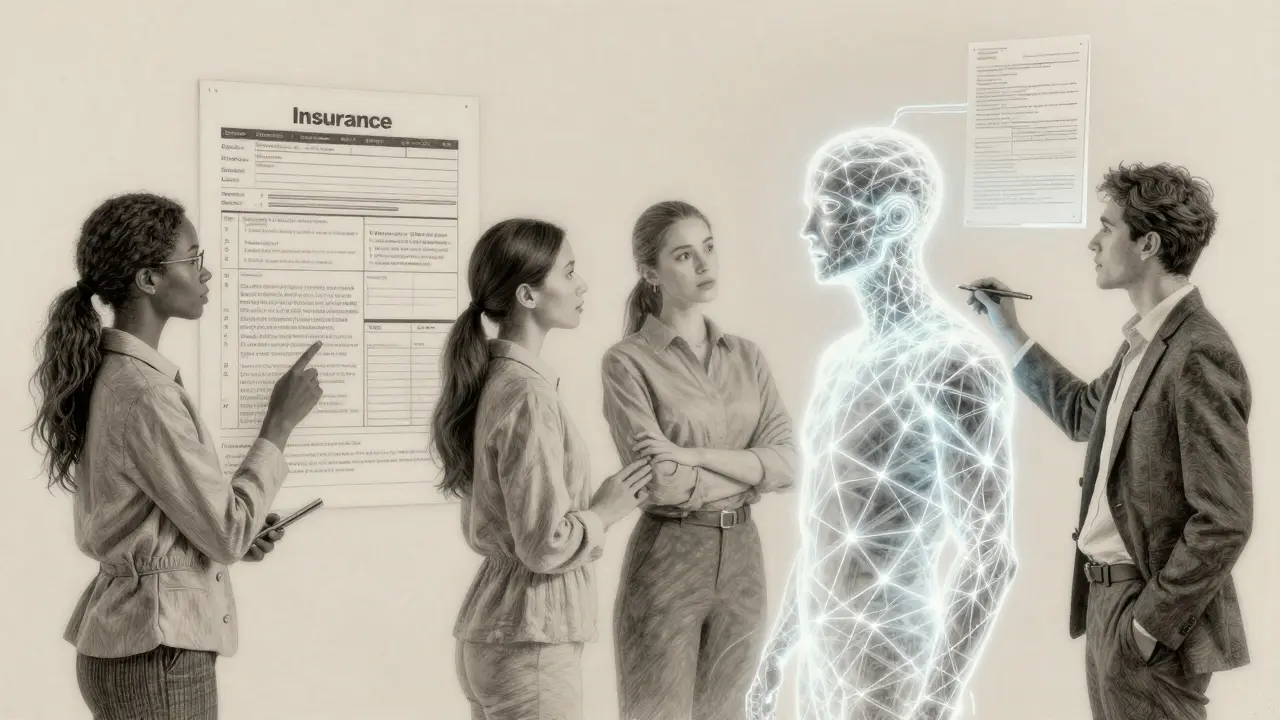
Five Sigma, an insurance company, used to have claims handlers buried under paperwork. Every claim had to be reviewed manually. Errors were common. Turnaround times dragged. So they built an AI that scanned claims, flagged inconsistencies, and pulled relevant policy details. But here’s the key: they didn’t replace humans. They freed them. Now, adjusters focus only on the 10% of claims that are complex - emotional cases, disputed injuries, fraud risks. The AI handles the rest. Result? 80% fewer errors. 25% faster processing. And employees say they actually enjoy their jobs again.
Same story with Rivian. Their engineers used to spend hours searching through old design docs, manuals, and internal wikis to solve a simple problem. Now, they ask Gemini, integrated with Google Workspace: "What’s the torque spec for this motor mount?" The AI pulls the answer from every document, email, and meeting note in seconds. Employees say they learn new skills 70% faster. That’s not efficiency. That’s a new learning curve.
And it’s not just tech teams. MAS, a marketing agency, uses AI to co-create campaigns. Instead of brainstorming in a room for hours, their team has conversations with AI. They throw out ideas. AI generates variations. They refine. Repeat. One creative director said, "It’s like having a partner who never runs out of ideas - and never gets tired."
The Scaling Playbook: From One Win to Enterprise-Wide
High performers don’t roll out AI everywhere at once. They start with one win - then replicate it.
Gazelle, a real estate service in Sweden and Norway, began by using AI to extract key data from property documents. Before: agents spent four hours per listing. After: 10 seconds. Accuracy jumped from 95% to 99.9%. That one change let them launch four new products in under a year. Now, they’ve scaled it to customer onboarding, contract drafting, and even marketing copy. All from one successful use case.
Sojern, a travel marketing platform, started by using AI to predict traveler intent. They fed it billions of real-time signals - search history, booking patterns, weather, even flight delays. What took two weeks? Now it takes two days. Their clients saw 20-50% better cost-per-acquisition. That success led them to build AI for ad targeting, campaign optimization, and even dynamic pricing. Each step built on the last.
The pattern? One high-impact use case. Prove it works. Train the team. Document the process. Then copy it to another team. Within 12 to 18 months, high performers go from one project to three or more - without hiring a single AI specialist.
What High Performers Don’t Do
They don’t try to "transform the entire company."
They don’t wait for perfect data.
They don’t outsource AI to a vendor and call it done.
One company tried to use AI for "everything marketing." They wanted it to write emails, design banners, pick ad placements, and analyze competitors. The result? Confusion. Overload. Half the team stopped using it.
Compare that to Bayer. They didn’t try to do it all. They picked one thing: ad copy. They used AI to generate hundreds of variations of their ads, tested them digitally, and let the data pick the best ones. Clicks went up 85%. Cost per click dropped 33%. And their team didn’t have to learn new software. They just changed how they reviewed ads.
And here’s the quiet truth: high performers don’t need PhDs. Most employees need 15 to 20 hours of training to use AI effectively in their redesigned workflows. No coding. No stats. Just clear instructions: "Here’s what AI does. Here’s what you do. Here’s how you know it’s working."
The Hidden Metric: Not Just Efficiency - Engagement
Harvard Business Review found something surprising: AI can make people less motivated - if it’s used wrong.
If AI just replaces tasks, people feel useless. If AI handles the boring stuff, people feel powerful.
That’s why Ferrari’s AI system works. It doesn’t build cars. It helps customers build their dream car - visually. The AI generates 3D models in real time. Customers tweak colors, materials, trim. The human sales rep guides them, shares stories, answers questions. The result? Configuration time dropped 20%. Engagement went up. Sales rose.
Same with Seguros Bolivar in Colombia. Their AI now helps design insurance products with partner companies. Instead of endless email chains and Zoom calls, teams collaborate in real time inside Google Workspace. AI pulls data, suggests options, flags risks. Humans make the final call. Collaboration time dropped 30%. Costs fell. And employees said they finally felt like partners - not middlemen.
Scaling Isn’t About Tools - It’s About Trust
The biggest barrier to scaling AI? Not tech. Not cost. It’s trust.
Employees don’t trust AI if they don’t understand it. Leaders don’t trust AI if they can’t measure it.
That’s why high performers track two things:
- Output quality - Is the AI’s answer accurate? Consistent? Reliable?
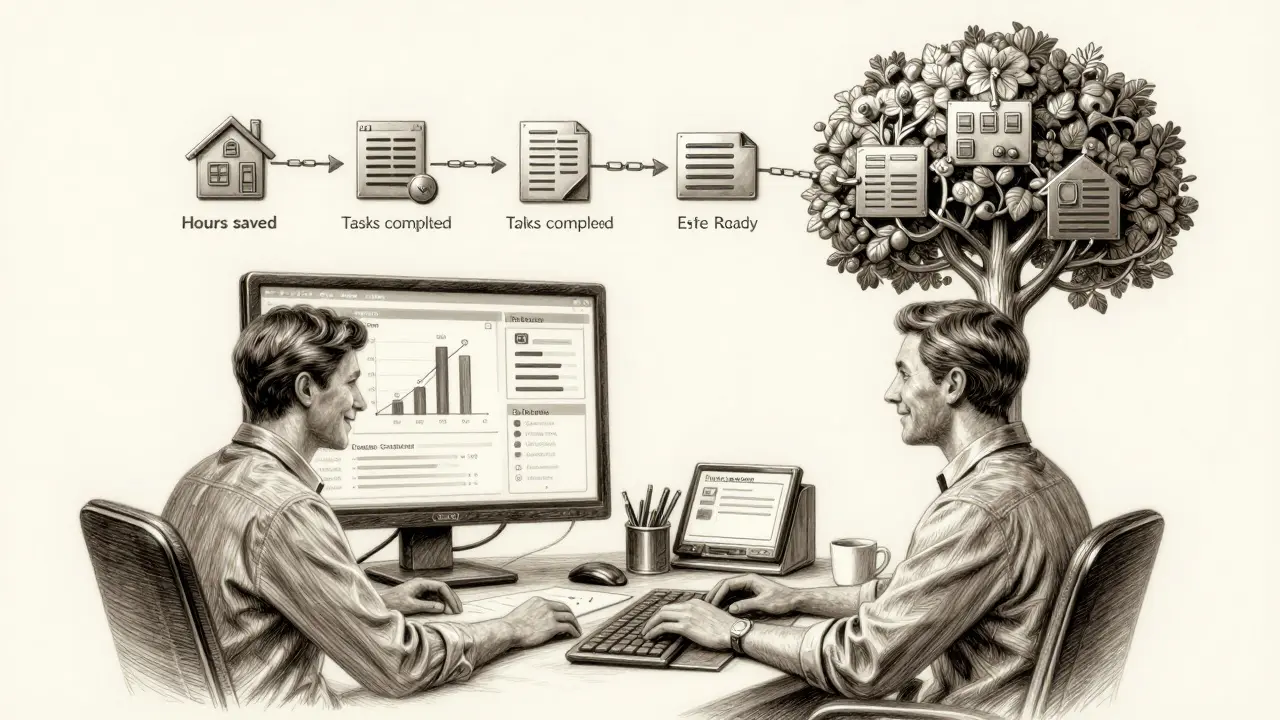
- Human time saved - How many hours per week does this save? What could they do with that time instead?
Roshn Group in Saudi Arabia built RoshnAI to answer internal questions. They didn’t just deploy it. They gave every employee a dashboard showing how often they used it, what questions they asked, and how much time they saved. People started competing to see who could save the most hours. Engagement soared. Usage tripled in six months.
That’s the secret. You don’t scale AI by adding more tools. You scale it by making people want to use it.
What You Should Do Next
If you’re stuck in pilot purgatory, here’s your first step:
- Find one task that’s repetitive, time-consuming, and low-risk.
- Map out the current workflow. Who does what? Where do delays happen?
- Ask: "What if AI handled step 2 and 4? What would the human do instead?"
- Build a prototype with existing tools (Gemini, RAG, Google Workspace). No need for custom code.
- Test it with one team. Measure time saved and output quality.
- Train them to explain it to others.
Don’t chase AI. Redesign the job.
What’s the biggest mistake companies make when using generative AI?
They treat AI like a tool instead of a redesign partner. Adding AI to an old workflow rarely works. The most successful companies rebuild the process around AI - letting it handle routine tasks so humans can focus on judgment, creativity, and empathy.
Do I need a data science team to use generative AI effectively?
No. Most high performers use off-the-shelf tools like Gemini, RAG, and Google Workspace. Employees need 15-20 hours of training - not a degree. The key is teaching them how to ask good questions and verify outputs, not how to build models.
How do I measure if my AI implementation is working?
Track two things: time saved per task and output quality. If your team saves 10+ hours a week and errors drop by 20% or more, you’re on the right track. Avoid vague metrics like "productivity increased." Be specific: "Claims processing time dropped from 72 hours to 54 hours."
Can generative AI replace human workers?
Not if you design it right. The best systems don’t replace - they elevate. AI handles routine, repetitive tasks. Humans handle complexity, emotion, and decisions that require judgment. The goal isn’t to cut headcount - it’s to make people’s work more meaningful.
What’s the fastest way to start using generative AI?
Pick one painful task - like drafting emails, summarizing meetings, or pulling data from documents. Use a tool you already have (like Google Workspace + Gemini). Build a simple prototype. Test it with one team. Measure the time saved. Then scale. No need for a big budget or a tech overhaul.


