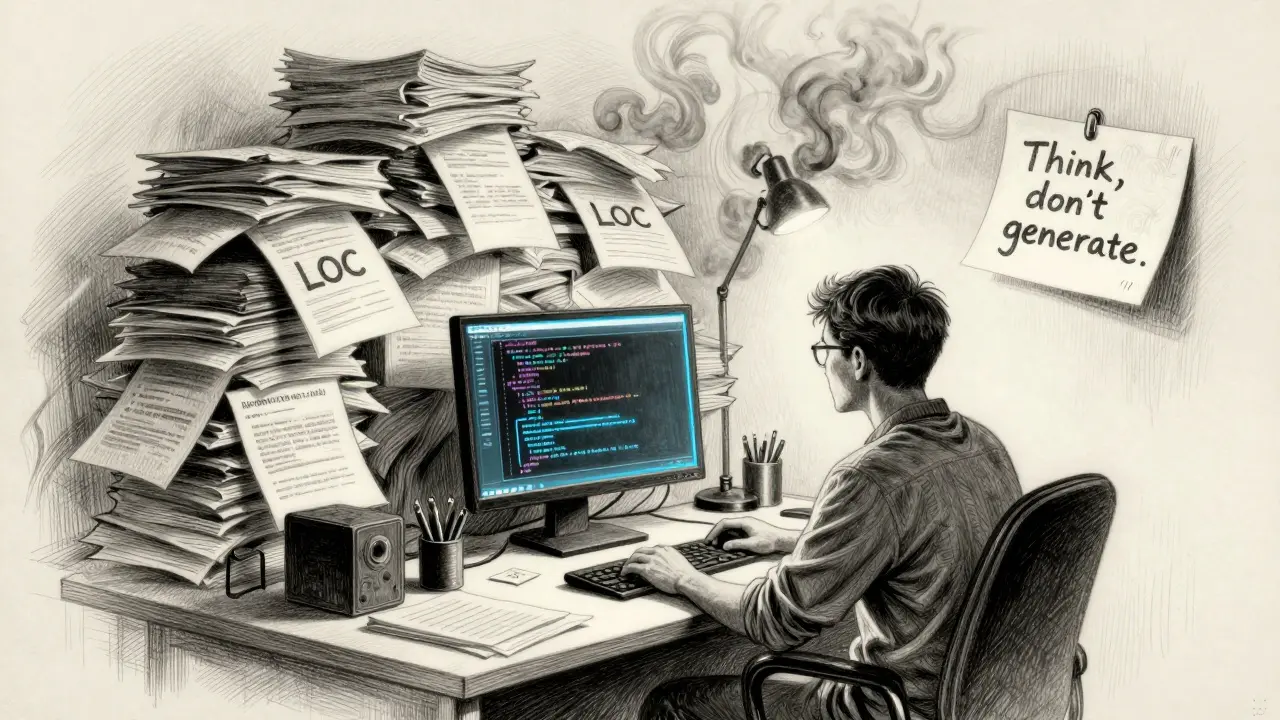
When AI writes code, how do you know if it’s good? It’s not about how many lines it spits out. That old metric-lines of code per day-is broken. In fact, it’s making things worse.
Think about it: if your team gets rewarded for writing more code, and your AI tool can generate 500 lines in five seconds, what happens? Developers start asking the AI for bigger chunks. They stop thinking about architecture. They stop reviewing carefully. They just click "accept" and move on. The result? A codebase that grows fast but breaks often. GitLab’s analysis of 153 million lines of code showed that code churn-lines changed or deleted within two weeks-is doubling every year. That’s not progress. That’s technical debt piling up like trash.
Why Lines of Code Lie
Lines of code used to mean something. Back when developers typed every line by hand, more code meant more work. But AI changed that. Now, code isn’t a measure of effort-it’s a measure of how much you let the AI do. And that’s dangerous.
AI doesn’t see the whole system. It sees the function you’re editing. So it generates code that works for that one piece. But what about the rest of the app? Does it match the pattern? Is it consistent with the API design? Is it going to break when another team updates their service? AI can’t answer those questions. Only humans can.
And here’s the hidden cost: every line of AI-generated code needs to be reviewed, tested, and maintained. More code means more work later. Teams that chase LOC numbers end up spending half their time fixing what they thought they’d finished. That’s not efficiency. That’s burnout.
What Actually Matters Now
The new metrics aren’t about writing code. They’re about thinking code.
Here’s what top teams track instead:
- Code churn - How often is code rewritten within two weeks? High churn means the code wasn’t thought through. It’s a red flag.
- Change Failure Rate - What percentage of deployments break production? If it’s over 15%, your team is shipping too fast and reviewing too little.
- Mean Time to Recovery - When something breaks, how long does it take to fix? Teams with good testing and clear ownership recover in under 30 minutes. Others take hours.
- Review depth - Are reviewers checking logic, security, and architecture-or just spacing and naming? A review that says "LGTM" without asking "What happens if this API fails?" is worthless.
- Constructive feedback ratio - Do reviews feel like coaching or criticism? Teams that balance critique with encouragement have 40% fewer recurring bugs.
- Review coverage - Are 90% of changes reviewed properly, or are half just rubber-stamped? Rubber-stamping is how bugs slip into production.
These aren’t just numbers. They’re early warnings. High churn? Your team is rushing. High failure rate? Your testing is weak. Low review depth? Your culture is broken.
The SPACE Framework: People First
GitHub and Microsoft Research built the SPACE framework to stop measuring output and start measuring experience. SPACE stands for:
- Satisfaction - Are developers happy? Do they feel stuck or supported?
- Performance - Are they shipping stable, useful code?
- Activity - What are they actually doing? Coding? Reviewing? Pairing? Designing?
- Communication - Are they sharing knowledge? Are meetings productive?
- Efficiency - How long does it take to go from idea to live code?
One team noticed their developers were spending 60% of their time in meetings. At first, they thought it was waste. But digging deeper, they found those meetings were about refining prompts for the AI. They were designing better system architecture. They were teaching each other how to use Copilot to generate tests instead of full functions. That wasn’t busywork. That was growth.
SPACE metrics don’t tell you who wrote the most code. They tell you who’s learning, who’s helping, and who’s building something that lasts.

Developer Experience Index (DXI)
DXI is the quiet hero of modern engineering. It doesn’t count lines. It counts flow.
It asks: When you sit down to work, do you get into the zone? Do tests run fast? Do you get clear feedback? Are you interrupted every 15 minutes? Do you understand the code you’re working on?
Teams using DXI found something surprising: the most productive developers weren’t the ones generating the most code. They were the ones who spent less time coding and more time writing design docs, mentoring juniors, and refining prompts. One senior engineer at a fintech startup reduced her code output by 30% over six months-but her team’s bug rate dropped by 65%. Why? She started asking, "What’s the simplest way to solve this?" instead of "Can AI write this faster?"
DXI also tracks collaboration. Who’s writing comments? Who’s updating docs? Who’s answering questions in Slack? Those are the people keeping the codebase alive.
What AI Should Actually Do
AI isn’t here to replace developers. It’s here to replace the boring parts.
Use it for:
- Generating test cases
- Writing boilerplate code
- Fixing syntax errors
- Auto-documenting functions
- Creating scaffolding for new features
Don’t use it for:
- Designing system architecture
- Deciding API contracts
- Handling security logic
- Writing business rules
Teams that treat AI like a junior developer-someone who needs supervision and context-do better than those who treat it like a magic wand. Start small. Let AI write tests. Then move to docs. Then scaffolding. Don’t jump straight to full functions. You’ll regret it.

How to Start Changing
You don’t need a new tool. You need a new mindset.
Here’s how to begin:
- Stop tracking lines of code. Period.
- Start measuring code churn and change failure rate in your CI/CD pipeline.
- Ask your team: "What’s one thing that slows you down every day?" Then fix it.
- Review 10 random pull requests. Are they deep? Or just "LGTM"? If it’s the latter, train your reviewers.
- Track time spent on design discussions. If it’s going down, you’re moving too fast.
- Give engineers space to experiment. Let them try new AI prompts. Share what works.
One engineering lead in Austin switched from daily LOC reports to weekly DXI check-ins. Within three months, her team’s deployment frequency went up by 22%, and their incident rate dropped by 40%. Why? Because they stopped optimizing for output and started optimizing for understanding.
The Real Goal
The goal isn’t to write more code. It’s to write code that lasts.
AI doesn’t make you faster. It makes you more responsible. The real productivity isn’t in the number of lines. It’s in the clarity of the design. The strength of the tests. The quality of the review. The trust between teammates.
If your team ships less code but it works better, you’re winning. If your team ships more code but breaks production every week, you’re losing-even if your manager thinks you’re "on fire."
The future of software isn’t about how much code you write. It’s about how well you think.
Why is lines of code a bad metric for AI-assisted development?
Lines of code used to reflect effort, but AI can generate hundreds of lines in seconds. Measuring LOC now rewards quantity over quality, encouraging developers to ask AI for larger chunks of code instead of thinking critically. This leads to code bloat, repetition, and higher churn-making the codebase harder to maintain. Teams focused on LOC often see more bugs, not fewer.
What is code churn, and why should I care?
Code churn measures how often lines of code are changed, deleted, or replaced within two weeks of being written. High churn means the code wasn’t well thought out-often because it was generated by AI without context. It’s a warning sign that technical debt is building. Teams with high churn spend more time fixing what they just wrote than building new features.
How can I improve code review quality in an AI-heavy team?
Focus on depth, not speed. Train reviewers to look for logic flaws, security risks, and architectural mismatches-not just formatting. Use the constructive feedback ratio: for every criticism, include one positive note. Track review coverage: if more than 10% of changes get "LGTM" without real review, you have a culture problem. The best reviews teach, not just correct.
What’s the SPACE framework, and how does it help?
SPACE stands for Satisfaction, Performance, Activity, Communication, and Efficiency. It shifts focus from how much code is written to how well developers work. It asks: Are they happy? Are they shipping stable code? Are they collaborating? Teams using SPACE find that developers who spend more time designing and mentoring often deliver better results than those who code the most.
Can AI really improve code quality?
Yes-but only if used correctly. AI excels at generating tests, fixing syntax, writing documentation, and creating scaffolding. But it fails at architecture, security, and system design. Teams that use AI for repetitive tasks and keep humans in charge of design see real quality gains. Teams that let AI write entire functions without review often make things worse.
How long does it take to see results after switching metrics?
It takes 3-6 months. Teams can’t flip a switch. Developers need time to learn new workflows, adjust to AI tools, and rebuild trust in reviews. Early wins come from reducing churn and improving review depth. Long-term gains-like fewer outages and higher team morale-take longer but are far more valuable.


