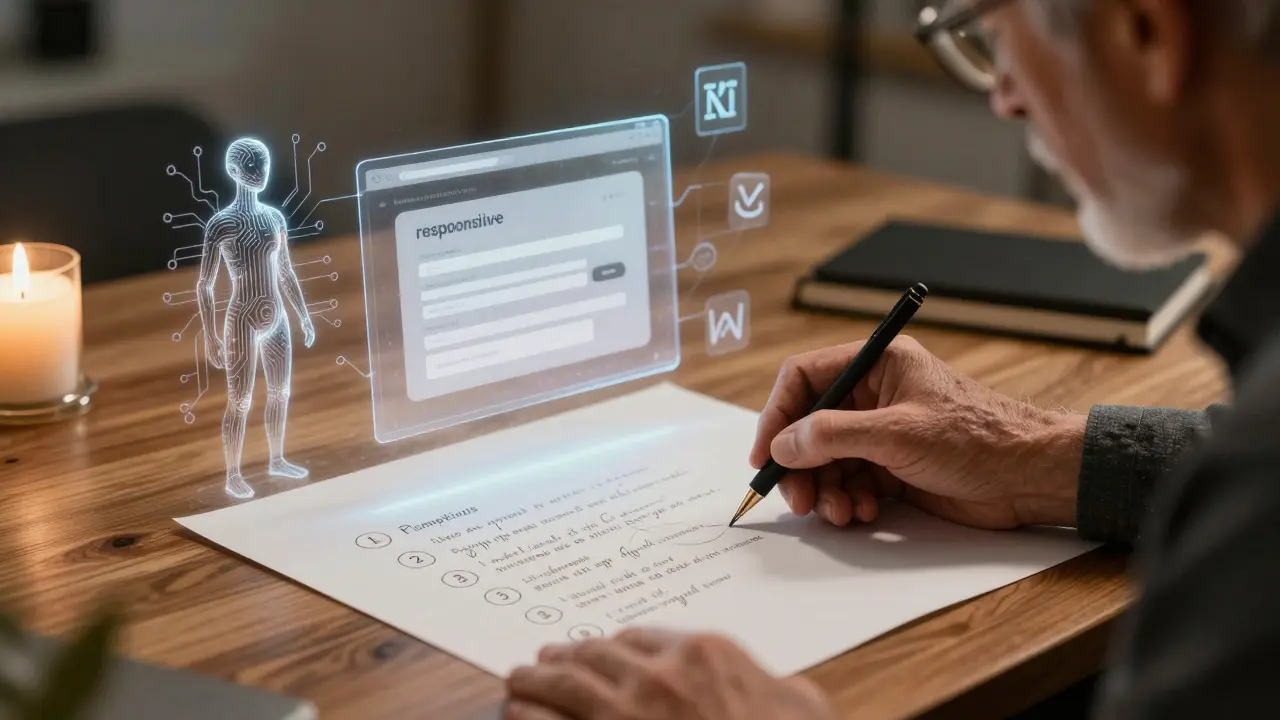
Imagine building a working web form in under 15 minutes-no typing, no debugging syntax errors, no Googling React hooks. Just type what you want, and the AI hands you clean, functional code. That’s vibe coding. It’s not magic. It’s prompt engineering done right.
Since 2023, vibe coding has gone from a niche experiment to a daily tool for thousands of developers. It’s not about replacing programmers. It’s about removing friction. The goal? Turn ideas into working prototypes faster than ever. But here’s the catch: most people get it wrong. They ask vague questions. They expect perfection on the first try. And then they blame the AI.
What Vibe Coding Actually Is (And What It Isn’t)
Vibe coding means using natural language prompts to generate code through AI assistants like GitHub Copilot, Amazon CodeWhisperer, or Claude. It’s not a new programming language. It’s not a replacement for learning code. It’s a collaboration tool. Think of it like having a junior developer who knows every framework but has no common sense.
According to RantheBuilder’s 2025 survey of 1,200 developers, 68% use vibe coding for rapid prototyping. That’s not because they’re lazy. It’s because they’re smart. They know the fastest way to test an idea is to build it fast, see if it works, and then improve it.
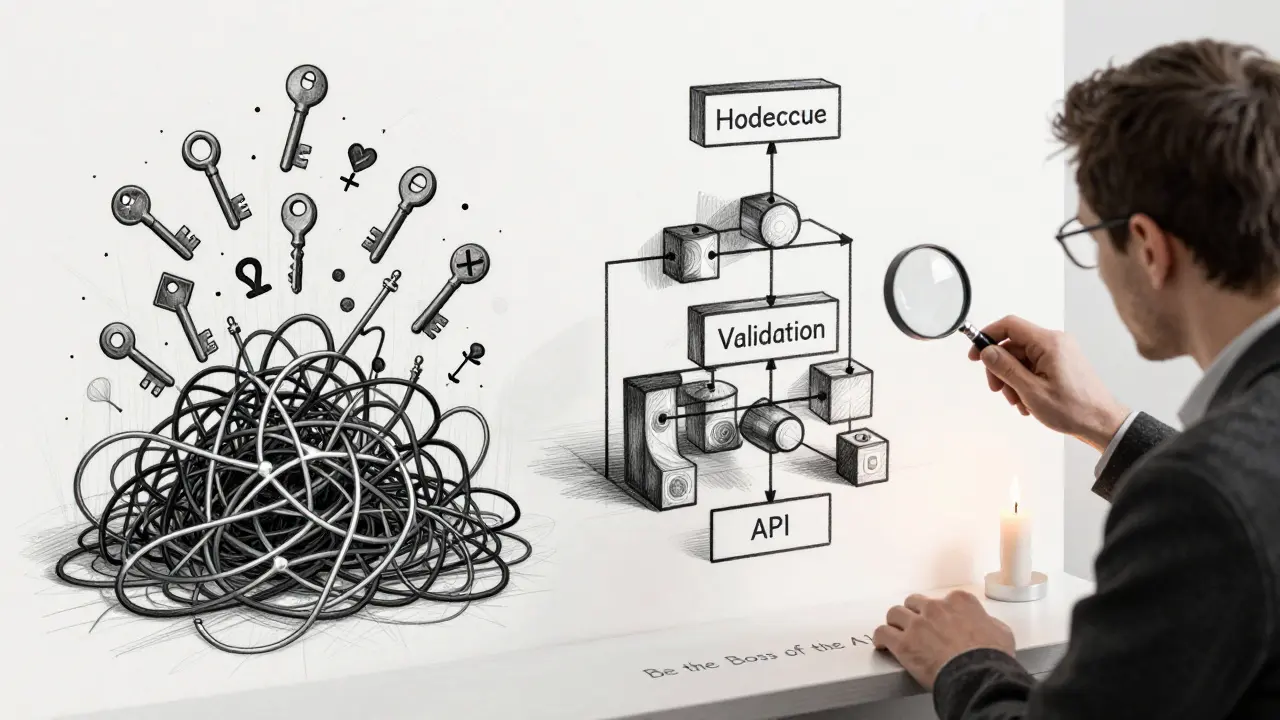
But vibe coding fails when used for full-stack apps with authentication, databases, and complex logic. DevInterrupted’s 2025 study found success rates drop from 89% for single components to just 37% for complete applications. Why? Because AI doesn’t understand system architecture. It doesn’t know how your API keys are stored or how your database schema connects to your frontend. It just guesses based on patterns.
The Six-Step Prompting Method That Actually Works
Not all prompts are created equal. A bad prompt gives you garbage. A good one gives you a starting point you can build on. RantheBuilder’s six-step framework is the most reliable method tested across real teams.
- Define the Persona - Don’t just say “write a form.” Say: “Act as a senior React developer specializing in accessibility.” This tells the AI to think like someone who knows ARIA labels, keyboard navigation, and screen reader compatibility.
- State the Problem Clearly - “Build a contact form with name, email, and message fields.” Not “Make a form.” Not “Something for users to contact us.” Specificity cuts revision time by half.
- Add Context - “This will integrate with our existing Next.js 14 app using Tailwind CSS.” Context prevents the AI from using libraries you don’t allow or building in a way that breaks your stack.
- Ask for a Plan First - Before it writes code, make it explain how it will solve the problem. “List the steps you’ll take to implement this.” This reduces hallucinations by 67%, according to David Kim’s 2025 analysis. If the plan makes no sense, you fix it before the code is written.
- Use Constraints - “Use only React Hook Form. No Formik. No external APIs.” Constraints are your safety net. AIM Consulting found that adding just two constraints reduced incompatible code outputs by 62%.
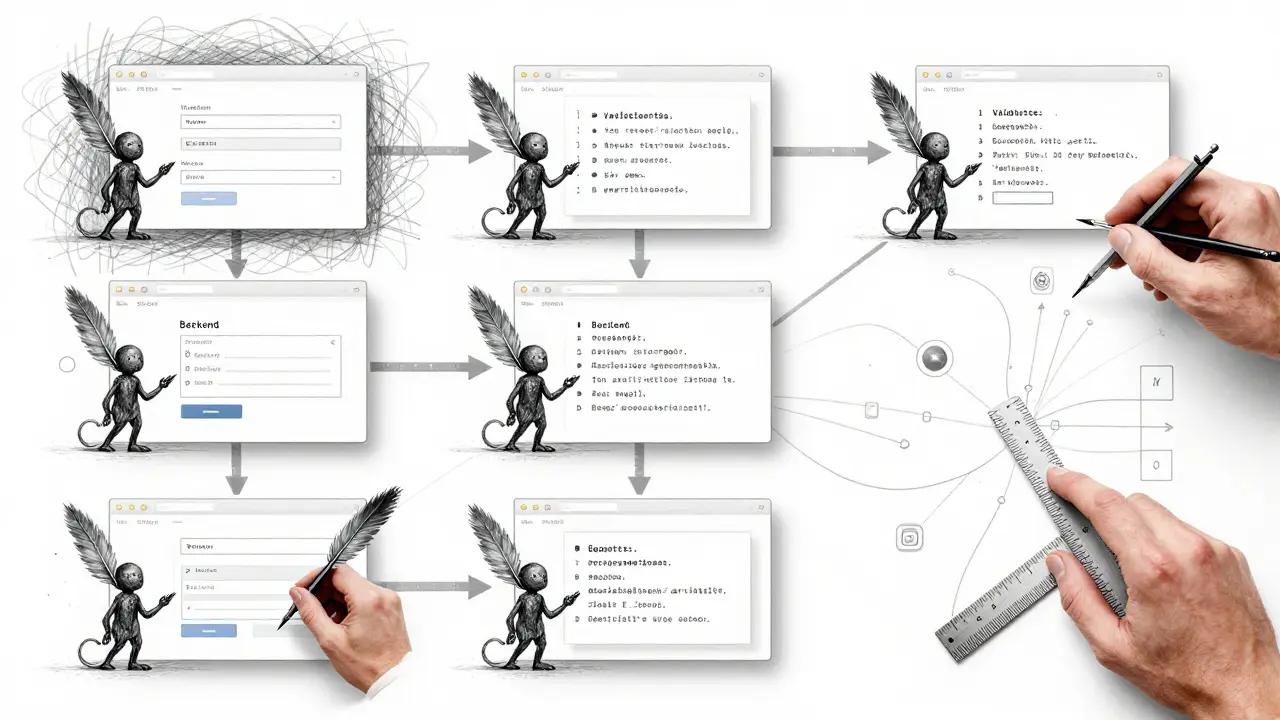
- Chain Your Prompts - Don’t try to build a whole app in one go. Break it down. First prompt: “Create the form.” Second: “Add validation for email format.” Third: “Connect it to a backend endpoint.” Chained prompting is the most praised technique on Reddit and Dev.to. 85% of positive feedback points to it.
Write for Users, Not for Code
Most people write prompts like engineers: “Create a function that validates an email using a regex pattern.” That’s backwards.
Emergent’s testing showed a 41% drop in revisions when prompts described user actions instead of technical steps. Instead of “validate email,” say: “Users should be able to enter their email and get a confirmation message right away.”
Why does this work? AI learns from human behavior. It’s trained on millions of real-world interactions. It understands “confirmation message” better than “regex pattern.” It knows what users expect, not just what syntax looks like.
This is the secret to building intuitive interfaces. You’re not telling the AI how to code. You’re telling it what the user needs.
What Not to Do
Here are the three most common mistakes-and why they cost you time.
- Asking for too much at once - “Build me a full e-commerce site with user auth, cart, payments, and admin panel.” That’s not a prompt. That’s a project brief. AI can’t hold that in context. Break it into 10 smaller prompts.
- Ignoring constraints - If you don’t say “no external APIs,” the AI will use one. And then your app breaks when the API changes. Always list what’s forbidden.
- Not testing the output - 83% of AI-generated code has at least one security flaw, according to RantheBuilder’s audit. Don’t deploy it without checking for XSS, SQL injection, or hardcoded secrets.
Dr. Elena Rodriguez from AIM Consulting put it bluntly: “Vibe coding without proper constraints creates 3.2x more technical debt than traditional development.” You’re not saving time if you’re spending weeks fixing bad code.
When Vibe Coding Shines (And When It Fails)
Let’s be clear: vibe coding isn’t a silver bullet. It’s a scalpel.
Best for:
- UI components (buttons, modals, forms)
- Quick prototypes for client demos
- Boilerplate code (header, footer, routing setup)
- Learning new frameworks (try building a todo app in Svelte with AI help)
- Internal tools (admin dashboards, data importers)
Worst for:
- Algorithm-heavy logic (sorting large datasets, complex math)
- Authentication systems (OAuth, JWT handling, session management)
- Database schema design
- Performance-critical code (real-time video processing, low-latency systems)
Supabase’s benchmark found vibe coding cuts UI development time from 4-8 hours to 15-30 minutes. But for anything requiring precision-like a payment processor or a real-time chat server-human-written code still wins. 94% accuracy vs. 68% for AI, according to DevInterrupted.
How to Get Better at Prompting
There’s no shortcut. You get better by doing. But here’s how to practice smarter.
Start small. Pick one component: a dropdown menu, a loading spinner, a modal with animations. Write a prompt. Get the code. Then ask: “What are three ways this could be improved for better user experience?” That’s the trick Sarah Johnson from WeAreFounders calls “treating AI as a collaborative partner.”
Most beginners overestimate what AI can do. WeAreFounders’ training data shows 92% of new users think they can build a full app in one prompt. They can’t. It takes 12-15 hours of deliberate practice to get good. That’s about two weeks of 1-hour sessions.
Build a prompt refinement workflow. Write a prompt. Get code. Test it. Fix it. Rewrite the prompt. Repeat. On average, successful developers iterate 3-5 times per feature. That’s not failure. That’s iteration.
And always document your best prompts. Save them in a Notion doc or a Markdown file. You’ll reuse them. One senior dev I talked to had a library of 47 proven prompts for common UI elements. He reused 80% of them.
The Future: From Prototype to Production
The biggest criticism of vibe coding? “It works in development, but it’s a mess in production.”
That’s changing. Supabase’s January 2026 update introduced “prompt validation layers” that automatically check AI-generated code for security and performance issues. Beta users saw a 44% drop in post-generation fixes.
Anthropic’s Claude 3.5 prototype now uses “self-correcting prompts.” The AI evaluates its own output against quality metrics and rewrites it before showing you. Early tests show 29% fewer revisions needed.
GitHub’s latest Copilot update even includes a “vibe-to-traditional” conversion tool. It takes AI-generated code and refactors it into cleaner, human-readable patterns. That’s a direct response to developer feedback: “I need this code to be maintainable.”
Dr. Marcus Chen’s February 2026 article in Communications of the ACM recommends “progressive enhancement”: start with vibe coding for the core feature, then manually refine the critical parts. Use AI for speed. Use your brain for quality.
Gartner’s 2026 Hype Cycle says vibe coding is on the “slope of enlightenment.” It’s not going away. But developers who treat it like a magic code generator? They’ll drown in technical debt.
Final Thought: Be the Boss of the AI
Vibe coding doesn’t make you a better coder. It makes you a better leader of a tool. The AI is your assistant. You’re the architect.
It doesn’t know your business rules. It doesn’t care about your users’ pain points. It doesn’t understand why your company needs to be GDPR compliant.
So ask better questions. Set clear boundaries. Test everything. And never, ever ship AI code without reviewing it.
The fastest developers aren’t the ones who type the least. They’re the ones who think the most-and use AI to amplify their thinking, not replace it.
Is vibe coding the same as AI pair programming?
Yes, vibe coding is a form of AI pair programming. But not all AI pair programming is vibe coding. Vibe coding specifically refers to using natural language prompts to generate code quickly, often skipping manual typing. Other AI pair programming tools might suggest snippets as you type, while vibe coding builds full components from a single prompt.
Can vibe coding replace learning to code?
No. Vibe coding reduces the barrier to starting, but it doesn’t replace understanding. If you don’t know how React works, you won’t know if the AI’s code is broken. You won’t know how to fix it. You won’t know when to ask for a better prompt. Learning fundamentals lets you guide the AI instead of being led by it.
What’s the best AI tool for vibe coding?
There’s no single best tool-it depends on your stack. GitHub Copilot works best with VS Code and JavaScript/Python projects. Amazon CodeWhisperer integrates tightly with AWS services. Claude excels at complex reasoning and long-context prompts. Try each for a week. Use the one that feels most natural for your workflow.
Why does vibe coding sometimes generate insecure code?
AI doesn’t understand security contexts. It’s trained on public code, which often includes bad practices like hardcoded API keys, SQL injection vulnerabilities, or unvalidated user input. That’s why you need constraints (e.g., “no hardcoded secrets”) and why you must always audit the output. RantheBuilder’s audit found 83% of AI-generated code has at least one minor security issue.
How do I know if my prompt is good enough?
A good prompt gives you code that works on the first try-or close to it. If you need more than 3 revisions, your prompt is too vague. Check if you included: persona, problem, context, constraints, and a request for a plan. If you skipped any, rewrite it. Also, test the output immediately. If it breaks on edge cases, your prompt didn’t account for them.
Is vibe coding only for front-end devs?
No. While it’s popular for UI work, vibe coding works for back-end too. You can prompt for REST API routes, database migrations, or even simple Python scripts for data cleaning. But complex logic like authentication flows or distributed systems still require human design. Use vibe coding to scaffold, not to architect.
Should I use vibe coding in my startup’s production app?
Use it for prototyping and non-critical features. For core functionality-payment processing, user auth, data storage-write it manually or heavily refactor the AI output. 83% of vibe-coded prototypes need architectural changes before production, according to Dev.to’s case study. Don’t risk your users’ data on unvetted AI code.