When you scale a large language model (LLM) from a few requests a minute to thousands per second, your GPUs don’t just get busy-they get stuck. Why? Because LLMs don’t work like traditional apps. They generate text one token at a time, and each response can be 50 tokens or 5,000. If you treat them like batch jobs, you waste 60-75% of your GPU power. That’s not inefficiency. That’s money burning on hardware you’re already paying for.
Why Standard Batching Fails for LLMs
Traditional deep learning models process inputs in fixed-size batches. You wait for 32 or 64 requests to pile up, then run them together. Simple. Efficient. Works great for image classification or sentiment analysis. But LLMs? They’re autoregressive. Each token depends on the last. And every user’s output length is different. One person asks for a one-sentence summary. Another wants a 2,000-word report. If you force them into the same batch, you pad the short ones with empty tokens. That’s wasted compute. You’re running the same model, but half the GPU is just waiting for slow responses to finish. NVIDIA’s 2024 benchmark showed that without smart scheduling, most LLM deployments run at 30-40% GPU utilization. That’s like buying a Ferrari and only driving it at 20 mph because you’re afraid of traffic.Dynamic Batching: The First Step to Efficiency
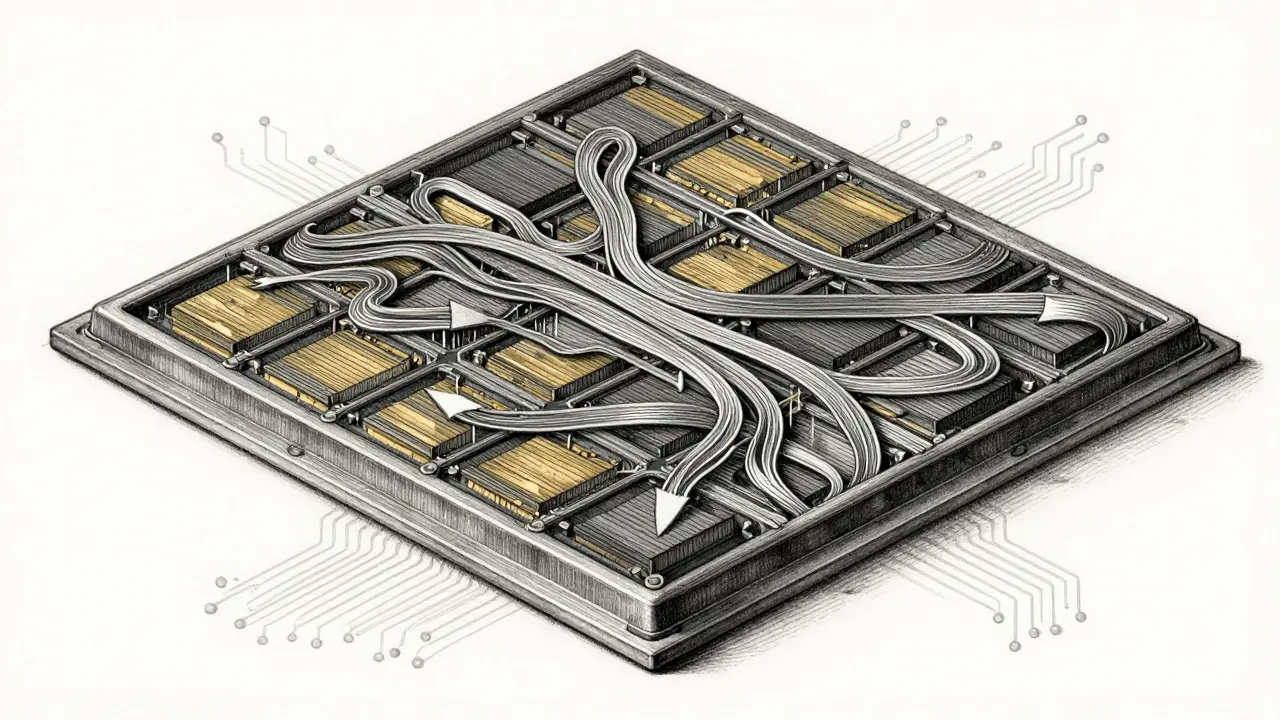
The fix? Stop waiting. Start batching in-flight. Systems like vLLM and Sarathi-Serve don’t wait for a full batch. They take new requests as they come in and slot them into running inference sequences. If a request is short and will finish in 200ms, it gets grouped with others that are also near completion. Longer ones get their own space. No padding. No idle cycles. This isn’t theory. In Clarifai’s 2025 benchmark, switching from static to dynamic batching boosted throughput by 3.4x. GPU utilization jumped from 38% to 79%. That’s not a tweak. That’s a 108% increase in output per dollar spent. The magic? PagedAttention. Instead of allocating memory for each sequence as one big block, vLLM splits the key-value cache into small, reusable pages-like memory fragments you can rearrange on the fly. This cuts fragmentation by 40.2%, letting you pack more sequences into the same GPU.Sequence Scheduling: Predicting the Unpredictable
Dynamic batching helps. But you can do better. Enter sequence scheduling. This is where you predict how long each request will take-before it even starts. How? You train a tiny model, usually a classifier or ranking head, to estimate output length based on input. It doesn’t need to be perfect. Just good enough to group similar-length requests. Zheng et al. (2023) showed that binning requests into 50-token chunks reduced padding waste by 22.3%. Sarathi-Serve uses this to create tight, efficient batches. If you have 10 requests predicted to be 200-250 tokens, you run them together. No one waits for the slowest. The result? Throughput improves by 2.1x over non-predictive methods. And tail latency-the time the slowest 1% of users wait-drops by 62%. But here’s the catch: prediction errors hurt. If your model thinks a request will be 100 tokens and it turns out to be 800, you block a whole chunk of GPU memory for too long. That’s why advanced systems like Sarathi-Serve 2.1 (August 2025) now use uncertainty-aware scheduling. They don’t assume the worst. They track confidence and adjust dynamically. Even with 40% prediction error, they still hit 92.7% of optimal throughput.Token Budgets: The Hidden Lever
Most people focus on batch size. But the real knob you should twist is the token budget. This is the maximum number of tokens a single request can consume during prefill (the initial slow part) and decode (the generation part). Too high? You tie up memory with long requests and block others. Too low? You cut off responses early. Agrawal et al. (2023) found that a 2048-token budget cuts prefill latency by 31.5%-but only if you’re okay with long wait times later. A 512-token budget balances both phases. For most customer-facing apps, 512-768 tokens is the sweet spot. vLLM 0.5.0 (June 2025) now auto-tunes this based on workload. It watches how long requests are taking and adjusts the budget on the fly. That’s the future: scheduling that learns.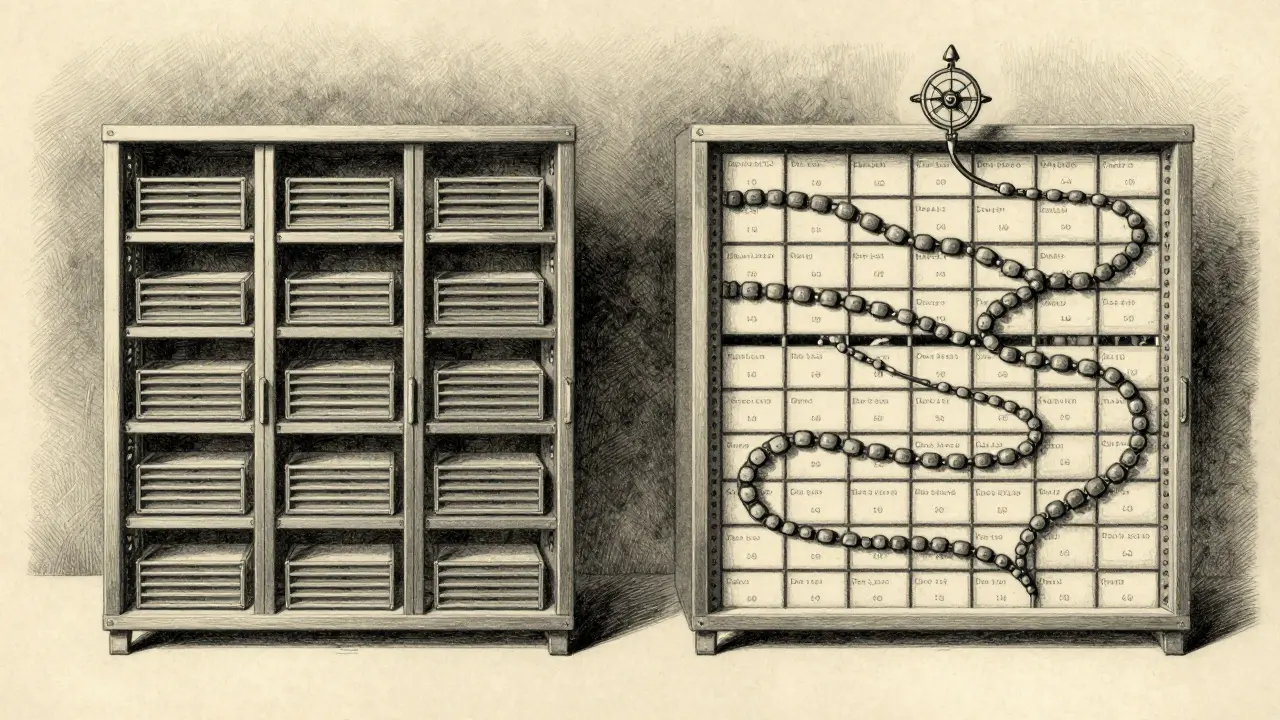
Distributed Scheduling: Scaling Beyond One Server
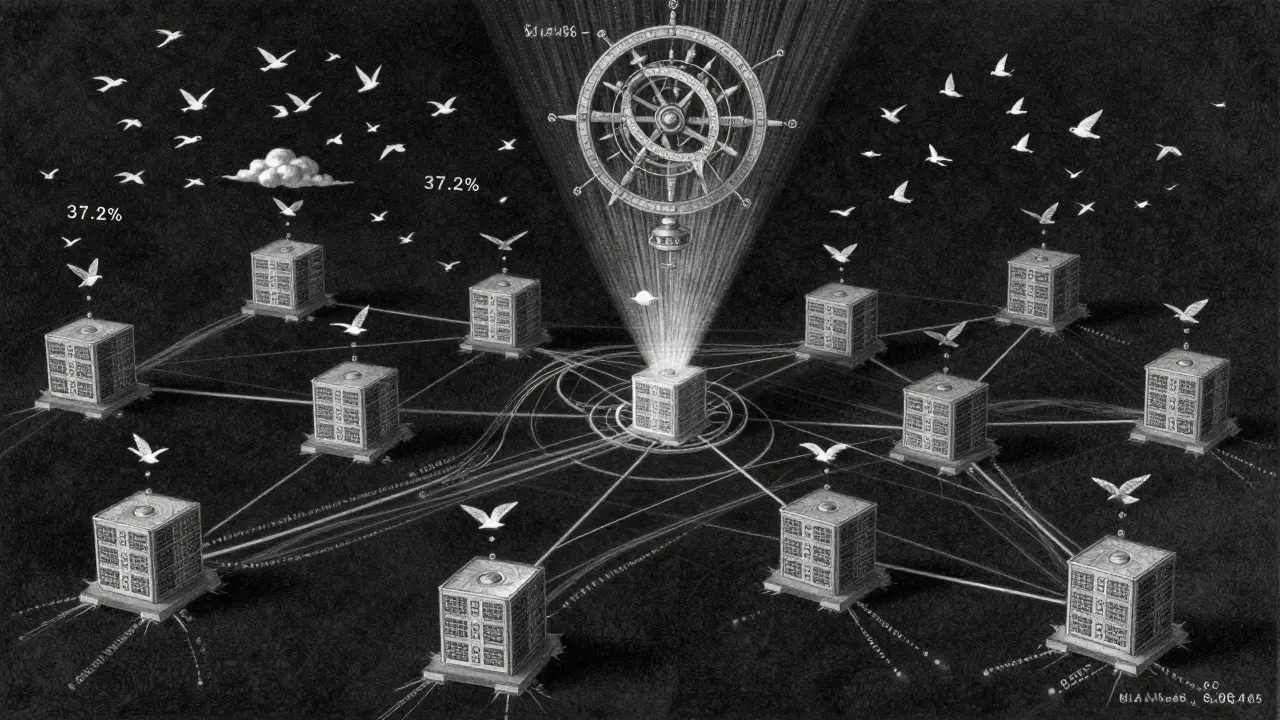
Single GPU? You’re not scaling. You’re just delaying the problem. When you hit 500+ concurrent requests, you need multiple servers. That’s where distributed scheduling comes in. ExeGPT (March 2024) uses layer-level scheduling across 8 GPUs. Instead of sending every request to the same node, it routes based on current load, memory usage, and predicted duration. Result? 18.7% higher throughput than uniform routing. Even smarter: PerLLM’s edge-cloud model. It splits requests. Short, urgent ones go to edge servers. Long, complex ones go to the cloud. It uses multi-armed bandit algorithms to decide where each request should go-and reduces energy use by 37.2%. And it’s not just startups. AWS’s new SageMaker scheduling layer (launched October 2025) now handles this automatically. 47% of new LLM deployments on SageMaker use it. No setup. No config. Just better utilization.When Scheduling Backfires
This isn’t magic. Over-engineer it, and you make things worse. Dr. Sarah Kim at MIT found that when input patterns shift-say, users suddenly start asking longer questions-prediction models can crash. Throughput drops 28.7%. That’s worse than no scheduling at all. And AWS’s Mark Thompson warned: if your scheduler adds 15-20ms of overhead, you’re dead for apps needing sub-200ms responses. A chatbot that takes 210ms to reply feels sluggish. The math doesn’t lie. The fix? Keep it simple until you need complexity. Start with vLLM’s dynamic batching. Measure your latency. If your 99th percentile is under 150ms, don’t touch the scheduler. If it’s 300ms and you’re paying for 100 GPUs, then add prediction.Implementation Reality: Cost vs. Complexity
You don’t need a PhD to deploy this. Basic dynamic batching with vLLM? You can get it running in 2-3 weeks. Most engineering teams do. Throughput jumps 2.1-3.4x. ROI? Positive in under 10 days if you’re running 500+ concurrent requests. Advanced scheduling with prediction models? That’s 6-8 weeks. You need people who understand transformers, memory allocation, and performance profiling. NVIDIA’s training course says 78% of teams with this skill set succeed. The cost? A team of 3 engineers for 2 months. The savings? Latitude’s 2024 study showed 86.92% lower cost per inference. For a company running 10,000 requests per minute, that’s $1.2M saved per year. And the market is catching on. Gartner predicts 85% of enterprise LLM deployments will use advanced scheduling by 2026. Right now, it’s still a 32% adoption rate. You’re not late. You’re early.